
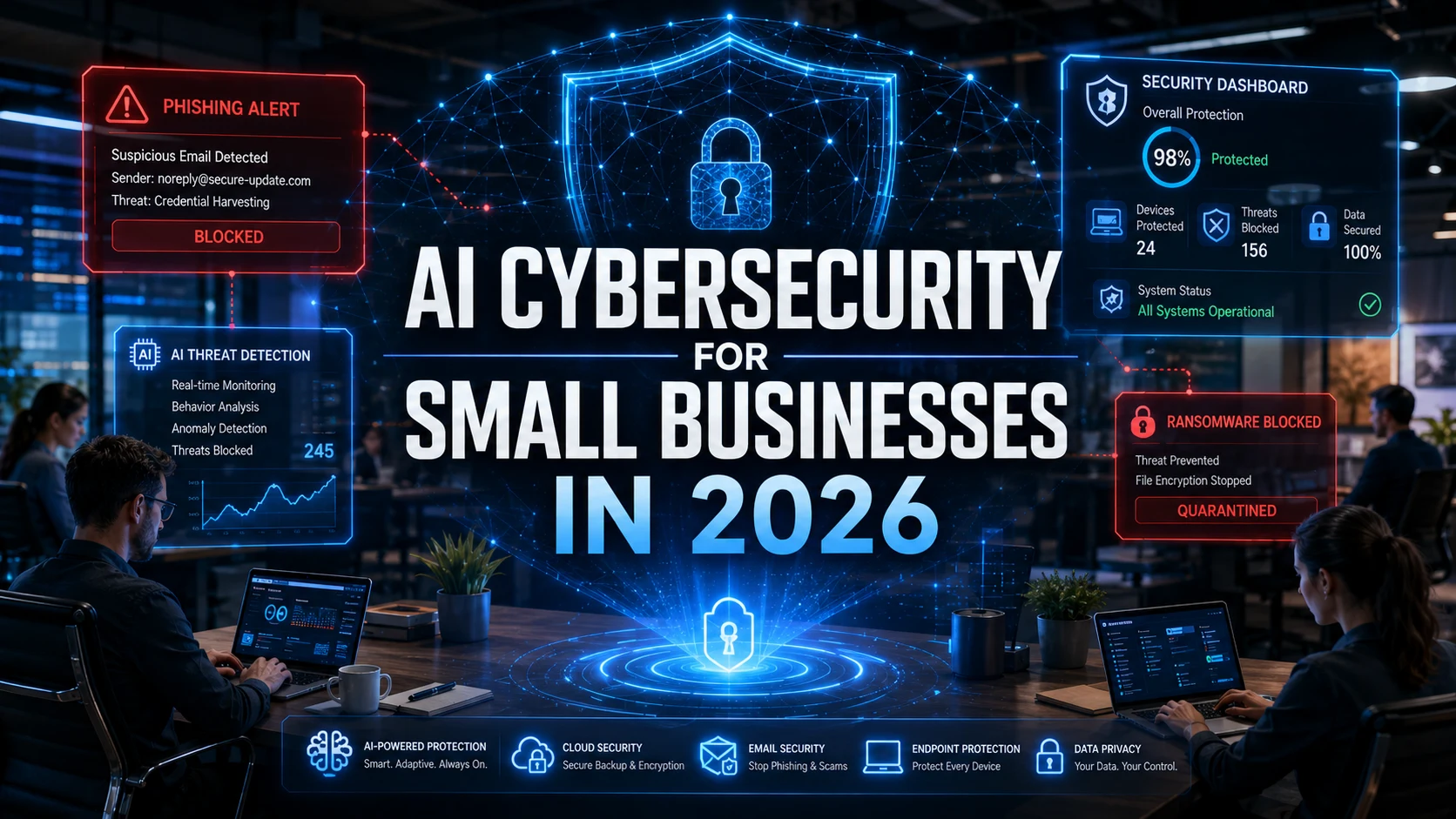
Forty-three percent of cyberattacks target small businesses. Only 14% of those businesses are prepared to defend themselves. That gap is not closing. It is widening.
In 2026, attackers are using AI to generate convincing phishing emails, automate vulnerability scanning, and launch sophisticated social engineering campaigns at a scale that was previously only possible for nation-state actors. The barrier to executing a cyberattack has dropped dramatically.
The cybersecurity industry has responded with enterprise-grade AI defense tools that cost six figures annually. That helps Fortune 500 companies. It does nothing for the bakery with 12 employees, the law firm with 3 partners, or the e-commerce startup running on a tight margin.
This guide is written specifically for small and medium businesses. Every tool, strategy, and recommendation is evaluated for cost, complexity, and realistic implementation by teams without dedicated security staff.
Why Small Businesses Are the Primary Target
Attackers do not target small businesses because they have the most valuable data. They target them because they have the weakest defenses.
Lower security budgets. Small businesses spend an average of $500 to $5,000 annually on cybersecurity. That budget buys basic antivirus and maybe a firewall. It does not buy the monitoring, training, and incident response that stop sophisticated attacks.
Limited IT expertise. Most small businesses do not have a dedicated IT security person, let alone a team. The owner, office manager, or a general IT contractor handles security alongside dozens of other responsibilities.
Valuable access points. Small businesses are frequently part of larger supply chains. Compromising a small vendor can provide access to enterprise clients. The 2013 Target breach started through an HVAC contractor. That pattern has only intensified.
Slower response times. Without monitoring tools and incident response plans, small businesses often do not detect breaches for weeks or months. The average time to detect a breach in small businesses exceeds 200 days.
The AI-Powered Threats Facing Small Businesses in 2026
AI-Generated Phishing
Phishing emails used to be easy to spot: bad grammar, generic greetings, obvious urgency. AI has eliminated those tells. Today’s AI-generated phishing emails are grammatically perfect, personalized with details scraped from LinkedIn and social media, and designed to mimic the writing style of people the recipient knows.
AI phishing tools can generate thousands of unique, personalized emails per hour. Each one is different enough to evade pattern-based email filters. Small businesses that rely on basic spam filters are particularly exposed.
Automated Vulnerability Scanning
AI tools that scan websites, networks, and cloud services for known vulnerabilities operate continuously and at scale. A small business with an unpatched WordPress plugin, an outdated SSL certificate, or an open RDP port will be discovered and cataloged by automated scanners within hours of the vulnerability appearing.
The attack is often automated too. Once a vulnerability is identified, AI-driven exploit tools can compromise the system without human intervention.
Deepfake Voice and Video Attacks
Voice cloning technology is now accessible enough for criminals to clone a business owner’s voice from a 30-second sample (often pulled from YouTube videos, podcasts, or voicemail greetings). Attackers use cloned voices to call employees and authorize fraudulent wire transfers, change account passwords, or approve vendor payments.
These attacks are extremely difficult to detect because the voice sounds exactly like the person it impersonates.
Affordable AI-Powered Defense Tools for Small Businesses
The good news: AI defense tools have also become more accessible and affordable. Here are the categories that deliver the highest security impact per dollar for small businesses.
AI-Powered Email Security
What it does: Analyzes email content, sender behavior, attachment characteristics, and link destinations using machine learning to detect phishing, business email compromise, and malware delivery.
Why it matters: Email is the attack vector for over 90% of breaches. Basic spam filters miss AI-generated phishing. AI email security catches behavioral anomalies that rule-based filters cannot.
Recommended tools: Abnormal Security (starts at roughly $4/user/month), Avanan by Check Point (roughly $4/user/month), Microsoft Defender for Office 365 (included in Microsoft 365 Business Premium at $22/user/month).
Budget option: If you use Google Workspace, Gmail’s built-in AI filters are surprisingly effective and included at no additional cost. Enable all advanced phishing and malware protection options in the admin console.
Endpoint Detection and Response (EDR)
What it does: Monitors all devices (laptops, desktops, phones) for suspicious activity using AI-driven behavioral analysis. Detects ransomware, malware, and unauthorized access in real time.
Why it matters: Traditional antivirus relies on known virus signatures. EDR uses AI to detect unknown threats based on behavior patterns.
Recommended tools: SentinelOne Singularity (starts at roughly $5/endpoint/month), CrowdStrike Falcon Go (roughly $5/endpoint/month for small business tier), Microsoft Defender for Business (included in Microsoft 365 Business Premium).
Budget option: Windows Defender (free, built into Windows 11) has improved significantly and provides baseline EDR capabilities for businesses with very limited budgets.
DNS Filtering
What it does: Blocks access to known malicious websites, phishing domains, and command-and-control servers at the network level. Uses AI to identify newly created malicious domains before they appear on traditional blocklists.
Why it matters: DNS filtering stops threats before they reach your devices. If an employee clicks a phishing link, DNS filtering prevents the connection to the malicious site.
Recommended tools: Cisco Umbrella (starts at $2.50/user/month), DNSFilter ($1/user/month), Cloudflare Gateway (free tier available for up to 50 users).
Budget option: Cloudflare’s free Zero Trust plan provides DNS filtering for up to 50 users at zero cost. For a small business, this is one of the highest-value free security tools available.
Security Awareness Training
What it does: AI-powered training platforms simulate phishing attacks against your employees, track who clicks, and deliver personalized training based on individual risk profiles.
Why it matters: Human error causes over 80% of breaches. Training reduces phishing click rates by 60% to 80% when implemented consistently.
Recommended tools: KnowBe4 (starts at roughly $18/user/year), Proofpoint Security Awareness (roughly $20/user/year).
Budget option: Google’s Phishing Quiz (free) and CISA’s free cybersecurity resources provide basic awareness training at no cost.
Small Business Security Stack: Budget Comparison
| Layer | Free/Budget Option | Mid-Range Option | Monthly Cost (10 users) |
| Email Security | Gmail advanced filters (free) | Abnormal Security | $0 to $40 |
| Endpoint Protection | Windows Defender (free) | SentinelOne / CrowdStrike | $0 to $50 |
| DNS Filtering | Cloudflare Gateway free tier | DNSFilter | $0 to $10 |
| Awareness Training | CISA free resources | KnowBe4 | $0 to $15 |
| Password Manager | Bitwarden free tier | 1Password Business | $0 to $80 |
| Backup | Google Drive / OneDrive | Backblaze Business | $0 to $70 |
| TOTAL | $0 (free stack) | Full protection | $0 to $265/month |
The Zero-Budget Security Playbook
If your security budget is literally zero, these seven actions provide the highest protection for no cost.
- Enable multi-factor authentication on everything. Every email account, cloud service, banking portal, and admin panel. MFA blocks 99.9% of automated account compromise attacks. Use authenticator apps (Google Authenticator, Microsoft Authenticator), not SMS codes.
- Turn on automatic updates. Enable automatic updates on all operating systems, browsers, and critical software. Unpatched vulnerabilities are the most exploited attack path for small businesses.
- Set up Cloudflare free DNS filtering. Takes 15 minutes. Blocks malicious domains for up to 50 users at zero cost.
- Enable Gmail or Outlook advanced phishing protection. Both Google Workspace and Microsoft 365 include AI-powered phishing protection in their admin settings. Many small businesses have these features available but never turn them on.
- Use a free password manager. Bitwarden’s free tier supports one user with unlimited passwords. The premium tier is $10/year. Eliminating password reuse is one of the most impactful security improvements any business can make.
- Implement the 3-2-1 backup rule. Keep 3 copies of critical data, on 2 different types of storage, with 1 copy offsite. Google Drive, OneDrive, or Backblaze free tiers can serve as the offsite copy.
- Run a monthly phishing simulation. Use free tools from KnowBe4 or Google to test whether employees click phishing links. The awareness itself reduces click rates.
Expert Tips for Small Business Cybersecurity
- Security is not an IT problem. It is a business problem. The business owner must champion security. When security is delegated entirely to IT without executive support, it gets deprioritized against revenue-generating activities.
- Focus on the 20% that prevents 80% of attacks. MFA, patching, email security, and employee training prevent the vast majority of small business breaches. You do not need a $100K security stack. You need these four things done well.
- Have an incident response plan before you need one. Know who to call, what to disconnect, and how to communicate with customers if a breach occurs. A written plan reduces response time from days to hours.
- Verify wire transfer requests verbally. Any request to change payment details, transfer funds, or modify account information should be verified through a phone call to a known number (not the number in the email). This single practice prevents most business email compromise losses.
- Review access permissions quarterly. Former employees, expired contractor accounts, and unused admin credentials are common attack vectors. Review who has access to what every 90 days.
Frequently Asked Questions
How can small businesses protect against AI-powered cyberattacks?
Small businesses should implement a layered defense: AI-powered email security (to catch sophisticated phishing), endpoint detection (to stop malware and ransomware), DNS filtering (to block malicious websites), and regular employee training (to reduce human error). Multi-factor authentication, automatic updates, and a solid backup strategy provide the foundation. Effective protection is possible for under $300/month for a 10-person business.
What is the biggest cybersecurity threat to small businesses in 2026?
AI-generated phishing and business email compromise are the most damaging threats. Attackers use AI to create personalized, grammatically perfect phishing emails and clone voice recordings for fraudulent calls. These attacks bypass traditional spam filters and exploit human trust rather than technical vulnerabilities.
How much should a small business spend on cybersecurity?
Industry guidance suggests 3% to 6% of IT budget for cybersecurity. For a small business, a practical baseline is $100 to $300/month for a 10-person team using AI-powered tools. A free security stack using built-in OS protections, Cloudflare free tier, and free training resources provides meaningful protection for businesses with zero budget.
Your Next Step
You do not need an enterprise security budget to protect your business. You need the right layers in the right order.
Start today: enable MFA on every account in your organization. It takes less than an hour and blocks the majority of automated attacks. Then work through the zero-budget playbook one step at a time.
The businesses that survive cyberattacks in 2026 will not be the ones with the biggest budgets. They will be the ones who took basic, affordable defensive action before the attack arrived.
Want to grow your cybersecurity or technology brand online? Publish high-authority guest posts through WritoryBuzz on trusted business and technology websites to improve SEO rankings, brand credibility, and digital visibility faster.