
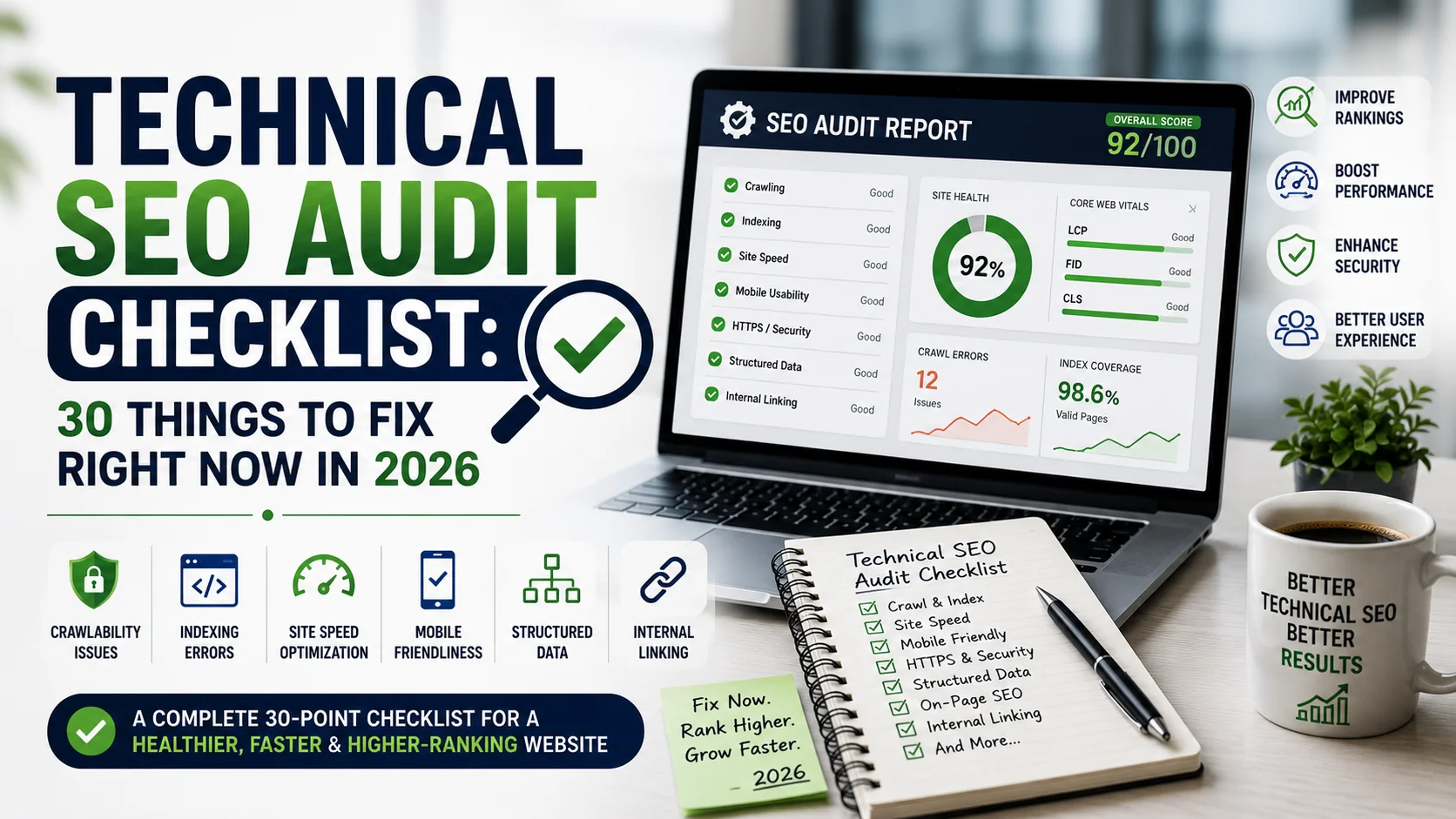
Most SEO problems are not about content quality. They are about technical barriers that stop search engines from finding, understanding, and ranking pages that deserve to rank. A site can have excellent content and still sit on page three because of crawl budget waste, slow page load, or broken internal links.
Technical SEO audits feel overwhelming because there are hundreds of potential issues. This checklist narrows it to the 30 that produce the highest return when fixed. Start at item 1 and work through in order.
Category 1: Crawlability and Indexing (Items 1 to 8)
- Check robots.txt for accidental blocks. Open yoursite.com/robots.txt and verify that no critical sections are blocked. Accidentally blocking CSS, JavaScript, or entire subdirectories is more common than it sounds.
- Review the XML sitemap. It should contain only indexable, canonical, 200-status URLs. Pages that return 301, 404, or are noindexed have no place in the sitemap.
- Audit noindex tags. Use a crawler to find all noindex directives. Confirm each one is intentional. Development pages, thank-you pages, and parameter URLs should be noindexed, but category and product pages should not.
- Check canonical tags for self-referencing and cross-page consistency. Every page should canonicalise to the version Google should index. Pagination, session IDs, and tracking parameters are common canonical problems.
- Find orphaned pages. Pages with no internal links receive no PageRank and are at risk of being dropped from the index. Run a full crawl and identify pages only accessible via the sitemap.
- Review crawl budget usage in Google Search Console. For large sites (10,000+ pages), check which pages are being crawled most and whether they are the ones that matter.
- Check for URL parameter duplication. E-commerce and CMS sites often generate multiple URLs for the same page content. Google Search Console’s URL Parameters tool (or its 2026 equivalent in the new interface) helps identify these.
- Verify HTTPS implementation. All pages should load on HTTPS with no mixed content warnings. Check that HTTP redirects to HTTPS correctly and that internal links use HTTPS format.
Category 2: Core Web Vitals (Items 9 to 14)
| Metric | Good Threshold | Needs Improvement | Poor |
|---|---|---|---|
| LCP (Largest Contentful Paint) | Under 2.5 seconds | 2.5 to 4 seconds | Above 4 seconds |
| INP (Interaction to Next Paint) | Under 200ms | 200ms to 500ms | Above 500ms |
| CLS (Cumulative Layout Shift) | Under 0.1 | 0.1 to 0.25 | Above 0.25 |
- Run a PageSpeed Insights audit on your top 20 pages. Focus on LCP, INP, and CLS scores for mobile, not desktop. Google’s ranking signal uses the mobile score.
- Identify and optimise the LCP element. The largest visible element on each page, usually a hero image or heading, must load fast. Preload it, compress it, and serve it from a CDN.
- Fix CLS by setting explicit width and height on all images and video embeds. Fonts that load late cause text shifts; use font-display: swap with a fallback font that closely matches the web font dimensions.
- Audit third-party scripts. Ad tags, analytics, chat widgets, and retargeting pixels can add 500ms or more to load time. Audit every third-party script, keep only what you actively use, and load non-critical scripts asynchronously.
- Enable server-side caching and a CDN. If your site serves the same page to many users, caching avoids regenerating it on every request. A CDN brings cached copies closer to users geographically.
- Switch to next-generation image formats. WebP and AVIF files are typically 30 to 50% smaller than JPEG at equivalent quality. Most modern CMSes can convert and serve these automatically.
Category 3: Site Structure and Internal Linking (Items 15 to 20)
- Map your site architecture. No important page should be more than three clicks from the homepage. Deep pages lose PageRank quickly. Flatten the structure where you can.
- Audit anchor text on internal links. Exact-match and partial-match anchor text helps search engines understand what the linked page is about. Generic anchors like ‘click here’ or ‘read more’ waste internal link equity.
- Find and fix broken internal links (404s). A crawler like Screaming Frog or Sitebulb will list every internal link that returns a non-200 status. Fix or redirect each one.
- Check for redirect chains. A 301 to a 301 to a 301 wastes crawl budget and dilutes PageRank. Redirect directly to the final destination URL.
- Identify your most authoritative pages and make sure they link to pages you want to rank. PageRank flows through internal links. High-authority pages (those with many external links) should pass authority to important conversion pages.
- Add breadcrumb navigation with structured data. Breadcrumbs help users and search engines understand page hierarchy. They also appear in search results as rich breadcrumb trails.
Category 4: Structured Data and Schema (Items 21 to 25)
- Implement Article schema on all blog posts. Include headline, author, publisher, datePublished, and dateModified. This signals freshness and authorship to Google.
- Add FAQPage schema to any page with FAQ content. FAQ rich results show question-and-answer accordions in search results, increasing the page’s visual footprint without gaining extra ranking positions.
- Use BreadcrumbList schema on every page that has breadcrumb navigation. This is one of the simplest schema implementations and one of the most reliably rendered in search results.
- For e-commerce, implement Product schema with price, availability, and review data. Product rich results, including price drops and availability labels, significantly improve click-through rates.
- Validate all schema with Google’s Rich Results Test. Valid schema is a necessary condition for rich results. Invalid schema is just ignored.
Category 5: Content and Duplication Issues (Items 26 to 30)
- Find thin content pages. Pages under 300 words that offer little unique value dilute the overall quality of your domain. Improve, merge, or noindex them.
- Identify near-duplicate content from CMS-generated pages. Category pages with only one or two posts, tag pages, and archive pages often produce thin, nearly identical content. Consolidate or noindex these.
- Check for content scrapers. Use Copyscape or a Google reverse search on unique paragraphs to find sites that have copied your content. If scrapers are outranking you on your own content, file a DMCA and build more authoritative signals on the original.
- Fix hreflang errors for multilingual sites. Incorrect hreflang tags cause Google to show the wrong language version to users in different countries. The hreflang x-default tag must also point to the correct fallback page.
- Check title tags and meta descriptions for duplication and length. Every page should have a unique title tag. Duplicates cause cannibalisation. Meta descriptions over 160 characters get truncated in search results and lose their messaging impact.
FAQs
How long does a technical SEO audit take?
For a site under 1,000 pages, a thorough audit takes four to eight hours. For large sites with 50,000 or more pages, a full audit can take several weeks. Prioritise by traffic impact: fix issues on high-traffic pages first.
What tools do I need for a technical SEO audit?
Google Search Console and PageSpeed Insights are free and cover a lot of ground. Screaming Frog (free up to 500 URLs, paid beyond that) handles crawl analysis. Ahrefs or Semrush add backlink data and keyword tracking. You do not need all four at once.
How often should I run a technical SEO audit?
Run a full audit every six months. Run a lightweight crawl (robots, sitemap, 404s, Core Web Vitals) monthly. After any major site update, platform migration, or content overhaul, run at least a partial audit before and after the change.
After the Audit: Making Fixes Stick
An audit without a prioritised fix list is just a report. Rank each issue by traffic impact (how many pages or users does it affect?) and implementation effort (how long does it take to fix?). High-impact, low-effort fixes go first.
Build a technical SEO check into your development workflow. The best time to catch a robots.txt error or a broken canonical tag is before a change goes live, not six months after it has cost you rankings.
For regular deep-dives into SEO strategy, tooling, and algorithm updates, WritoryBuzz covers both technical and editorial SEO in detail throughout 2026.