
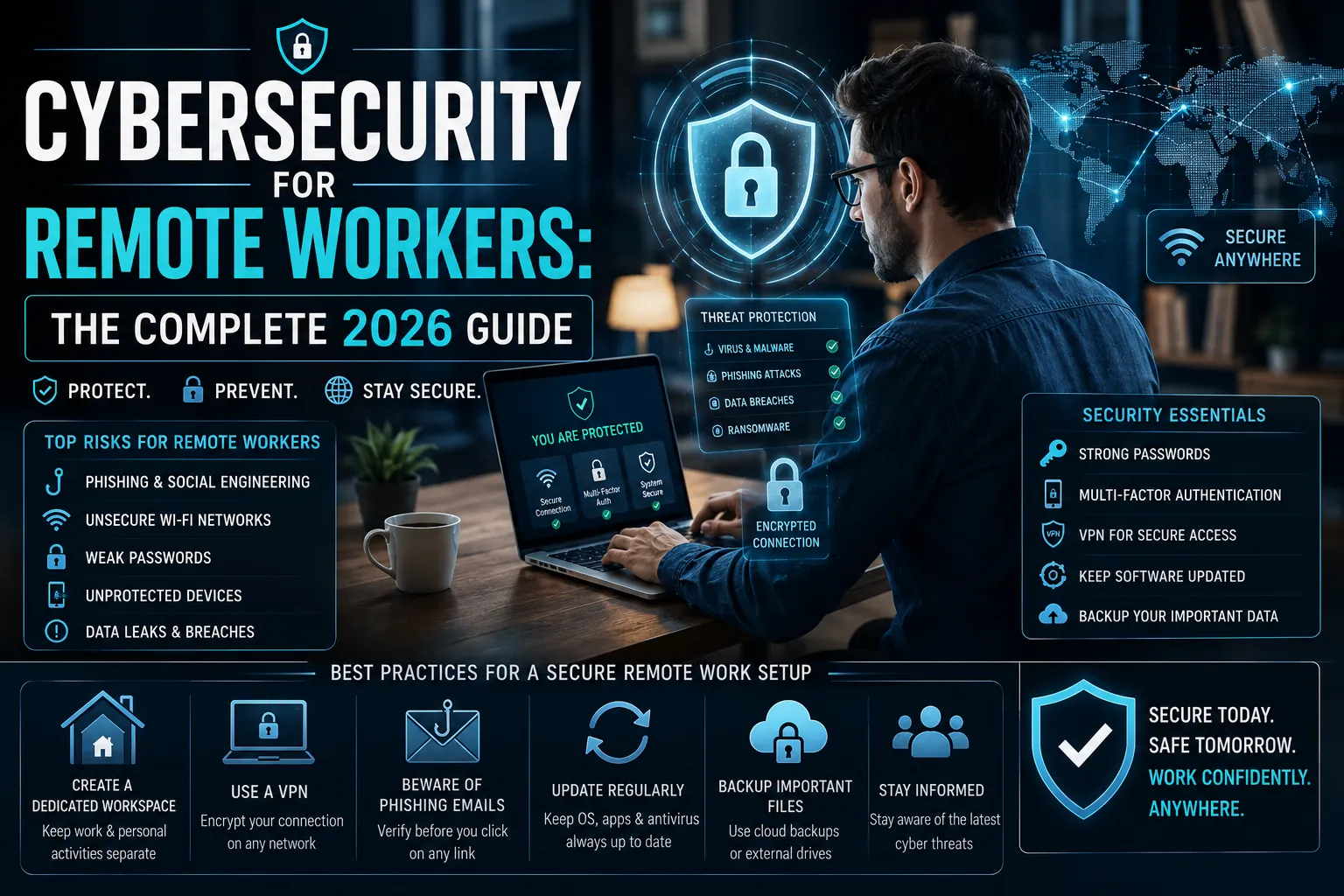
Remote workers are targeted differently from office workers. They lack enterprise network defences, use personal devices alongside work tools, and handle sensitive data over home broadband. 43 percent of data breaches now involve remote work components. This guide covers the specific threats and the specific defences that work.
The cybersecurity threat landscape for remote workers in 2026 is more sophisticated than it was when remote work scaled rapidly in 2020. Attackers have had years to refine approaches specifically targeting distributed workers. The defences, fortunately, have also matured. The combination of the right tools and the right habits addresses the vast majority of risk.
The Threats Specifically Targeting Remote Workers
Phishing via email, SMS, and voice: Remote workers without a colleague to turn to for a second opinion on suspicious messages are more susceptible. AI-generated phishing in 2026 produces personalised, grammatically perfect messages incorporating real details scraped from LinkedIn and company websites. Vishing (voice phishing) using voice-cloning technology impersonates managers and IT support.
Unsecured home networks: Home routers often run outdated firmware, use default credentials, and are not monitored. An attacker who compromises a home router can intercept traffic, redirect requests to malicious sites, and access any device on the same network.
Shadow IT: Remote workers use personal tools that feel more convenient than company-approved alternatives. Sending a document through a personal email, using a consumer file-sharing service, or communicating via personal messaging apps takes work data outside enterprise security controls.
Endpoint vulnerabilities: Personal devices used for work often lack enterprise endpoint detection, are slower to receive security updates, and may be shared with family members whose browsing introduces malware risk.
Essential Security Layer 1: Identity and Access
Multi-factor authentication on everything: Email, work applications, VPN, and any service containing work data should require a second factor. Use an authenticator app (Microsoft Authenticator, Google Authenticator) rather than SMS codes, which can be intercepted via SIM swapping.
Password manager: A strong, unique password for every account is the single most important security practice that most people do not follow because it is impractical without a password manager. 1Password, Bitwarden (open source), and Dashlane all provide reliable options. A password manager also prevents credential reuse: the practice where one breached service password unlocks multiple accounts.
Zero Trust access model: Enterprise zero trust systems verify identity before granting access to each resource rather than assuming that anyone inside the network is trusted. For remote workers, this means your company’s IT system should require re-authentication for sensitive resources rather than relying on VPN membership.
Essential Security Layer 2: Network and Device
VPN for sensitive work: A company-provided VPN encrypts traffic between your device and company resources, preventing interception on your home or public network. Use the company VPN for any work involving sensitive data. Consumer VPN products (NordVPN, ExpressVPN) protect privacy for personal use but are not a substitute for enterprise VPN for work data.
Home router hardening: Update your router’s firmware (most have an auto-update option in settings). Change the default admin password to a strong unique one. Enable WPA3 encryption if available, WPA2 minimum. Set up a separate guest network for IoT devices, smart home equipment, and personal devices to isolate them from work devices.
Device encryption: Enable full-disk encryption on laptops and work devices. On Windows, this is BitLocker. On Mac, this is FileVault. Encryption ensures that if a device is lost or stolen, the data on it is unreadable without the password.
Regular software updates: The majority of successful malware attacks exploit known vulnerabilities in unpatched software. Enabling automatic updates for the operating system and all applications eliminates the most common attack vector. Set updates to install automatically overnight.
Essential Security Layer 3: Behaviour and Habits
Verify unusual requests through an independent channel: Any request arriving by email or messaging that involves a payment, credential sharing, or unusual data access should be verified by calling the requester on a known number or reaching out through a separate communication channel. This single habit prevents the vast majority of social engineering attacks.
Physical workspace security: Lock your screen when leaving your desk, even at home. Use a privacy screen if working in shared spaces. Do not work on sensitive data in public places where shoulder surfing is possible.
Secure backup practices: Ransomware targeting remote workers encrypts local files. Regular backups to cloud storage (with version history enabled) or an external drive not permanently connected to the computer ensure recovery without paying ransom.
| Security Layer | Action | Tool / Method | Priority |
| Identity | Enable MFA on all work accounts | Authenticator app, not SMS | Critical |
| Identity | Use a password manager | 1Password, Bitwarden | Critical |
| Network | Use company VPN for work | Company-provided VPN | High |
| Network | Harden home router | Firmware update, WPA3, strong password | High |
| Device | Enable full-disk encryption | BitLocker / FileVault | High |
| Device | Automatic software updates | OS and app settings | High |
| Behaviour | Verify unusual requests independently | Phone callback to known number | Critical |
| Behaviour | Regular backup with version history | Cloud backup + offline copy | High |
What are the biggest cybersecurity risks for remote workers in 2026?
Phishing (especially AI-generated and voice-cloning attacks), unsecured home networks, credential reuse across accounts, and unpatched personal devices are the four highest-risk vectors. Remote workers who address these four areas eliminate the majority of their practical threat exposure.
Do remote workers need a VPN?
For work involving sensitive company data, yes. A company-provided VPN encrypts traffic and protects data from interception on home or public networks. Consumer VPNs protect personal privacy but are not a substitute for enterprise VPN for work purposes. Home networks are more secure than public WiFi but are still exposed to router vulnerabilities.
What is the most important security tool for remote workers?
Multi-factor authentication combined with a password manager addresses the two most common attack vectors: credential theft and credential reuse. These two tools together are the highest-impact security investment available at zero cost beyond the password manager subscription.
How do you secure a home network for remote work?
Update router firmware, change the default admin password, enable WPA3 or WPA2 encryption, and set up a separate guest network for personal and IoT devices. These four steps address the most common home network vulnerabilities without requiring technical expertise.
What is zero trust security for remote workers?
Zero trust means every access request is verified regardless of whether the user is inside or outside the corporate network. Instead of trusting anyone with VPN access, zero trust systems verify identity and device health for each resource accessed. This model reduces the blast radius of compromised credentials.
How can remote workers protect against phishing in 2026?
Verify any unusual request through an independent channel before acting. Never provide credentials or payment details based solely on an email or message, however convincing. Use an authenticator app rather than SMS for MFA. AI-generated phishing in 2026 is often indistinguishable from legitimate messages, making out-of-band verification the primary defence.
Security Is a Habit, Not a Product
The tools listed above address the technical layers of remote work security. The habits address the human layer that the tools cannot fully protect. Most successful attacks on remote workers exploit neither technical vulnerabilities nor inadequate tools. They exploit human responses to urgency, authority, and apparent familiarity.
The combination of strong tools and consistent verification habits makes a remote worker meaningfully harder to compromise than the average target. That is the practical goal of personal cybersecurity.