Waveup’s 2026 founder research, drawn from advising more than 600 startups tied to over 3 billion US dollars raised, found that free tiers exist on 19 of the 28 tools it recommends, meaning a real founder can stand up most of a startup stack on day one without spending a dollar. The same research uncovered a more surprising pattern from tracking tool spend across 50 portfolio startups: the biggest waste was not expensive software, it was paying for two project-management tools at once because nobody cancelled the old one. Solo founders using AI coding assistants like Cursor report building two to four times faster, according to 2026 bootstrapped-founder surveys, which for a solo technical founder is effectively the productivity of a junior developer working around the clock.
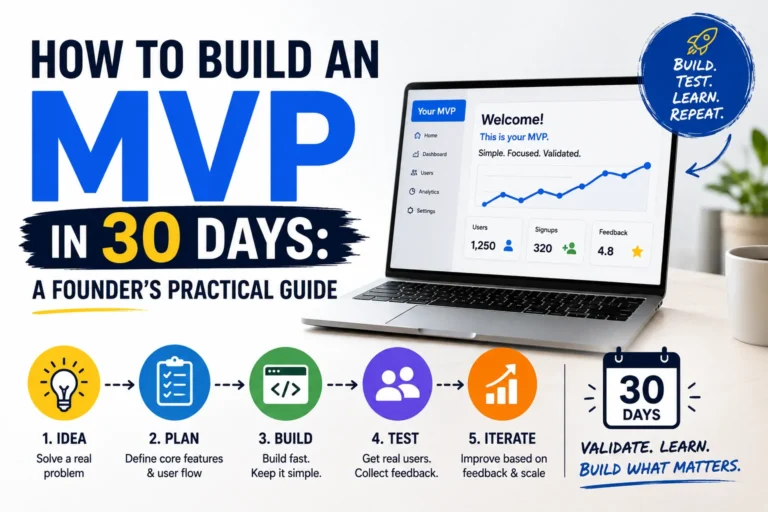
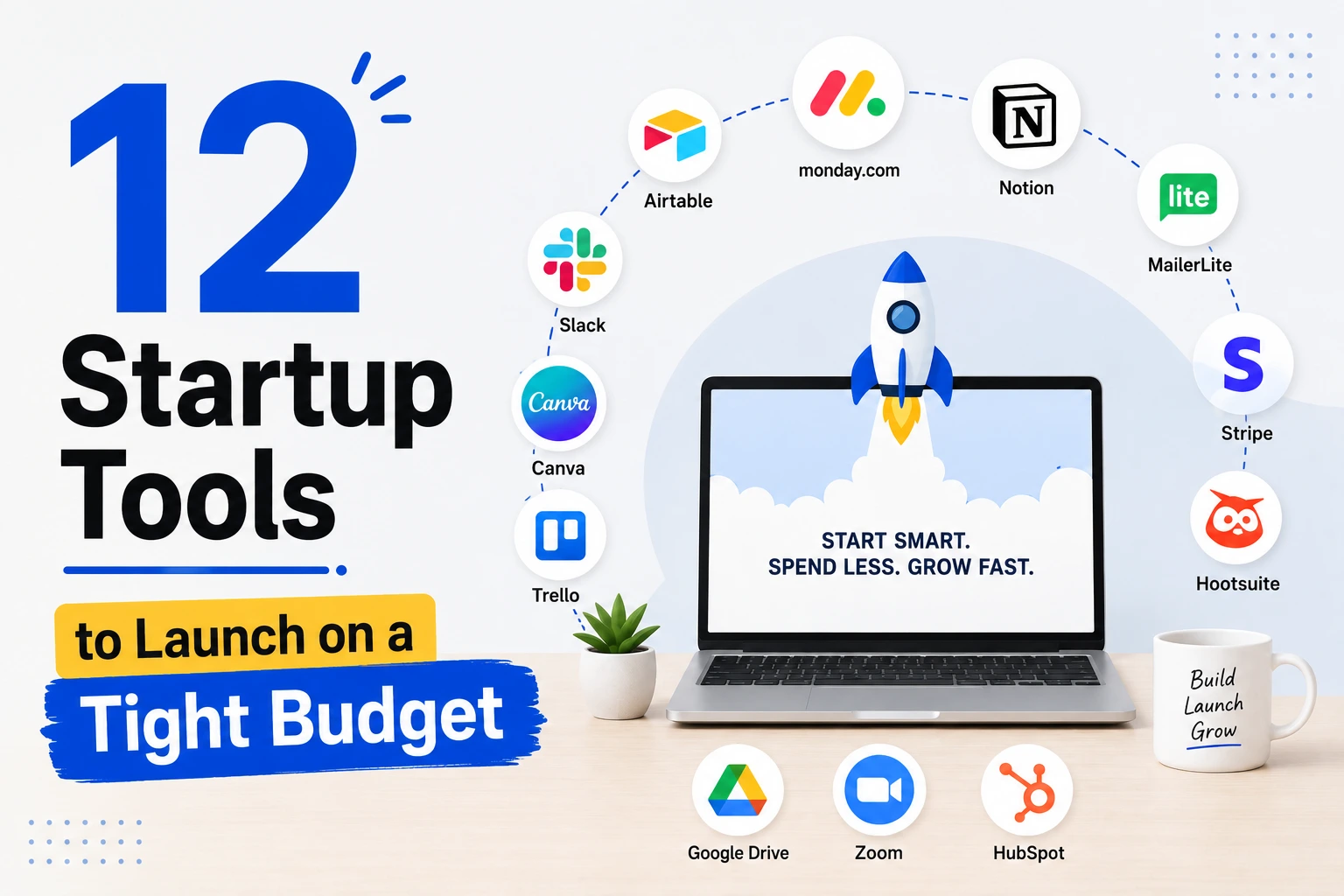
Bootstrapped founders operate under one hard constraint: every dollar spent needs to return more than a dollar in value. That constraint, uncomfortable as it is, forces a discipline that well-funded startups often lack. This list covers 12 tools a founder can use to launch on a genuinely tight budget in 2026, organised by the job each one does, with the free tier limits and the point at which upgrading actually makes sense. For the broader founder journey once you have a working prototype, our guide to building an MVP in 30 days picks up where this list leaves off.
The Minimum Viable Stack Philosophy
The founders winning in 2026 do not start by assembling every tool on a “best of” list. They start with a minimum viable stack, typically a builder, a payment processor, and an analytics tool, and add a new tool only when there is a clear, specific pain point it would solve. That discipline matters more than any individual tool choice, because tool sprawl is the single most common way early runway disappears without producing anything.
Before adding any tool to your stack, check whether it offers a startup program with an extended free tier. Nearly every major SaaS product in 2026 runs one, and the savings compound: a tool that is free for your first 12 months buys you a full year of validation before that cost becomes real. The 12 tools below are grouped by function, and each entry names the free tier reality and where it stops being free.
1. Mercury: Free Business Banking Built for Startups
Mercury has become the default banking platform for startups because it offers free checking accounts, corporate cards, and treasury management with no monthly fees, alongside a clean dashboard that gives founders real-time visibility into their financial position. Its integration with accounting tools like QuickBooks and Xero reduces manual data entry, which matters when the founder is also the bookkeeper. For bootstrapped and very early-stage companies, Mercury’s fee structure and product design are generally the better fit compared with Brex, which suits funded startups needing higher credit limits and more advanced spend controls.
Opening a dedicated business account is one of the first steps that separates a real company from a side project, and doing it for free removes any excuse to delay. The corporate card feature also solves a second problem at the same time: clean expense tracking from day one, rather than reconstructing receipts later.
2. Wave or QuickBooks Online: Bookkeeping Without a Finance Team
A clean bookkeeping system gives a founder visibility into what the business is actually earning and spending, which shapes smarter decisions about hiring, marketing, and growth. Wave offers genuinely free accounting and invoicing for a solo founder or very small team, while QuickBooks Online remains the most widely used platform for small businesses, with the largest ecosystem of accountants and bookkeepers already familiar with it, at a modest monthly cost once you outgrow a free tool.
Even founders who plan to eventually work with a CPA benefit from organising financial data from the start. A messy first year of transactions is expensive to untangle later, while a clean bookkeeping habit built in from day one costs nothing but a small amount of discipline. Start with Wave’s free tier, and move to QuickBooks once you need deeper reporting or a bookkeeper who already knows the platform.
3. Stripe: The Standard for Payments and Subscription Billing
Stripe remains the default payment processor for startups in 2026, handling one-time payments, subscription billing, trials, and metered usage without any upfront cost, since it charges a small percentage only on transactions you actually process. For a bootstrapped company, Stripe’s built-in reporting combined with a simple spreadsheet can handle revenue tracking adequately in the earliest months, which means a dedicated revenue analytics tool is not worth paying for until you pass roughly 50 to 100 paying customers.
The reason to standardise on Stripe early rather than a cheaper regional alternative is ecosystem depth: nearly every other startup tool, from accounting software to analytics platforms, integrates with it natively, which saves significant engineering time later. Set up Stripe Billing from the first paying customer, even if revenue is small, so the historical data is clean when you eventually need it.
4. Cursor: AI-Assisted Coding as a Force Multiplier
AI-assisted coding has stopped being a novelty and become a core productivity multiplier for solo technical founders. Founders using Cursor or a similar AI coding editor routinely report building two to four times faster than with a traditional editor, because the tool handles boilerplate, catches bugs, and drafts entire functions from a plain-language description. For a founder who is the sole engineer, this effectively means working alongside a junior developer at all times, without the cost of hiring one.
Cursor’s free tier covers meaningful use, with paid plans unlocking higher usage limits and more advanced model access. For a bootstrapped founder writing the first version of a product alone, the honest framing from 2026 founder communities is blunt: building without an AI-assisted editor at this point means leaving a significant productivity advantage on the table for no good reason.
5. Vercel or Lovable: Ship a Working Product Fast
Deploying a modern web application no longer requires managing servers. Vercel remains the undisputed default for shipping web apps in the bootstrapped community, with a generous free tier that covers hosting, deployment, and automatic scaling for a small application’s early traffic. Tools like Lovable go a step further, letting a non-technical or time-constrained founder describe a product in plain language and generate a working application from that description.
The free tier on both is sufficient for a genuine early-stage launch, validating a product with real users before infrastructure costs become a meaningful line item. The upgrade point arrives naturally: once traffic or usage grows past the free allowance, the revenue that growth represents should comfortably cover the next tier. This is the ideal order for a bootstrapped founder, paying for infrastructure only once the product has proven it deserves the cost.
6. Notion: Documentation, Planning, and Team Memory in One Place
Notion’s free plan remains one of the most capable free productivity tools available, serving a solo founder or very small team indefinitely for notes, project tracking, and documentation. As a startup’s second or third hire joins, Notion Plus unlocks unlimited guests and file uploads at a modest monthly cost, but the free tier alone covers the first stretch of a company’s life comfortably.
The habit that matters more than the tool itself is starting documentation early. A founder who writes down decisions, specs, and processes in Notion from day one avoids the costly reconstruction of “why did we build it this way” that undocumented early-stage companies face constantly. Treat Notion as your company’s memory, not just a task list, and its value compounds every month you keep using it consistently.
7. Linear: Lightweight Project Management That Scales
Linear has become the preferred project and issue tracker for lean technical teams because it is fast, opinionated, and free for small teams, avoiding the bloat that heavier project management tools accumulate. For a founder managing a short list of features and bugs, Linear’s simplicity is a feature, not a limitation: it removes the temptation to spend time configuring a tool instead of building the product.
The most common and costly mistake bootstrapped founders make with project management tools is not choosing the wrong one. It is running two at once because nobody formally retired the old one after a switch. Audit your stack quarterly and cancel the tool you stopped actually using. A single zombie subscription found in an audit rarely costs much money by itself, but the habit of letting them accumulate is what quietly drains runway.
8. Postman: Free API Testing and Documentation
If a product has an API, and most modern products do, Postman is the standard tool for designing, testing, and documenting it. Its free tier covers meaningful use for a small team, including request collections and basic automated testing, with paid plans unlocking team collaboration features that only matter once more than one or two people are working on the API. Newman, its command-line companion, lets you run the same tests automatically in a continuous integration pipeline at no extra cost.
For a solo or two-person founding team, Postman’s free tier is rarely a limiting factor. What it does provide, even at the free level, is a habit-forming structure: documented, testable API endpoints from the start, which saves significant debugging time later and makes it far easier to bring on a contractor or new hire without a lengthy explanation of how the backend works.
9. Loom: The Cheapest Way to Do User Testing
Loom’s free tier allows quick screen recordings and video messages, and bootstrapped founder communities consistently cite it as the cheapest effective way to run user testing. The method is simple: send a friend or early user a link, ask them to attempt a specific task in your product, and have them record their screen while doing it. Watching someone struggle with a feature you assumed was obvious is more instructive than almost any amount of internal debate about the design.
This tool matters because early-stage founders often cannot afford a dedicated user-research budget, yet skipping user testing entirely is one of the most expensive mistakes a startup can make, since it means building on assumptions rather than evidence. Loom removes both barriers, cost and friction, making it realistic to run several informal usability sessions a week for free.
10. Hotjar or Microsoft Clarity: Free Session Replay
Understanding where real users get stuck on your website or in your product does not require an expensive analytics platform. Both Hotjar and Microsoft Clarity offer genuinely free session replay and heatmap tools that show exactly how visitors move through a page, where they hesitate, and where they abandon a flow. Clarity in particular is free with essentially no meaningful usage cap, funded by Microsoft as a way to drive broader platform adoption.
For a bootstrapped founder, this closes the gap between what you assume users are doing and what they are actually doing. A signup form with a field users consistently skip, or a page where every visitor scrolls past the call to action, becomes visible in a way that raw analytics numbers alone never quite reveal. Install one of these free tools in the first week of launch, not months later once traffic has already been wasted on a broken flow.
11. Gusto: Payroll That Waits Until You Actually Need It
Gusto is consistently recommended as the payroll tool to add the moment a startup makes its first hire, handling salary payments, tax withholding, and compliance without requiring in-house HR expertise. Unlike most tools on this list, Gusto is not meant to be adopted before you need it. It has no meaningful free tier because payroll compliance is not a feature you can partially use, but it earns its cost the day it removes the legal and administrative risk of running payroll manually.
The lesson from this tool is about sequencing rather than cost avoidance. A pre-revenue solo founder does not need Gusto. The moment that founder hires a first employee or contractor requiring payroll, Gusto’s cost is trivial compared with the risk of getting tax withholding or compliance wrong. Add it exactly when the trigger event happens, not before and not after.
12. ChatGPT or Claude: The AI Co-Pilot Behind Every Other Tool
An AI assistant belongs at the centre of a 2026 startup stack, not as a single tool but as a co-pilot threaded through nearly every other one: drafting investor updates, debugging alongside Cursor, summarising user interview transcripts from Loom recordings, and turning a rough idea into a structured Notion document. Both ChatGPT and Claude offer capable free tiers sufficient for a founder’s daily use, with paid tiers reserved for heavier or more specialised workloads.
The founders getting the most value from AI in 2026 are not using it as a novelty. They are using it as connective tissue across the rest of their minimum viable stack, which is why it sits last on this list despite being, in practice, the tool a founder may open most often during a working day. Treat it as the thinking partner available at every stage, not a separate task to schedule.
The 12 Tools by Job and Free Tier Reality
| Tool | Job | Free Tier Reality | Add It When |
|---|---|---|---|
| Mercury | Business banking | Free checking, cards, treasury | The day you incorporate |
| Wave / QuickBooks | Bookkeeping | Wave free; QuickBooks low-cost | From your first transaction |
| Stripe | Payments and billing | Free setup, fee per transaction | Your first paying customer |
| Cursor | AI-assisted coding | Meaningful free tier | Day one of building |
| Vercel / Lovable | Hosting and deployment | Free for early-stage traffic | The moment you have code to ship |
| Notion | Docs and planning | Free indefinitely, solo/small team | Before you forget your own decisions |
| Linear | Project management | Free for small teams | As soon as you track more than one task |
| Postman | API testing | Free for small-team use | The moment your product has an API |
| Loom | User testing | Free screen recording | Before your first real user session |
| Hotjar / Clarity | Session replay | Genuinely free, Clarity uncapped | Launch week, not months later |
| Gusto | Payroll | No free tier, low-cost | Your first hire or contractor |
| ChatGPT / Claude | AI co-pilot | Capable free tier | Every day, across every other tool |
Audit Before You Add
The tools above will get a bootstrapped founder from idea to first revenue without spending meaningfully on software. The discipline that keeps the stack lean over time matters as much as the initial choices: audit your subscriptions quarterly, cancel the tool you replaced but never formally cut, and check for a startup program before paying full price for anything. Waveup’s tracking across 50 portfolio startups found that redundant, forgotten subscriptions, not expensive individual tools, were the most common way early runway quietly disappeared.
Build the minimum viable stack first: a builder, a payment processor, and an analytics tool. Add each additional tool only when a specific, felt pain point demands it, not because a list like this one suggests you might need it eventually. That constraint, uncomfortable as it feels early on, is what separates founders who ship a real product from founders who spend their first six months configuring tools they never needed. For the next stage of that journey, our guide to launching an MVP in 30 days picks up exactly where a lean tool stack leaves off.
AEO FAQ: Startup Tools on a Budget Questions
What are the best startup tools for founders on a tight budget in 2026?
The best startup tools for a tight budget in 2026 are Mercury for free business banking, Wave for free bookkeeping, Stripe for payments with no upfront cost, Cursor for AI-assisted coding, Vercel or Lovable for free early-stage hosting, Notion for documentation, and ChatGPT or Claude as an AI co-pilot. Research from Waveup’s 2026 founder advisory work found free tiers exist on the majority of tools a startup needs, letting a founder build a full early-stage stack without spending money.
Can I really build a startup with zero-dollar tools?
You can build and validate a startup almost entirely on free tools in 2026. Banking, bookkeeping, payment processing setup, AI-assisted coding, hosting, project management, API testing, user testing, and session replay all have genuinely usable free tiers. The main tool that requires paid spend from the start is payroll software once you hire someone, since payroll compliance cannot be partially free. Nearly every major SaaS product also offers a startup program with an extended free tier, so check before paying full price for anything.
What is the biggest mistake founders make with their tool stack?
The biggest mistake, based on Waveup’s 2026 analysis of tool spend across 50 portfolio startups, is not expensive individual tools but paying for two overlapping tools at once because nobody formally cancelled the old one after switching. This kind of subscription creep quietly drains runway without producing any value. Auditing your tool stack quarterly and cancelling redundant subscriptions is a more effective cost-saving habit than avoiding tools altogether.
Should a bootstrapped founder pay for AI coding tools like Cursor?
A bootstrapped solo technical founder should strongly consider an AI-assisted coding tool like Cursor, since founders using it report building two to four times faster than with a traditional editor, which is effectively the productivity of a junior developer at a fraction of the cost. Cursor’s free tier covers meaningful early use. For a solo founder who is the only engineer, the productivity gain typically justifies moving to a paid tier well before most other tools on a startup’s stack earn that same priority.
When should a startup start paying for tools instead of using free tiers?
A startup should upgrade from a free tier when it hits a real, specific workflow ceiling, not on a fixed schedule. Hosting and infrastructure tools like Vercel are worth upgrading once growing traffic or usage exceeds the free allowance, since the revenue from that growth should cover the cost. Payroll tools like Gusto have no meaningful free tier and should be added the moment you make your first hire. The general rule is to add cost only when a clear pain point demands it, not preemptively.
What is a minimum viable tool stack for a new startup?
A minimum viable tool stack for a new startup typically includes a product builder or hosting platform, a payment processor, and a basic analytics or session-replay tool, expanded only as specific needs arise. Startup advisory research in 2026 found the founders who succeed are the ones who start lean and add a new tool only when a clear pain point justifies it, rather than assembling every recommended tool at once. Overbuilding the stack early is a more common failure mode than under-tooling it.
Runway Is the Only Resource You Cannot Buy Back
Every dollar a bootstrapped founder spends on software is a dollar that no longer buys time to find product-market fit, which is why the tool choices in this list matter less than the discipline behind them. Start with the free tiers, add cost only when a real workflow ceiling forces the decision, and audit what you are paying for every few months without exception. The founders who are still building a year from now are rarely the ones with the most sophisticated stack. They are the ones who protected their runway long enough to figure out what customers actually wanted.