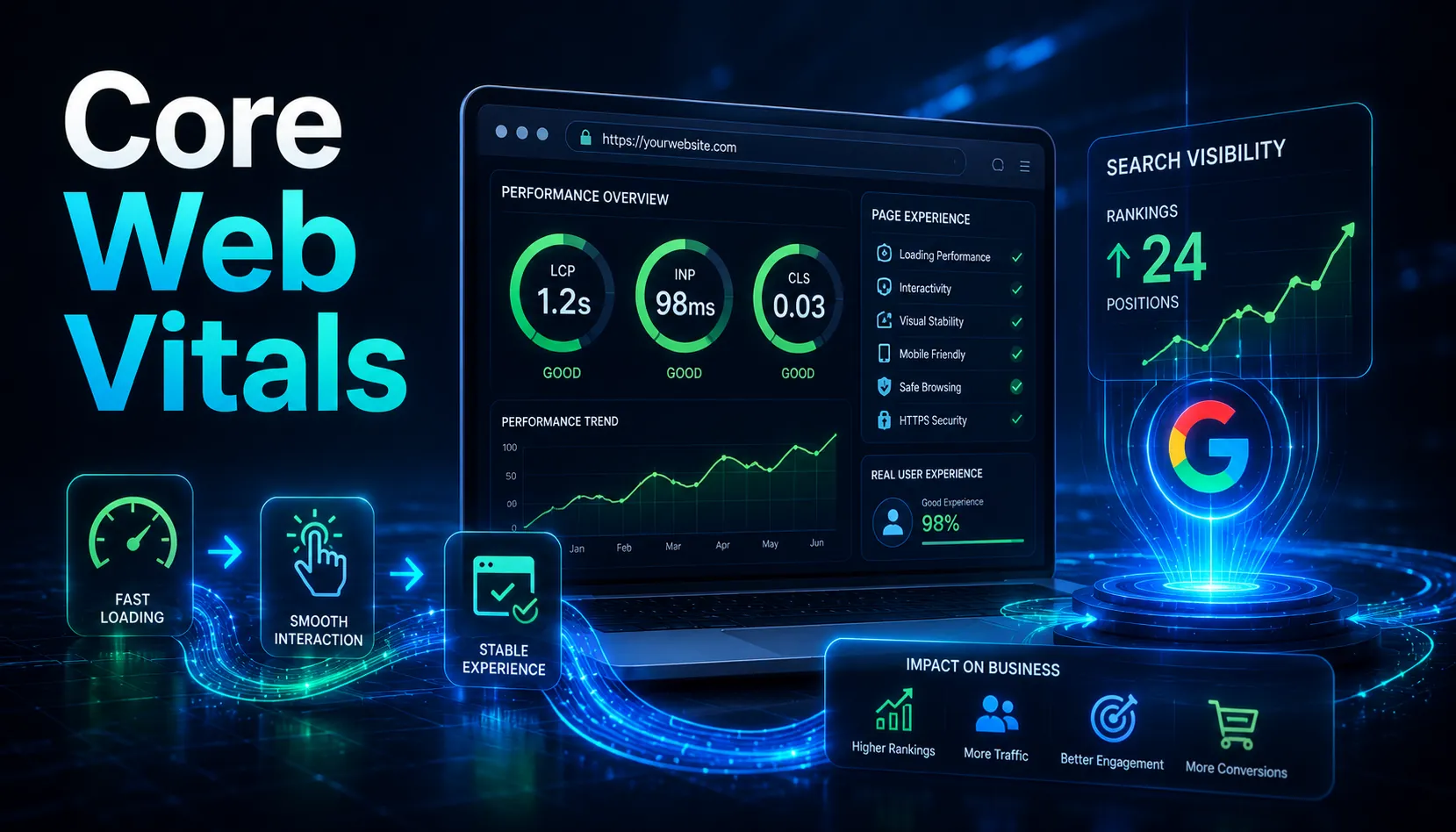
Google’s March 2026 core update reinforced what the evidence has been showing for two years: Core Web Vitals affect rankings, and the sites failing them are paying for it in position.
Pages at position 1 on Google show a 10% higher Core Web Vitals pass rate than pages at position 9. Sites passing all three vitals see measurable ranking improvements. Sites with INP above 200ms saw average position drops of 0.8 places after the March update.
These are not dramatic effects. Core Web Vitals are a tiebreaker, not a substitute for good content. But in competitive niches where two pages have comparable content quality, page experience is what separates them.
The Three Metrics (What Changed With INP)
INP replaced FID (First Input Delay) as a ranking signal in March 2024. This is the most significant change to Core Web Vitals since their introduction. Understanding why it matters explains everything about the current state of web performance optimization.
| Metric | What It Measures | Good Threshold |
| LCP (Largest Contentful Paint) | How fast the largest visible element loads | Under 2.5 seconds (good); 2.5-4s (needs improvement); over 4s (poor) |
| INP (Interaction to Next Paint) | How quickly the page responds to every user interaction throughout the visit | Under 200ms (good); 200-500ms (needs improvement); over 500ms (poor) |
| CLS (Cumulative Layout Shift) | How visually stable the page is; whether elements jump around as it loads | Under 0.1 (good); 0.1-0.25 (needs improvement); over 0.25 (poor) |
All three are measured using real user data from Chrome browsers (the Chrome UX Report, or CrUX), not lab simulations. A 28-day rolling window of real visitor data is what Google evaluates. All three must pass at the 75th percentile of your visitors for your site to achieve an overall good Core Web Vitals assessment.
Why INP Is the One Most Sites Fail
43% of sites still fail the 200ms INP threshold, making it the most commonly failed Core Web Vital in 2026. Unlike FID, which only measured the delay before processing started on the very first interaction, INP captures every click, tap, and key press throughout the entire page visit.
This makes INP much harder to game. A page could pass FID with a fast first interaction while being sluggish everywhere else. INP exposes the actual responsiveness that users experience.
The primary causes of poor INP are heavy JavaScript execution on the main thread, long tasks blocking the browser from responding, and third-party scripts running in the foreground.
How to Fix Each Metric
Fixing LCP (Loading Speed)
- Preload the largest element: add a fetchpriority=high attribute to your hero image or main content block
- Inline critical CSS so the browser does not have to wait for an external stylesheet before rendering
- Use a CDN to serve assets from servers geographically close to your visitors
- Compress and correctly size images; WebP format with explicit width and height attributes
Fixing INP (Interactivity)
- Break up long JavaScript tasks using setTimeout or requestIdleCallback to yield control back to the browser
- Audit third-party scripts; any script running on the main thread during user interaction will delay INP
- Defer non-critical JavaScript so it does not block interaction handling
- Test with real user data in Google Search Console, not just Lighthouse (which measures a simulated session)
Fixing CLS (Visual Stability)
- Add explicit width and height attributes to every image, video, and iframe so the browser reserves space before they load
- Reserve space for ads and embeds; a slot that collapses and expands causes layout shift
- Avoid injecting content above existing page content without user interaction
- Use font-display: swap for web fonts so text remains visible during font loading
Mobile Is the Priority
Google uses mobile-first indexing. Your mobile Core Web Vitals carry more weight than desktop scores. Over 64% of global web traffic comes from mobile devices as of 2025. If your desktop passes and your mobile fails, your rankings will still suffer.
Test specifically on your actual mobile device and on simulated slow connections. The gap between your office wifi experience and your users’ real experience is often larger than developers expect.
The AI Overview Connection
In 2026, Core Web Vitals are increasingly relevant beyond traditional search. Google’s AI Overviews and other AI-powered search features use page performance as a trust signal when deciding which sources to cite. Fast, stable pages are more likely to be cited. AI engines prefer sources that provide a reliable experience because a poor user experience reflects on their recommendation.