Comparing two versions of a document by reading through both and hoping to spot every change is genuinely unreliable, even for a careful, attentive reader. A diff, short for difference, solves this by directly highlighting exactly what changed between two versions of text, word by word or character by character, using a free text compare rather than requiring a manual side-by-side read-through. This guide explains what a diff actually is and why both writers and developers genuinely rely on this tool.
What a Diff Actually Shows
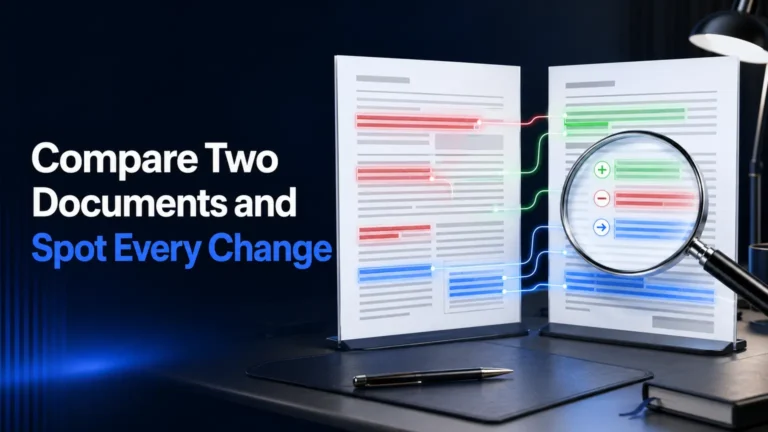
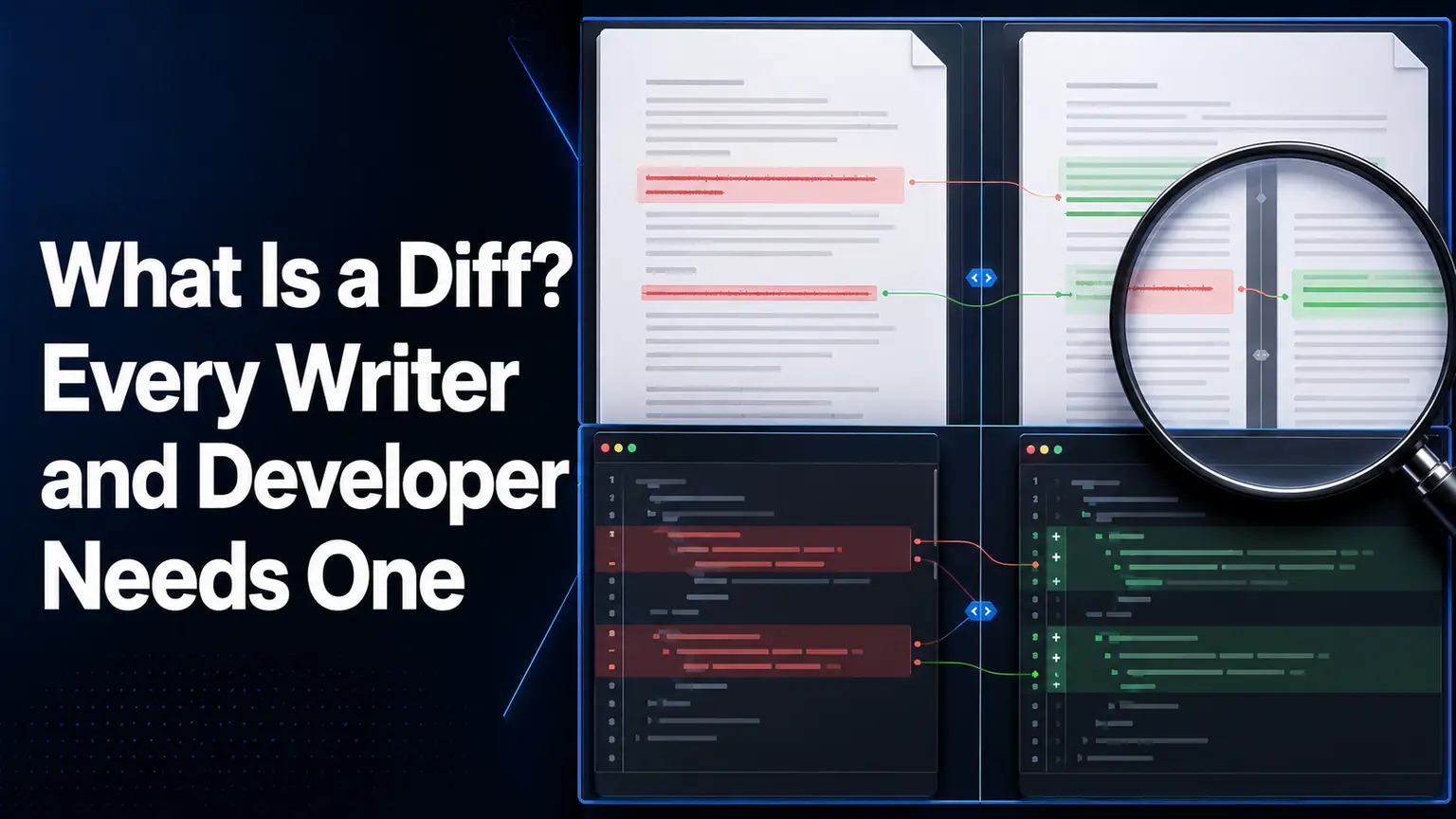
A diff tool takes two versions of the same text or code and highlights every specific addition, deletion, and modification between them, typically showing removed content struck through or in a distinct color and added content underlined or in a separate distinct color, making every single change immediately visible rather than requiring the reader to mentally track differences across two separate documents.
Pasting two versions of a document into a free text compare tool returns this highlighted comparison instantly, surfacing every change a manual read-through would risk missing, particularly small, easy-to-overlook edits like a single changed word or a removed clause buried within a longer paragraph.
Why Writers Genuinely Need This
Editors and writers reviewing a revised draft against an original version need genuine confidence that every specific change an editor made, or every specific change a writer made in response to feedback, is actually visible and accounted for, since approving a revision without this confidence risks either missing an unintended change or failing to confirm a requested change was actually made.
Why Developers Genuinely Need This
Developers rely on diff tools constantly, comparing code versions before and after a change, reviewing a colleague’s proposed modification, or tracking exactly what changed between two configuration file versions, since even a single altered character in code can produce a genuinely significant functional difference a manual read-through could easily miss.
| Use Case | What a Diff Reveals | Why Manual Review Falls Short |
| Editorial revision review | Every specific word and phrase change | Small edits get missed in a fast read-through |
| Code change review | Every altered line or character | A single character change can break functionality |
| Contract or legal document comparison | Every clause addition or removal | Legal language changes are easy to overlook |
| Content plagiarism or duplication check | Overlapping or near-identical passages | Similar phrasing is hard to spot by eye alone |
Word-Level vs Character-Level Comparison
Most diff tools offer both a word-level view, highlighting entire changed words or phrases, and a character-level view, highlighting even a single altered letter within an otherwise unchanged word, with the right view depending on whether you are reviewing prose changes or something more precision-sensitive like a URL or a code string.
Cleaning Up Before You Compare
Running a document through a remove duplicate words tool before comparing two versions helps ensure any differences a diff surfaces reflect genuine content changes rather than pre-existing repetition noise carried over from an earlier draft.
Confirming the final version’s length still meets your target with a word counter rounds out a genuinely complete revision review process alongside the diff comparison itself.
Explore WritoryBuzz’s free writing and editing tools for the complete set of utilities referenced throughout this guide, and bookmark the same tools page for future revision reviews.