Home
Categories
Free Tools
Write For UsAbout UsContact

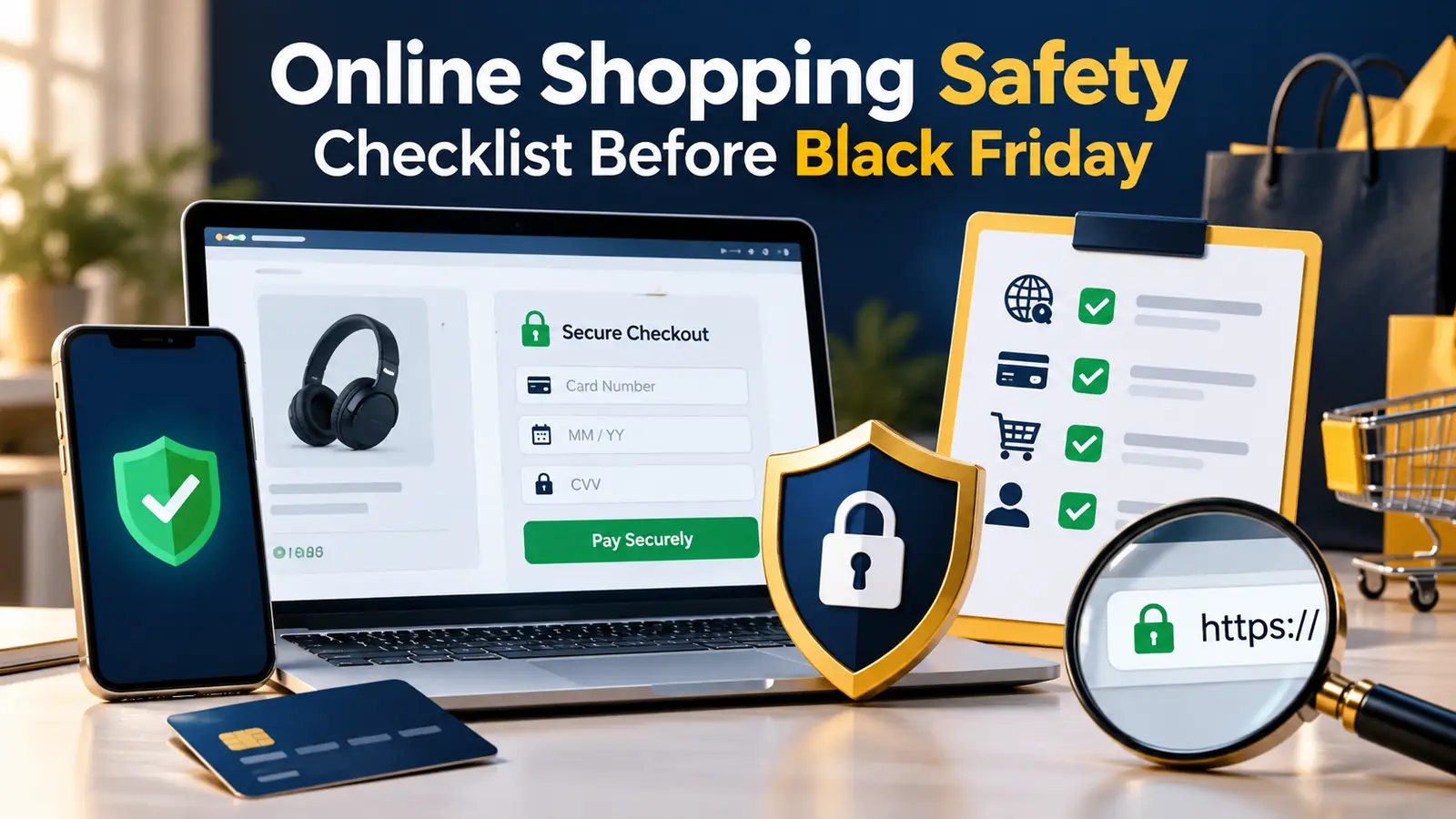
Online Shopping Safety Checklist Before Black Friday

Online shopping safety checklist before Black Friday: research sellers, pay by credit card, spot scam ads, keep receipts and report fraud, using FTC...

November 4, 2026 5 min read
Online Shopping Safety Checklist Before Black Friday

Key takeaways

  • FTC: research the seller by searching its name and URL plus 'review', 'complaint' or 'scam'.
  • Pay by credit card when possible; a seller demanding gift cards, wire transfers, payment apps or crypto is probably a scam.
  • Keep receipts and order confirmations; sellers must ship by the stated date or offer a refund.
  • Be wary of unusually low prices in social media ads: impersonated brands, counterfeits or nothing delivered.
  • Report fraud at ReportFraud.ftc.gov (US).

The US Federal Trade Commission, in a consumer alert dated 25 November 2025 and modified on 14 August 2026, says a seller who insists on payment by gift card, wire transfer, payment app or cryptocurrency is probably a scam, and advises paying by credit card when possible because it gives dispute rights. It also warns about unusually low prices in social media ads.

This online shopping safety checklist turns the FTC’s advice into steps you can follow before Black Friday on Friday, 27 November 2026. I add NBC Select’s tips and InvestigateTV’s advice on reporting wrong prices. The FTC page has no loss statistics, so I do not cite any. Rules differ outside the United States, so check your own country’s consumer authority.

Before You Shop

Prepare your accounts and devices first. This list is our own, based on common practice, not the FTC page. For more detail on safe remote habits, see our cybersecurity guide for remote work.

StepWhy (our guidance)
Update your phone, browser and appsFixes known security holes
Use strong, unique passwordsOne breach should not open all accounts
Turn on two-step verificationAdds a second barrier
Decide your payment methodPay by credit card where possible (FTC)
Set a budgetScams use urgency to push spending

Check the Seller

The FTC advises searching the seller’s name and website address plus words such as ‘review’, ‘complaint’ or ‘scam’, and checking whether the business exists. It warns that unusually low prices in social media ads may point to impersonated brands, counterfeits or nothing being delivered.

Red flag (FTC)What to do
Very low price in a social media adSearch the seller and compare with the brand’s own site
Brand look-alikeGo to the official website directly
Seller demands gift card, wire, payment app or cryptoStop; this is probably a scam

Pay Safely and Keep Records

The FTC says to pay by credit card when possible for dispute rights, and to keep receipts and order confirmations. It also says sellers must ship by the date they promised or offer a refund. Our addition: screenshot the product page and price.

Phishing messages claiming a delivery problem are common in busy shopping weeks, so read our guide to AI phishing attacks before clicking any link.

Check the Deal, Not Just the Site

A safe site can still sell a misleading deal. NBC Select advises checking price history with tools such as CamelCamelCamel, Honey and Keepa, and reading return and price-match policies. InvestigateTV advises taking a photo of a wrong price and reporting it to your state attorney general and at ReportFraud.ftc.gov.

CheckTool or action
Price historyCamelCamelCamel, Honey or Keepa (NBC Select)
Return policyRead it before paying
Wrong price in storePhoto, then report (InvestigateTV)

If Something Goes Wrong

Contact the seller and your card issuer quickly, keep records and report fraud at ReportFraud.ftc.gov in the US. In other countries, use the local consumer authority. The FTC page does not give recovery odds, so act early and keep all messages.

Related readBlack Friday Mistakes That Quietly Cost Shoppers MoneyRead →

Free tools for E-commerce

FAQs

How do I know if an online store is safe?

The FTC advises searching the seller’s name and website address plus words such as ‘review’, ‘complaint’ or ‘scam’. Check that the business exists, compare the price with the brand’s own site and be careful with unusually low prices. Our own addition: write down the website address you intend to use, and type it yourself, instead of clicking links in messages, search ads or posts that arrive during sale weeks.

Which payment method is safest for online shopping?

The FTC advises paying by credit card when possible because it gives dispute rights. A seller who insists on gift cards, wire transfers, payment apps or cryptocurrency is probably a scam. Protections differ by country and card, so check your bank’s terms. Our own addition: keep one credit card for online shopping and check its statement regularly, so any unfamiliar charge is noticed early and can be disputed quickly with the issuer.

What should I do with receipts?

Keep receipts and order confirmations. The FTC says sellers must ship by the date they promised or offer a refund. Our addition is to screenshot the product page and price so you have evidence if the listing changes. Our own addition: keep a folder or email label for confirmations, and save the seller’s contact details, the return policy and any promised delivery date in the same place.

How do I spot scam ads on social media?

The FTC warns that unusually low prices in social media ads can mean impersonated brands, counterfeits or nothing being delivered. Do not buy from the ad directly; search for the brand’s official site and compare the price. Our own addition: before you click a deal, search for the brand’s official page and compare the price, because copycat accounts often copy logos and photos from the real brand.

Where do I report online shopping fraud?

In the US, report at ReportFraud.ftc.gov. InvestigateTV also advises reporting wrong prices to your state attorney general. In other countries, contact your national consumer authority and your card issuer. Our own addition: act quickly, keep screenshots, receipts and messages, tell your card issuer if you paid by card, and change passwords on any account you used on a suspicious site.

Is a good price always a good deal?

No. Which? found many ‘was’ prices were not what shoppers paid recently. Check price history before you buy, and read return policies. A safe seller can still sell a misleading discount. Our own addition: compare prices at two or three trusted stores, check the item’s price history and read the return policy, since a safe checkout does not guarantee a fair discount.

Make Safety a Habit Before the Sale

The most secure way to shop is to decide the checks before the deals appear. When urgency arrives, the checklist keeps you steady.

This week, update your devices, turn on two-step verification and choose your payment method. Then on 27 November, run each purchase through the seller and price checks.

Sources: FTC Consumer Advice: How to avoid an online shopping scam this holiday season; NBC Select: Black Friday and Cyber Monday deals won’t be good this year; InvestigateTV via Hawaii News Now: How some retailers inflate original prices to create fake discounts; Which?: How to avoid fake Black Friday deals

Was this guide helpful?
Jinal Mistry
Written by

Jinal Mistry

Jinal Mistry is the Founder of WritoryBuzz and an SEO & Digital Growth Specialist with 5+ years of experience in Technical SEO, AI SEO, International SEO, and organic growth strategy. She helps businesses improve search visibility through data-driven SEO, content optimization, search experience enhancement, and AI-focused search strategies.Having worked with clients across multiple industries and international markets, Jinal specializes in building sustainable organic growth through technical excellence, user-focused optimization, and future-ready digital marketing practices. Through WritoryBuzz, she shares insights on SEO, AI search, content strategy, digital marketing, and emerging search trends to help businesses and marketers stay ahead in the evolving digital landscape.

More from this author

More in E-commerce

View all in E-commerce →

Keep exploring

Have expertise to share? Write for WritoryBuzz.Read the guidelines and send us your pitch.
Become a contributor
Free tools

63 free tools for writers, SEOs and developers

Open one in your browser and start. Nothing to install, and your text stays on your device.

PrivateInstant resultsNo sign up
Write for us

Have expertise to share?

  • Original, well researched guides
  • Reviewed by our editors
  • 29 categories to publish in
Submit a guest post
© 2026 WritoryBuzz. All rights reserved.Back to top