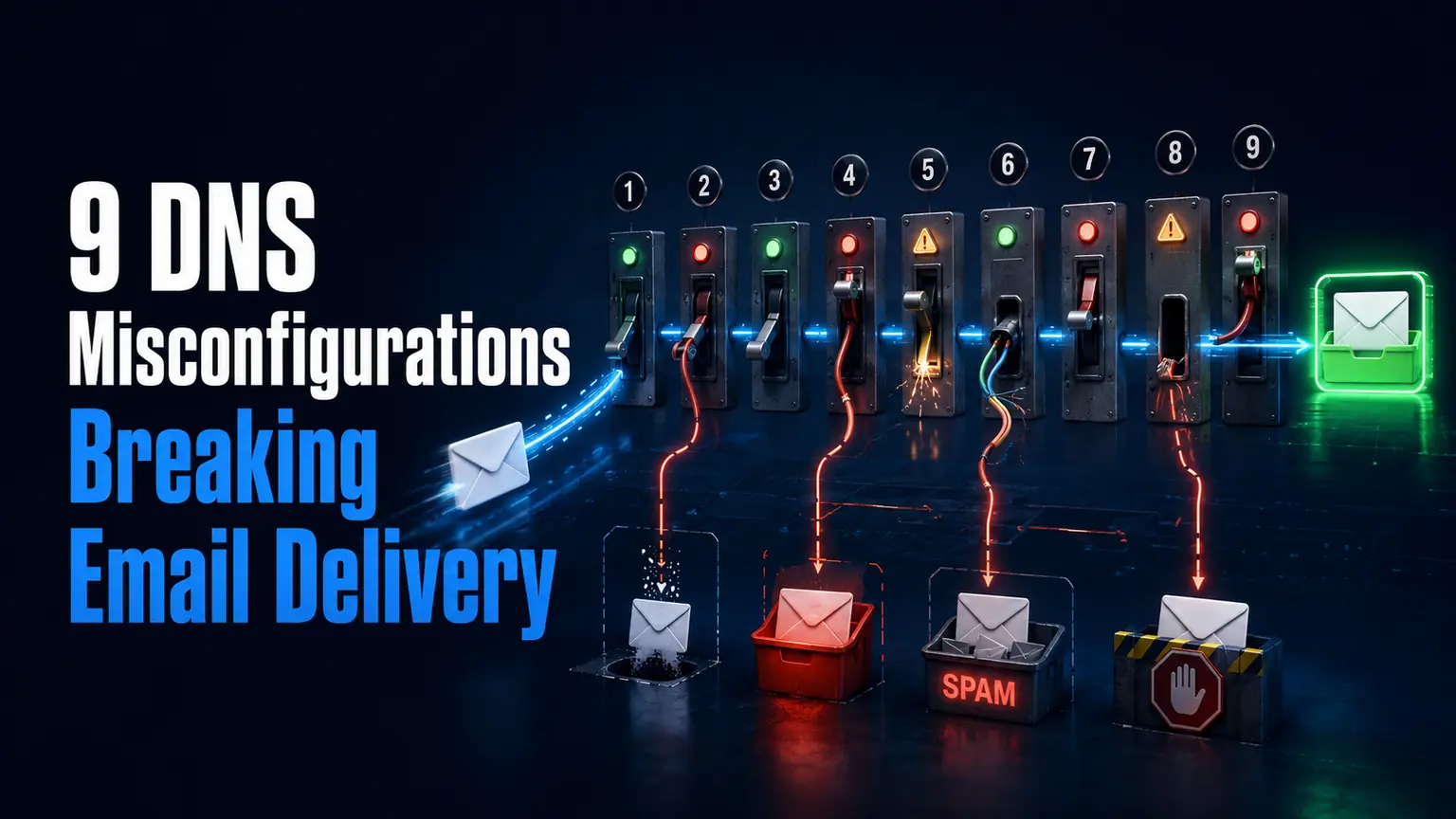
Email delivery problems rarely announce themselves clearly, messages simply land in spam or never arrive at all, with no obvious error message pointing back to the actual DNS misconfiguration causing it. Here are nine specific, common causes, checked using the free utilities on WritoryBuzz’s tools page, each paired with a concrete fix.
1. An Incomplete SPF Record
Missing a legitimate sending service, a marketing platform or a CRM tool specifically, from your SPF record causes email sent through that service to fail authentication. Fix this by reviewing every service that sends email on your behalf and confirming each is included.
2. Multiple SPF Records on the Same Domain
A domain should have exactly one SPF record, and having two causes authentication to fail entirely regardless of what either record actually contains. Fix this by merging all authorized senders into a single record.
3. DKIM Signing Not Actually Enabled
Many email platforms require an explicit activation step for DKIM signing that gets skipped during initial setup. Fix this by confirming DKIM is active within your specific email provider’s settings, not just assumed to be on by default.
| Misconfiguration | Symptom | Fix |
| Incomplete SPF | Legitimate email marked as spam | Add all authorized sending services |
| Duplicate SPF records | Authentication fails entirely | Merge into a single record |
| DMARC in monitor-only mode indefinitely | No actual enforcement occurring | Move to a genuine enforcement policy |
| Missing MX record priority | Mail delivery to the wrong server | Confirm priority values are correctly ordered |
4. DMARC Left in Monitor-Only Mode Forever
Publishing a DMARC record set to monitoring only and never revisiting it means the policy collects data without ever actually enforcing anything. Fix this by reviewing DMARC reports and moving to a genuine enforcement policy once confident in the setup.
5. Incorrect MX Record Priority Values
MX records include a priority number determining which mail server should be tried first, and an incorrectly ordered priority can send mail to a backup or outdated server first. Fix this by checking your domain’s MX records with a free dns lookup and confirming priority values are correctly ordered.
6. A Stale CNAME Pointing to a Decommissioned Service
A CNAME record left pointing to a service you no longer use can cause unexpected failures, especially if that service is later reassigned to another customer. Fix this by auditing all CNAME records during any platform migration.
7. TTL Set Too High Before a Planned Change
A high TTL on a record you know you will need to change soon needlessly extends propagation delay. Fix this by lowering TTL several days ahead of any planned DNS change.
8. No DNSSEC, Leaving Domain Vulnerable to Spoofing
Without DNSSEC enabled, a domain has no cryptographic protection against DNS spoofing attacks. Fix this by enabling DNSSEC through your registrar if it is not already active.
9. Never Actually Checking Any of This Directly
The most common root cause behind all eight previous issues is simply never looking, since most of these misconfigurations produce no obvious symptom until email delivery becomes a visible problem. Fix this by running a full free dns lookup on a regular schedule rather than only when something already feels wrong.
Building a Habit Around This Checklist
Confirming hosting details with an ip lookup and ruling out unrelated performance issues with a page speed checker alongside this DNS review provides a genuinely complete health check covering delivery, security, and performance together.
Every tool referenced across this list is available through WritoryBuzz’s free tools hub.