Arcalea’s review of AI citation patterns found that substantive content updates earned about 3.8 times more AI citations than updates that only changed the date.
That finding is a useful warning for anyone who refreshes posts by editing the date and nothing else. Google’s guidance on dates asks publishers to show dates that reflect real changes, and readers notice stale facts. A refresh is worth doing only when something real improves. Here is a 15-item checklist you can run on any post, plus how to choose which posts deserve the effort first.
Which Posts to Refresh First
Start with data, not instinct. In Search Console, list pages whose clicks have fallen over the last six months, pages with many impressions but low click-through rate, and pages sitting at positions 5 to 15 where a stronger answer could move them up. Add posts that cover fast-changing topics such as tools, prices, laws or festival dates.
Skip posts with no traffic and no strategic role. Merge or retire them instead, as described in our cannibalization guide. Evergreen posts that still perform well can wait until the facts change.
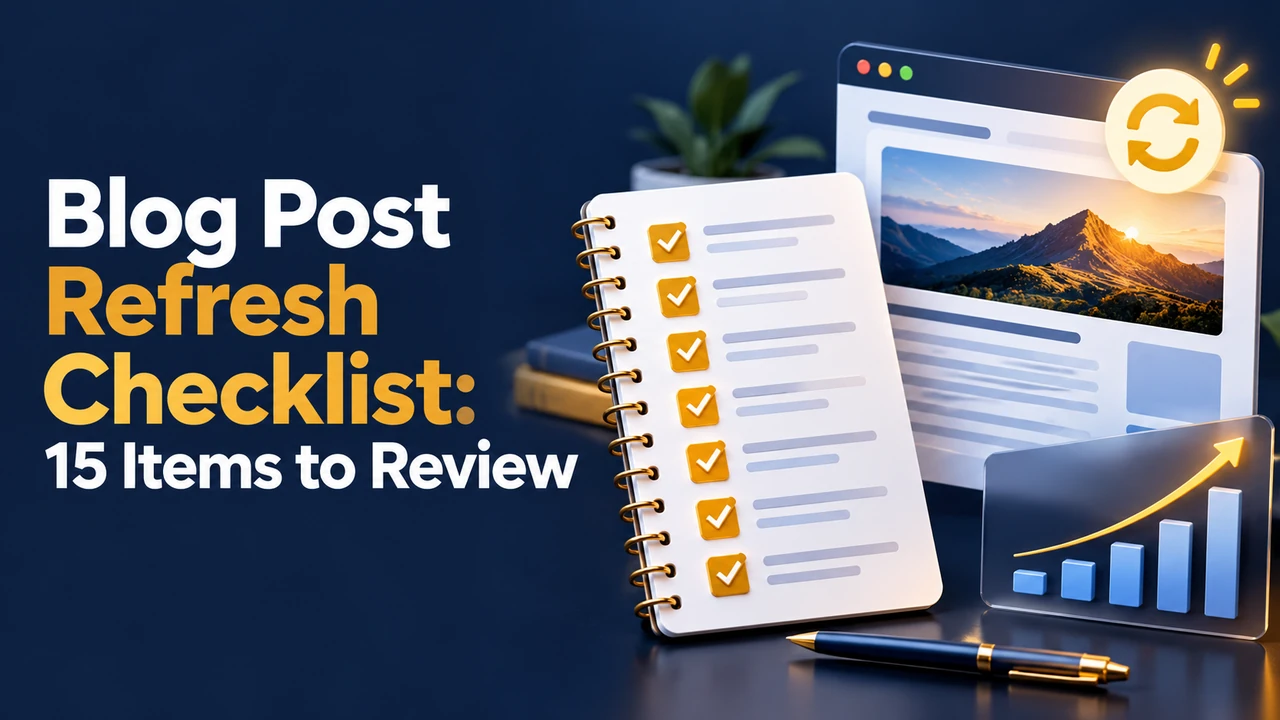
The 15-Item Refresh Checklist
| # | Check | What to look for |
|---|---|---|
| 1 | Search intent | Does the page still match what the top results now answer? |
| 2 | Facts and figures | Verify every number, date and rule against a current source |
| 3 | Sources | Replace old statistics with newer ones and name the source |
| 4 | Broken links | Fix or remove dead links; update redirects |
| 5 | Internal links | Add links to newer related posts and to your key pages |
| 6 | Title and meta | Make them accurate, clear and still within length limits |
| 7 | Introduction | Lead with the answer; remove outdated framing |
| 8 | Headings | Align with current questions; fix vague or duplicated headings |
| 9 | Screenshots and visuals | Replace outdated interfaces, charts and examples |
| 10 | Images | Check alt text, size and compression |
| 11 | Gaps | Add missing sub-topics that competitors now cover |
| 12 | FAQs | Drop weak questions; add new ones from Search Console |
| 13 | Calls to action | Update offers, tools, products and newsletter prompts |
| 14 | Readability | Trim padding, shorten long paragraphs, fix formatting |
| 15 | Date and change note | Update the visible date only after real changes; log what changed |
Work through the list in order. Items 1 to 3 decide whether the post is still worth saving; items 4 to 10 are quality maintenance; items 11 to 15 add value and close the loop.
Dates: Be Honest About What Changed
Google’s guidance on bylines and dates is to show a date that readers can trust and to update it when you significantly change a page. Changing a date without changing the content may mislead readers and is unlikely to help. A good pattern is to show both the original publish date and an “Updated on” date, with a short note when the change matters, such as “Updated for 2026 tax rules”.
Seasonal and Event-Based Posts
For posts tied to a date, such as a festival guide, update the date, time and rituals each year, or build an annual resource that you maintain on the same URL. Old versions can otherwise confuse readers, who will land on last year’s timings.
Measure the Result
Record the date and the changes in a simple log. After four to six weeks, compare clicks, impressions, average position and engagement against the previous period in Search Console and analytics. Rankings move slowly and seasonally, so compare like with like. If a refresh did not help, review intent again: the problem may be what the page promises, not how recently it was edited.
- Keep a refresh calendar: review top posts quarterly and fast-changing ones more often.
- Version big changes: keep a copy of the old text before major rewrites.
- Update related posts together: a changed fact often appears in more than one article.