
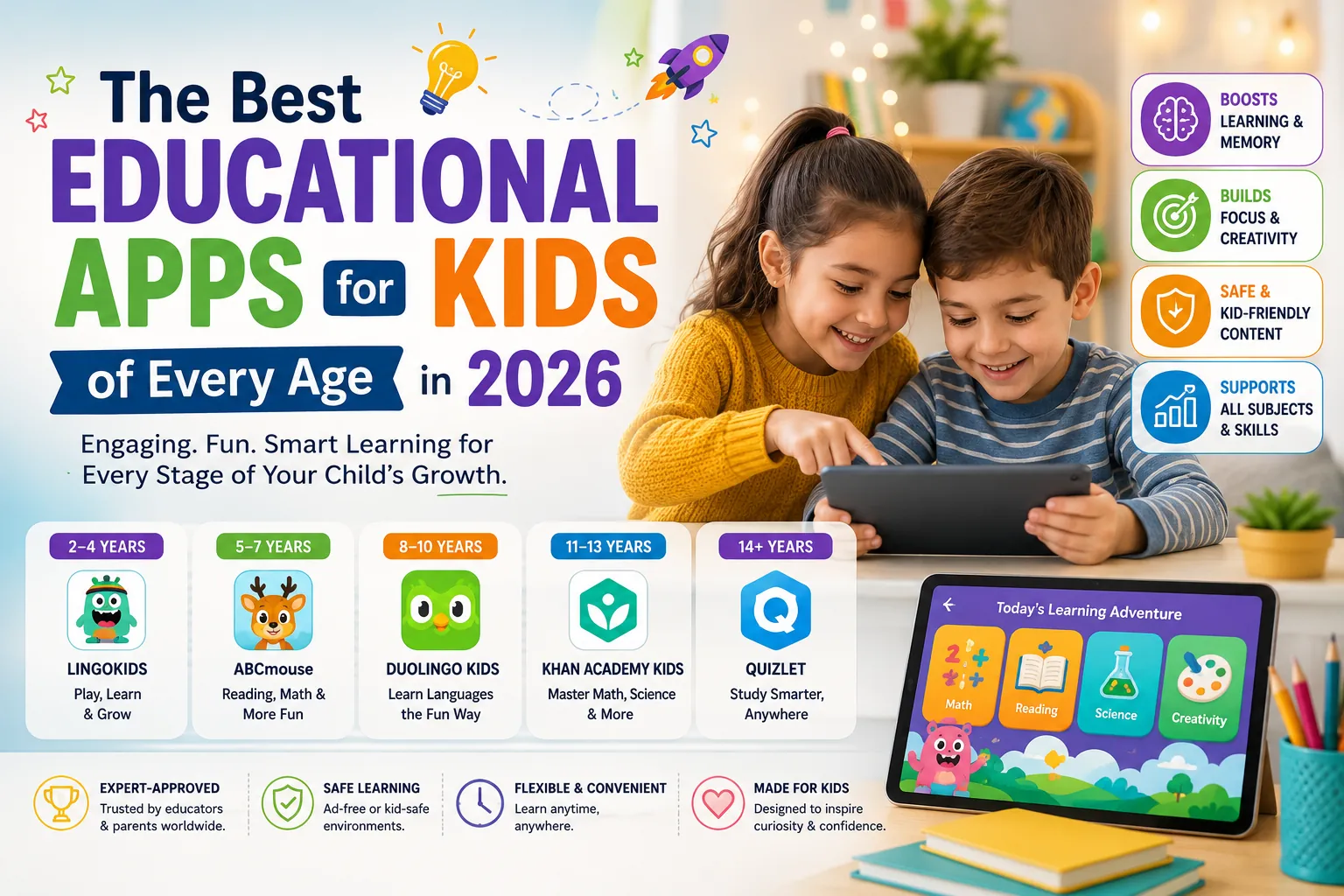
The best educational app is the one your child actually uses. But not all apps deliver what they promise. This guide cuts through the marketing to the apps with genuine learning evidence behind them.
The educational app market is enormous and largely unregulated in terms of learning claims. Many apps are described as educational because they involve numbers or letters not because they produce measurable learning outcomes. The apps recommended here have either peer-reviewed learning research behind them, strong evidence from independent evaluations, or exceptional design that aligns with established learning science principles.
Ages 2 to 5: Foundation Literacy and Numeracy
Khan Academy Kids (Free)
Khan Academy Kids is the most consistently recommended early childhood educational app by education researchers. It covers reading, maths, social-emotional learning, and creative play for ages 2 to 8. The curriculum was developed with education specialists and is aligned with common core and head start standards. The adaptive engine adjusts difficulty based on the child’s responses, and the pacing is calibrated to young children’s attention spans.
It is completely free with no in-app purchases or advertising. For parents wanting a high-quality, evidence-aligned starting point for early childhood digital learning, nothing in 2026 exceeds it in the free tier.
Endless Alphabet (Free and Paid)
Endless Alphabet uses interactive, playful animations to teach vocabulary. Children tap letters that come alive and build words with short contextual animations that explain meaning. The vocabulary exposure approach aligns with research on how young children build language — through rich contextual encounters with new words rather than flashcard repetition. Rated highly by parents and educators consistently since its release.
Ages 5 to 8: Early Reading and Maths
Teach Your Monster to Read (Free for Schools, Paid Personal)
Developed in partnership with educational researchers at the University of Leeds, Teach Your Monster to Read covers phonics and early reading in a game-based environment. An independent research study by the app’s developers (externally reviewed) found that children using it made significantly greater progress on reading assessments compared to a control group. At $4.99 for personal use, it is one of the best-value educational app purchases available.
Prodigy Math (Free Base, Paid Premium)
Prodigy is a game-based maths platform used by over 100 million students globally. The adaptive engine matches difficulty to each child’s current level across curriculum-aligned maths topics. The free version covers the core learning content effectively. The premium subscription adds content volume and extra features, but the free version is substantive enough for most use cases. Third-party studies have documented learning gains from regular Prodigy use.
Ages 8 to 12: Critical Thinking and STEM
Duolingo (Free with Premium Tier)
Duolingo has become the dominant language learning app globally for good reason: its gamification design maintains engagement over time in ways that traditional language learning methods do not. For children aged 8 and above, Duolingo’s bite-sized lesson structure and consistent progress feedback makes language learning accessible without the motivation barrier of classroom instruction.
The research on Duolingo’s effectiveness is more positive for vocabulary and reading comprehension than for speaking and listening fluency, which still requires interaction with human speakers. For vocabulary acquisition and reading comprehension in a new language, the evidence base is strong.
Scratch (Free, MIT Media Lab)
Scratch is the most widely used introductory coding platform for children globally, developed by MIT Media Lab. It uses visual block-based programming to teach computational thinking, sequencing, and logic through game and animation creation. Children create projects they can share with the global Scratch community. The progression from Scratch to Scratch Jr (ages 5 to 7) and then to Python or JavaScript is well-established in both formal and informal STEM education.
Brilliant (Subscription)
Brilliant targets ages 10 and above through to adult learners. It covers maths, science, data analysis, and computer science through interactive problem-solving rather than passive video. The learning design actively requires thinking rather than watching, which produces better retention outcomes according to learning science. For children with genuine curiosity about STEM subjects who are ready for more challenging material, Brilliant is exceptionally well-designed.
Ages 12 and Above: Depth and Independence
Khan Academy (Free)
Khan Academy’s full platform covering maths, science, computing, history, and test preparation is one of the most genuinely useful free educational resources on the internet. The SAT and AP practice materials are specifically strong. For older children and teenagers who want to go deeper on any subject or get ahead on curriculum, it is the best free option available.
Photomath (Free and Paid)
Photomath allows students to photograph a maths problem and receive a step-by-step solution with explanation. The honest use case: understanding how to solve a problem type you are stuck on, rather than bypassing the practice. Used as a teaching tool rather than an answer machine, it helps students understand the method. The limitation is exactly that it can be used to skip practice rather than support it.
| App | Age Range | Subject | Price | Evidence Base |
| Khan Academy Kids | 2–8 | All subjects | Free | Strong — independent research |
| Teach Your Monster | 5–8 | Phonics/reading | $4.99 personal | Strong — external study |
| Prodigy Math | 6–14 | Maths | Free + premium | Moderate — third-party studies |
| Scratch (MIT) | 5–16 | Coding/logic | Free | Strong — global adoption research |
| Duolingo | 8+ | Language | Free + premium | Moderate — strong for vocabulary |
| Brilliant | 10+ | STEM | Subscription | Strong — learning science alignment |
| Khan Academy | All ages | All subjects | Free | Strong — longitudinal data |
Screen Time Guidance
The American Academy of Pediatrics and equivalent paediatric bodies globally recommend: no screens for children under 18 months except video chat, limited supervised use ages 18 to 24 months, one hour per day maximum for ages 2 to 5 of high-quality content, and consistent limits with content monitoring for ages 6 and above.
Educational apps count as screen time. The quality of the content matters, but the screen time guidance applies regardless of content type. Using an educational app as the total screen time budget for a day is different from using it in addition to passive entertainment screen time.
Which educational apps actually improve learning outcomes?
The apps with the strongest independent evidence include Khan Academy Kids (free, ages 2–8), Teach Your Monster to Read (ages 5–8, phonics), and Scratch (ages 5–16, computational thinking). Duolingo has strong evidence for language vocabulary acquisition. The honest caveat: app-based learning research is less rigorous than classroom intervention research, and outcomes vary substantially by how the app is used.
What age should children start using educational apps?
The American Academy of Pediatrics recommends avoiding screens other than video chat under 18 months. From ages 2 to 5, supervised use of high-quality educational apps like Khan Academy Kids for up to an hour daily is supported. The quality of the app and the presence of parental engagement alongside it matters more than the specific age.
The App Is a Tool, Not a Teacher
The most effective use of educational apps combines the app’s adaptive, gamified learning with parental interest and discussion. A child who uses Scratch and then shows a parent what they built learns more than a child who uses it in isolation. The app provides structure and engagement. The conversation around it provides context and depth.