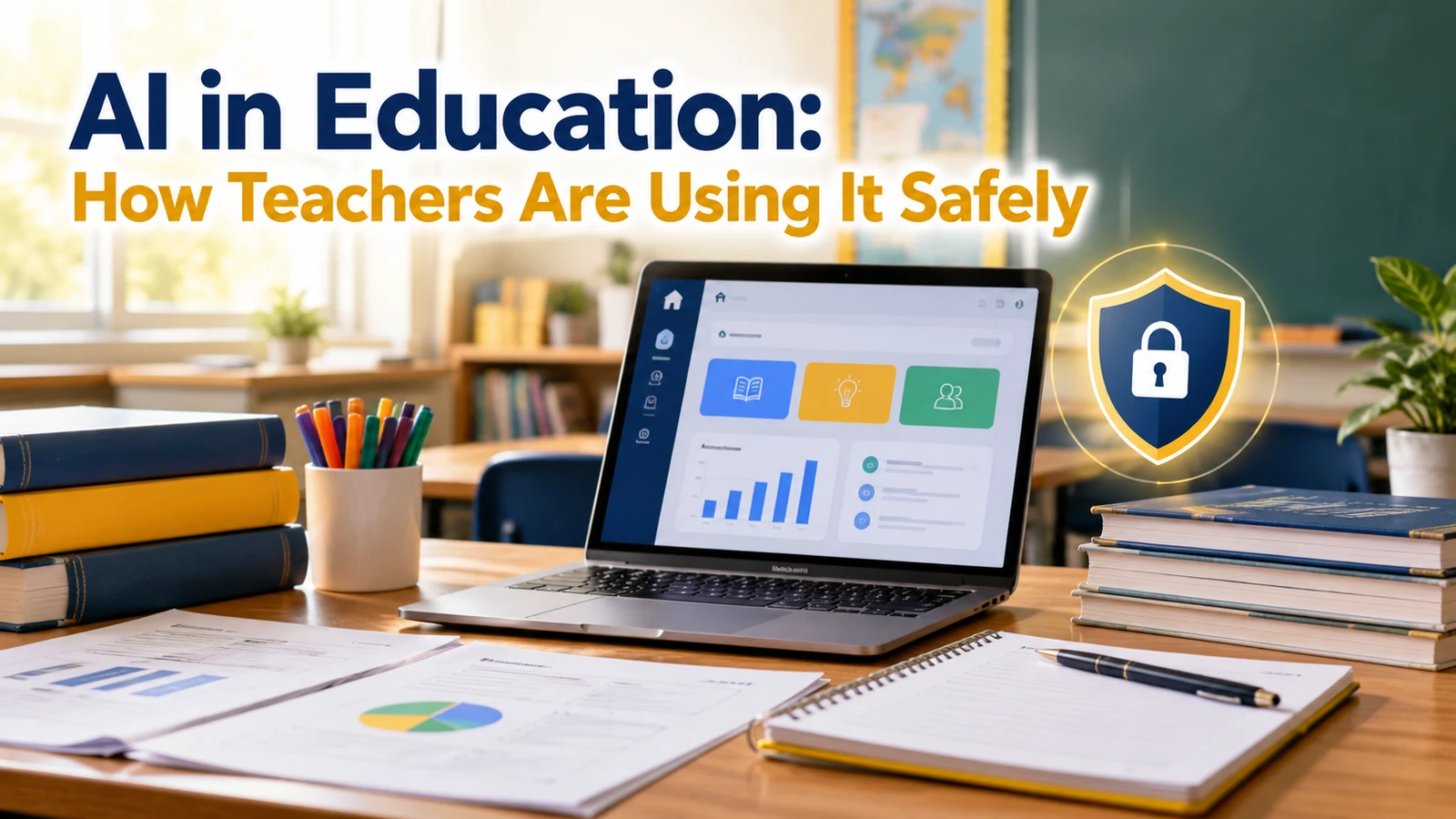
UNESCO recommended in 2023 a minimum age of 13 for the use of AI tools in classrooms, with some commentators urging 16, as Tech Xplore reported, and warned that such tools are safe only if teachers, learners and researchers help design them and governments regulate them. That caution frames how AI in education is being used today: carefully, and with teachers in charge.
This guide explains how teachers use ChatGPT and similar tools for planning and feedback, what guidance exists from UNESCO and the US Department of Education, and a safe-use checklist for the classroom. It draws on Tech Xplore’s report on UNESCO and K-12 Dive’s report on the Education Department’s toolkit.
How Teachers Are Using AI Today
Teachers are using chat tools to draft lesson plans, generate practice questions, adapt reading levels and write first drafts of parent emails. Searches such as ChatGPT for teachers, ChatGPT for teaching and chat gpt for teachers show how many educators are trying it.
The safe pattern is the same across all uses: the teacher stays the author and the checker. The tool offers a draft, and the teacher decides what is accurate, fair and suitable for the class.
Teacher Tasks: Where AI Helps and Where to Be Careful
Use this table to sort tasks by risk. Low-risk tasks involve no student data and are easy to verify.
| Task | Risk level | Safe approach |
|---|---|---|
| Brainstorming lesson ideas | Low | Review for accuracy and age fit |
| Drafting quiz questions | Low to medium | Check answers yourself |
| Adapting reading levels | Medium | Compare with the original for meaning |
| Giving feedback on student work | High | Do not paste identifiable work; teacher keeps the judgement |
| Anything with grades, names or health data | High | Do not enter into a general chatbot |
Our explainer on why AI hallucinations happen is a useful read before any teacher trusts a generated answer.
What UNESCO Advises
Tech Xplore’s report says UNESCO recommended a minimum age of 13 for AI tools in classrooms, while some commentators urged 16. UNESCO also said AI tools are safe only if teachers, learners and researchers help design them and governments regulate them, and it warned about emotional wellbeing and manipulation.
For a school, that suggests two things: do not hand unrestricted tools to young children, and involve teachers and students in deciding how tools are used.
What the US Education Department Toolkit Says
K-12 Dive reports that the US Department of Education released its AI toolkit in October 2024. It runs 74 pages in three sections: mitigate risk, build strategy and guide effective use.
| Toolkit advice (per K-12 Dive) | What it means for a school |
|---|---|
| Align AI with goals | Decide the learning purpose before choosing a tool |
| Learn the tools first | Staff should try tools before using them with students |
| Avoid tool sprawl | Approve a short list rather than dozens of apps |
| Go slowly | Pilot, review and expand in stages |
| Watch data privacy, accessibility and bias | Check each tool against these risks |
Families can help at home too. Our list of educational apps for kids and our guide on how to study effectively offer ideas that do not rely on a chatbot.
A Classroom Safety Checklist
Schools can turn the guidance into a simple checklist. Review it each term, because tools and rules change.
| Check | Question to ask |
|---|---|
| Purpose | Which learning goal does this tool serve? |
| Age | Is the tool suitable for the age group, given UNESCO’s age advice? |
| Data | Does the tool collect student data, and is it needed? |
| Accuracy | Does a teacher review every output used in class? |
| Fairness and access | Could the tool disadvantage some students? |
| Transparency | Do students know when AI was used and how? |
Academic Honesty and Detection
Schools also need clear rules on student use of AI in homework, including when it is allowed and how to cite it. Detection tools are imperfect, so build assessment around process, drafts and discussion rather than a single score. Our guide to AI content detection explains the limits.
Explain the rules to students and parents in plain language, and update them as tools change. Clear expectations prevent most disputes.