Contently compares repurposing to turning last night’s leftovers into a new meal: the ingredients are the same, but the dish is adapted, not reheated.
That image is a helpful rule. Copying your blog post into a social caption wastes the effort; reshaping its best ideas for each format and audience multiplies it. Contently suggests starting with your analytics to find top performers, favouring evergreen posts and always linking back to the original. This guide gives you ten concrete assets you can make from one post, a time-saving workflow, and the mistakes to avoid.
Pick the Right Post to Repurpose
Use your analytics. In Search Console and analytics, find posts with steady impressions, good engagement time or backlinks. Evergreen content is the safest choice because it will stay useful. A post with original data, a clear process or a strong checklist is ideal.
Avoid repurposing weak or outdated posts. Refresh them first, using the checklist in our refresh guide, so you are not spreading old information in new formats.
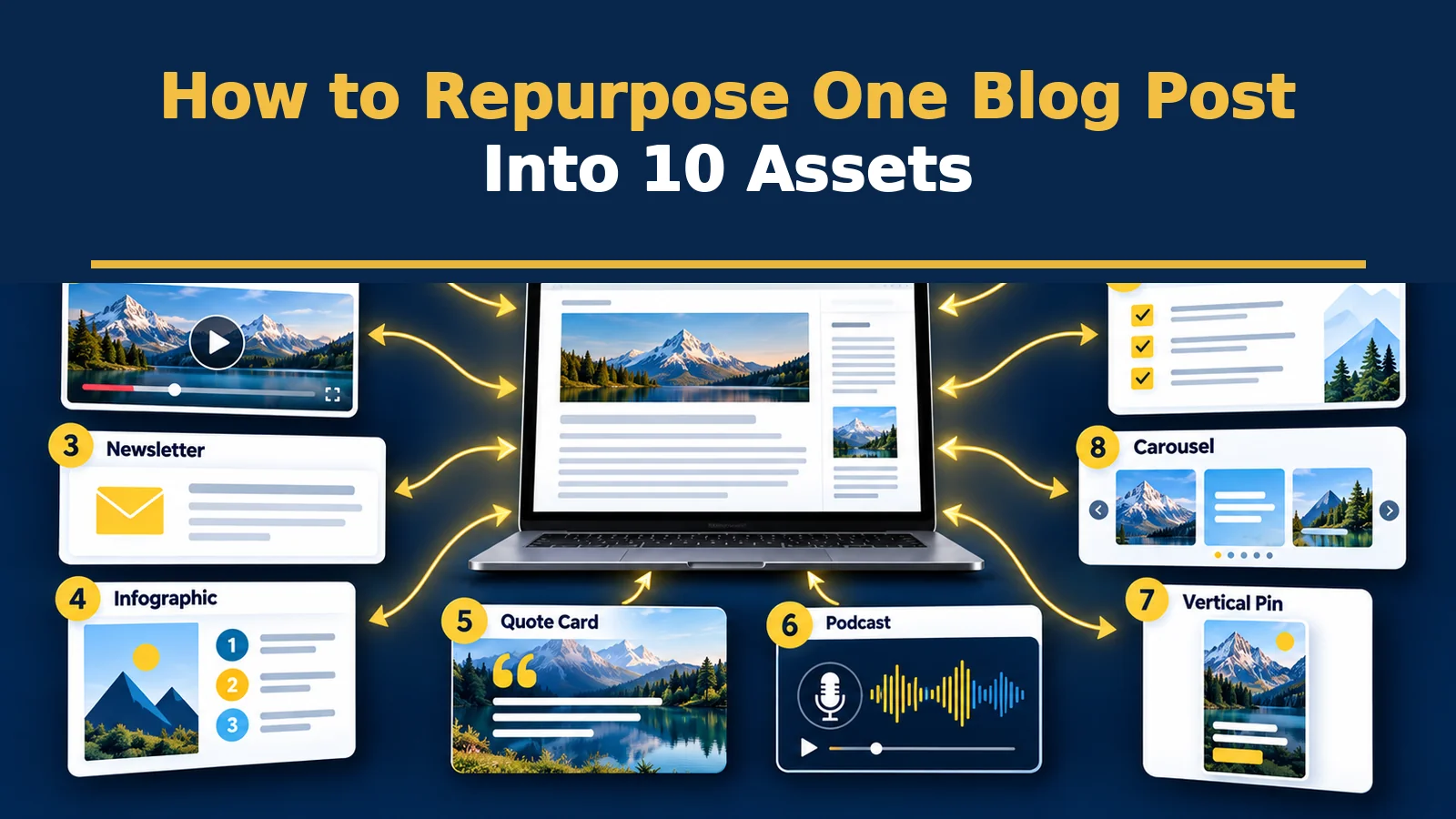
10 Assets You Can Make From One Post
| # | Asset | How to make it | Where it fits |
|---|---|---|---|
| 1 | Short video | Pick one tip, speak it in 30 to 60 seconds with captions | YouTube Shorts, Reels |
| 2 | Carousel | One idea per slide, from the post’s main steps | Instagram, LinkedIn |
| 3 | Social thread | Turn the key takeaways into 5 to 8 short posts | X, LinkedIn, Threads |
| 4 | Newsletter issue | Summarise the post, add a personal note and a link | Email list |
| 5 | Infographic | Visualise a process, comparison or statistic | Pinterest, blog |
| 6 | Quote cards | Pull 3 to 5 strong lines or numbers into images | Social media |
| 7 | Pinterest pins | Create vertical pins with keyword-rich titles | |
| 8 | FAQ or Q&A post | Expand the questions readers ask into a separate answer | Blog, social |
| 9 | Audio or podcast clip | Record a short talk based on the post | Podcast, WhatsApp |
| 10 | Checklist or template PDF | Convert steps into a downloadable resource | Lead magnet |
You do not need all ten. Choose the three or four that suit your audience and capacity, and add more as the workflow becomes routine.
A Time-Saving Workflow
- Extract once: list the post’s main points, steps, statistics and strongest quotes in a note.
- Choose formats based on where your audience spends time.
- Batch create: make all visuals in one session and all captions in another.
- Adapt tone: a thread is conversational, a newsletter personal, a carousel visual and brief.
- Link back to the original post in every asset, with a clear reason to click.
- Schedule over weeks, not days, so one post feeds a month of content.
Avoid Duplicate-Content Worries
Repurposing across social platforms is different from copying your post onto another website. If you republish on another site, use a canonical link or a different angle, and keep the original on your own domain as the main version.
Measure and Improve
Add campaign tags to links, such as UTM parameters, so analytics shows which asset sends visits. Track clicks, saves, replies and subscriber growth, not just likes. Repeat formats that bring readers back to the blog or onto your newsletter, and drop those that only generate empty views.
- Review monthly: which assets sent the most qualified visits?
- Test one change at a time, such as a new hook or thumbnail.
- Update the source post when you learn what readers ask about.