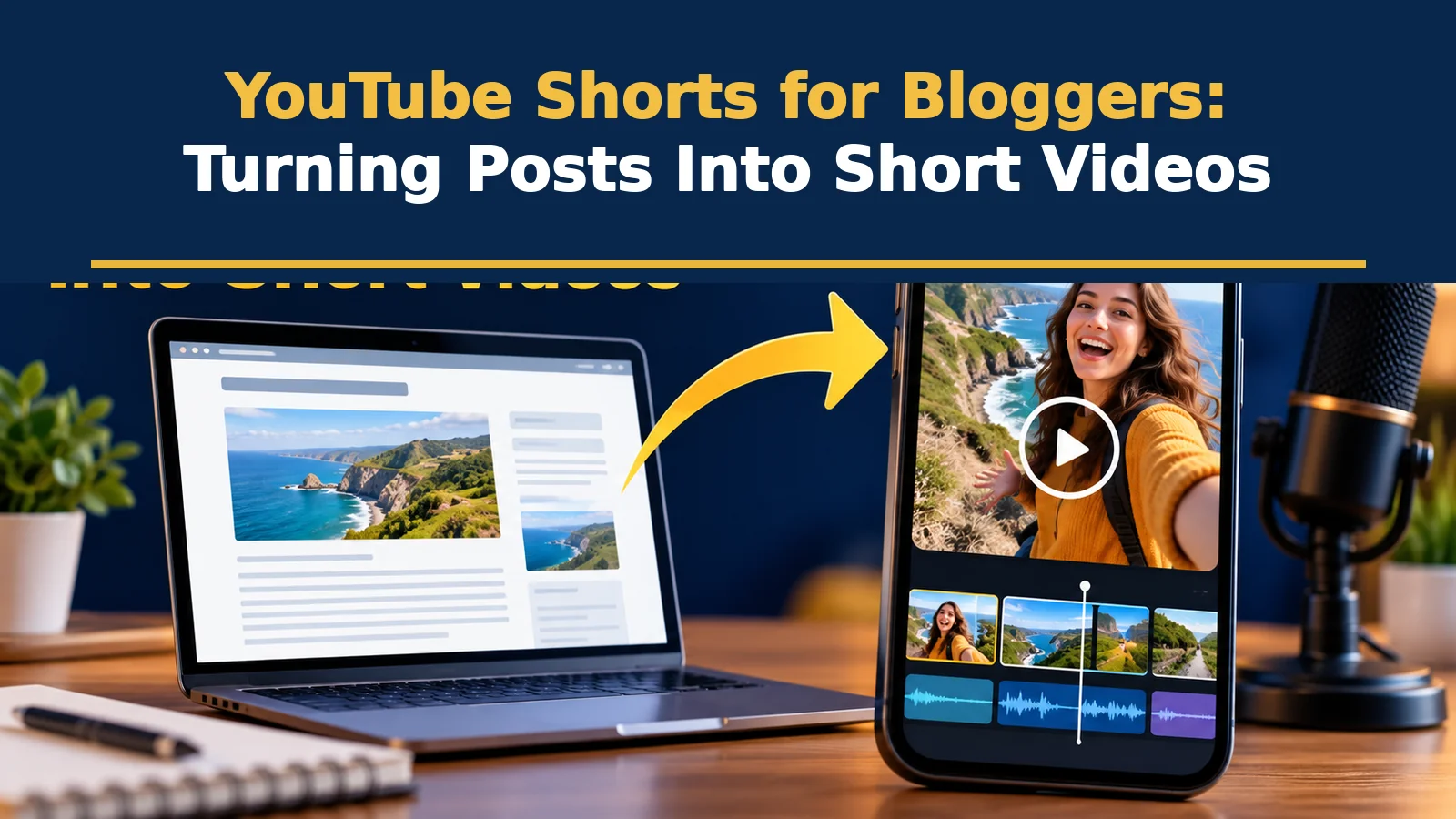
Since 15 October 2024, YouTube Shorts can run up to three minutes for square or taller videos, up from the earlier 60-second limit, according to 9to5Google’s report.
That change helps bloggers, because a tip or a process often needs more than a minute to explain properly. Shorts can introduce your blog to a new audience, reinforce what your posts teach and give you a second way to be found. They also need a different approach: a fast hook, tight scripting and visuals made for a phone. This guide shows how to turn one post into several Shorts without losing accuracy or your voice.
What Changed with Shorts Length
9to5Google reported that from 15 October 2024 the maximum length of a YouTube Short increased from 60 seconds to 3 minutes for videos that are square or taller. YouTube also expanded remix and template features and improved recommendations for longer Shorts. The practical lesson is that you can explain a complete step, example or mini-case in one video.
Longer is not automatically better. Many of the best Shorts remain under a minute because they make one point and stop. Use extra time only when the content needs it.
Choose Which Parts of a Post to Turn Into Shorts
| Blog element | Short video idea | Typical length |
|---|---|---|
| A single tip or step | “Do this before you publish” with a screen or demo | 20 to 45 seconds |
| A surprising statistic | Show the number, explain why it matters | 15 to 30 seconds |
| A common mistake | “Stop doing this” with the correct way | 30 to 60 seconds |
| A checklist | Quick run-through of 3 to 5 items on screen | 45 to 90 seconds |
| A comparison or table | Side-by-side visual with a verdict | 45 to 90 seconds |
| A short tutorial | Screen recording with voiceover | 1 to 3 minutes |
Start with evergreen posts that already perform well, and choose the sections that are easiest to show, not just to say.
A Simple Script Formula
- Hook (first 3 seconds): a clear promise or question, such as “Your blog images may be slowing your site.”
- Context (5 to 10 seconds): one line on why it matters.
- Payoff: the tip, steps or example, kept to one idea.
- Call to action: point to the full post, “Full checklist on the blog, link in the description.”
Production Basics
- Vertical format: 9:16 for phone viewing.
- Captions: add them for accessibility and silent viewing, and check spelling.
- Clear audio: a simple lavalier or phone mic in a quiet room is enough.
- Simple visuals: large text, one point per screen, no clutter.
- Batch recording: film several Shorts in one session to save time.
Connect Shorts Back to Your Blog
Shorts viewers are often passive, so make the next step easy. Put the blog URL in the description, pin a comment with the link, and add your site to the channel links. Use a clear title and a few relevant hashtags, and name the topic in the first line of the description. If you do sponsored or affiliate content, include a plain disclosure, as described in our affiliate disclosure guide.
Measure What Works
In YouTube Studio, review views, average view duration, how many viewers stayed to the end, and subscribers gained. In analytics, add UTM tags to links to see visits and sign-ups from YouTube. Repeat hooks and topics that hold attention, and retire formats that do not.