
Home
Categories
Free Tools
Write For UsAbout UsContact

Best AI Tools in 2026: Picks by Use Case

Best AI tools in 2026 by use case: which assistant to shortlist for writing, research, coding, creative work and office apps, based on what each plan lists.

November 13, 2026 Updated November 11, 2026 6 min read
Best AI Tools in 2026: Picks by Use Case

There is no single best AI tool in 2026, and we have not run hands-on tests, so this guide does not rank products by quality. What we can do is match each use case to the tools whose official plan pages list the features that job needs, and then tell you how to test them yourself.

The three large assistants all list research, file and coding features, but they differ in how they bundle them. Below is a use-case map based on the pricing pages for ChatGPT, Claude and Google AI, checked on 31 October 2026, plus links to our deeper guides. For the head-to-head, see ChatGPT vs Gemini vs Claude, and for the basics, what AI tools are.

The Use-Case Map

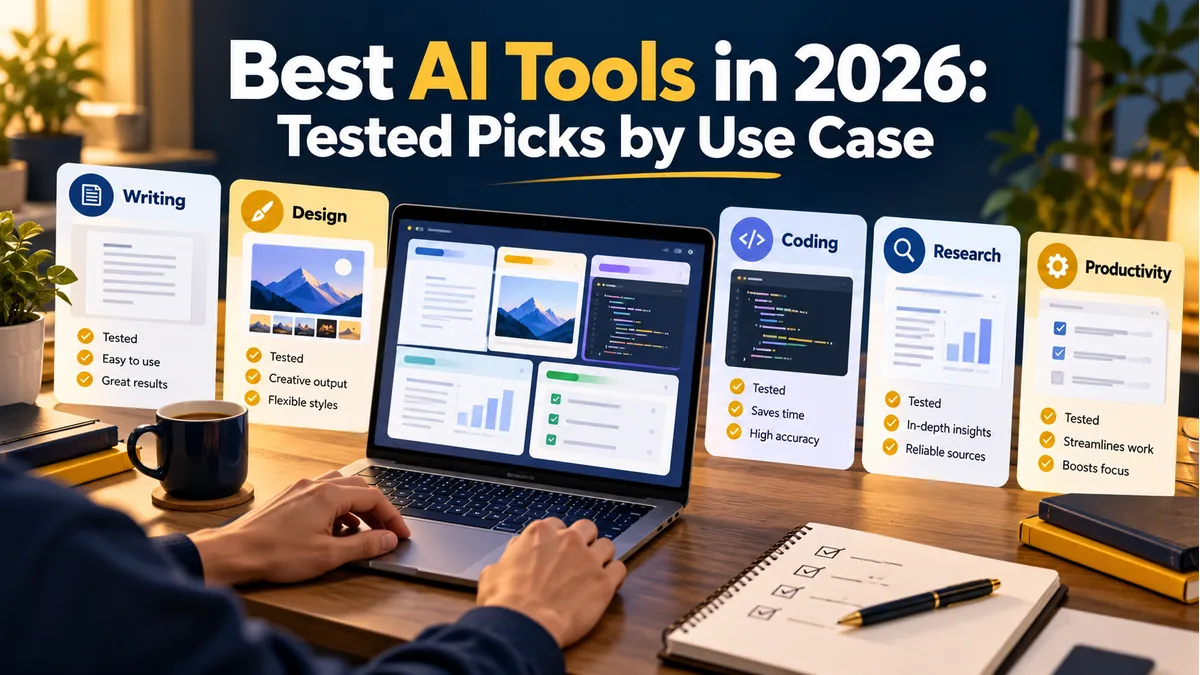
Use caseShortlist (per vendor pages)Why it makes the listOur deeper guide
General assistantChatGPT, Claude, GeminiAll three have free and paid plans with research and file featuresChatGPT vs Gemini vs Claude
Research and readingChatGPT (deep research), Gemini (Deep Research), Claude (Research)Each lists a research mode on paid plansHow to use AI for research
CodingChatGPT (Codex), Claude (Claude Code)Each lists a coding agent in its plansBest AI coding tools 2026
Office documentsClaude (Claude for Microsoft 365), Gemini (Google storage plans)Fit to the suite you already useChoose by workflow
Creative mediaGemini (Flow credits listed on Pro)Plan lists monthly media creditsAI image generators compared
Notes and meetingsSpecialist appsVendor-neutral; see our guideBest AI note-taking apps
Social and blog contentAssistant plus a writing toolDepends on your channelAI tools for blog writing

Entries come from the pricing pages of OpenAI, Anthropic and Google. A feature being listed does not tell us how good it is, how often it fails or how it compares in speed. Use the table to shortlist, then test.

Which Tool Fits Writing and Content Work?

Start with the assistant you already use for drafting, then add a specialist only if you hit a clear gap. Our detailed guides are best AI tools for blog writing, AI tools for content creators and AI tools for social media content. Keep a human edit in every workflow, and check facts every time.

Which Tool Fits Research Work?

Three vendors list research modes: ChatGPT’s page lists deep research, Google’s lists Deep Research and Claude’s lists Research on Pro. Run the same question through two of them, open the cited sources and compare. A fluent answer with weak sources is a warning sign. Our post on using AI for research without hallucinated facts gives a checking routine.

Which Tool Fits Coding?

OpenAI lists Codex across its plans, and Anthropic lists Claude Code on Pro and above. Beyond those two, our guide to the best AI coding tools covers other options. For any coding tool, review generated code before you run it and never paste secrets or private keys.

Which Tool Fits Office Work?

Choose by the suite you live in. Anthropic’s page lists Claude for Microsoft 365 on Pro, while Google’s plans bundle storage, with AI Pro listing 5 TB. Neither fact proves it is the better assistant for you. Test how each handles a real document from your own folder, with confidential parts removed.

Which Tool Fits Images and Creative Work?

Google’s AI Pro plan lists Flow credits of 1,000 a month and Flow Music credits of 10,000 a month, while image tools are covered in our guide to AI image generators compared on quality, licence and price and AI photo editing tools. Check the licence terms before using generated images commercially.

How Do You Test a Shortlist in One Afternoon?

StepAction
1Pick two tools per use case
2Write three real prompts: easy, typical, hard
3Run each prompt on both tools with the same wording
4Check facts and sources; time the fixes
5Read each plan’s data terms
6Pick one and set a review date in 30 days

For the full scoring method, read how to choose the right AI tool for your workflow, and for costs, AI tools pricing compared. For more names to try, browse our list of 50 AI tools.

Which Picks Need the Most Caution?

Pick areaMain caution (ours)
ResearchInvented citations; open every source
CodingUnreviewed code and leaked secrets
ImagesLicence terms for commercial use
MeetingsRecording consent and data storage
Work documentsConfidentiality and data terms

The cautions are our general guidance. For deeper reading on risks, see AI hallucinations explained and the AI tool safety checklist.


Related readChatGPT vs Gemini vs Claude: Which AI Assistant Fits You?Read →

Free tools for Artificial Intelligence

FAQs

What is the best AI tool in 2026?

We cannot name a single best tool, because we have not tested them head to head and the right choice depends on the job. ChatGPT, Claude and Gemini are the three large assistants with free and paid plans. Shortlist two for your use case and test them with your own prompts. Treat any shortlist as a starting point, since new releases can change the picture within weeks, and your own test is the final judge.

Which AI tool is best for writing?

It depends on your style and workflow. General assistants like ChatGPT, Claude and Gemini can all draft and edit text, and specialist writing tools exist too. Our blog writing guide covers options in detail. Whichever you choose, edit the result yourself and verify facts, quotes and numbers. Keep your work in files you can export, so you can move to another assistant without losing your drafts or notes.

Which AI tool is best for coding?

OpenAI lists Codex in its plans and Anthropic lists Claude Code on Pro and above, so both are worth testing. Our coding tools guide covers more options. We have not benchmarked them. Test on a small real task, review the code carefully and avoid pasting secrets. For client work or anything sensitive, choose a business plan, read its data terms and follow your organisation’s rules before you start.

Which AI tool is best for research?

ChatGPT, Gemini and Claude each list a research mode on paid plans. The best test is to ask the same question in two tools and open every cited source. Choose the one that gives accurate, checkable citations for your topic, and never rely on a summary alone. Whatever the tool produces, review it line by line, run tests, and keep a human responsible for the final decision.

Are free AI tools good enough?

For many everyday tasks, yes. Claude and ChatGPT both list Free plans with limits, and Google lists Plus and Pro as paid options. If limits block valuable work on most days, compare paid plans. Check data terms first, since free plans may use chats differently from business plans. Always read the licence and data terms, and keep a record of which tool produced which output, in case you need to explain it later.

How often should I re-check my AI tool choice?

Every quarter is a sensible habit, because models, plans and prices change often. Re-run your three-prompt test, check the pricing page and read any privacy updates. This schedule is our suggestion. If a vendor changes limits or terms sharply, re-test sooner. Put a calendar reminder in your phone, and when a vendor changes plans or terms, repeat the test before you renew or switch.

Shortlist by Job, Decide by Test

The best AI tool is the one that does your job reliably, safely and at a price you can keep paying. Feature lists get you to a shortlist, and your own test does the rest.

Pick one use case from the table, shortlist two tools and run your three prompts this week.

Sources: ChatGPT pricing page (checked 31 October 2026); Claude pricing page (checked 31 October 2026); Google AI plans page (checked 31 October 2026); Engadget: The Google AI Ultra plan now starts at 100 dollars a month (19 May 2026); Lumenova AI: summary of the Stanford AI Index Report 2026 (14 August 2026)

Was this guide helpful?
Jinal Mistry
Written by

Jinal Mistry

Jinal Mistry is the Founder of WritoryBuzz and an SEO & Digital Growth Specialist with 5+ years of experience in Technical SEO, AI SEO, International SEO, and organic growth strategy. She helps businesses improve search visibility through data-driven SEO, content optimization, search experience enhancement, and AI-focused search strategies.Having worked with clients across multiple industries and international markets, Jinal specializes in building sustainable organic growth through technical excellence, user-focused optimization, and future-ready digital marketing practices. Through WritoryBuzz, she shares insights on SEO, AI search, content strategy, digital marketing, and emerging search trends to help businesses and marketers stay ahead in the evolving digital landscape.

More from this author

More in Artificial Intelligence

View all in Artificial Intelligence →

Keep exploring

Have expertise to share? Write for WritoryBuzz.Read the guidelines and send us your pitch.
Become a contributor
Free tools

63 free tools for writers, SEOs and developers

Open one in your browser and start. Nothing to install, and your text stays on your device.

PrivateInstant resultsNo sign up
Write for us

Have expertise to share?

  • Original, well researched guides
  • Reviewed by our editors
  • 29 categories to publish in
Submit a guest post
© 2026 WritoryBuzz. All rights reserved.Back to top