Google’s own documentation is blunt about featured snippets: there is no markup you can add to ask for one, and the page is chosen automatically.
That does not make them random. Featured snippets pull a clear answer from a page that already ranks, and the pages that win tend to share a pattern: a direct question, a short and complete answer, and a layout that matches the answer type. Here is how to write for that pattern without gimmicks, and how to measure whether it works.
What a Featured Snippet Is (and Is Not)
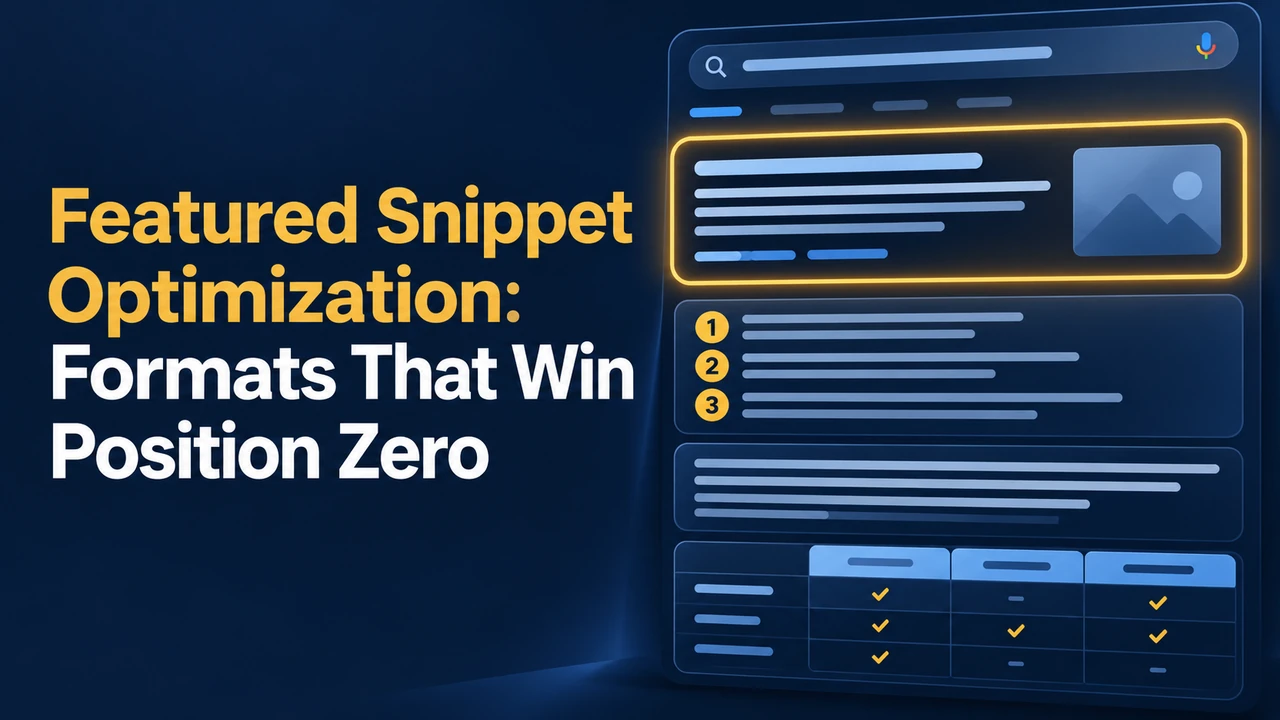
A featured snippet is a highlighted result at the top of the page that shows an extract from a web page along with its link. According to Google Search Central, the extract is chosen automatically, and a click takes the user to the part of the page that contains the text. The same content can also appear in People Also Ask boxes.
Position zero is a nickname, not an official feature. You cannot buy it, mark it up or ask Google to assign it. What you control is whether your page offers a clear, well-structured answer to the question.
The Three Formats That Win Most Often
| Query type | Best format | How to write it |
|---|---|---|
| What is / why / definition | Paragraph | A 40 to 60 word answer directly under a question heading, in plain language |
| How to / steps / ranking | Ordered or bulleted list | Short numbered steps under a “how to” heading, one action per line |
| Compare / price / specs | Table | A simple table with a clear header row and consistent units |
Paragraph Answers
Put the question (or a close variant) in a heading, then answer it in the first sentence or two. Add detail after the direct answer. A good test: if someone read only these 50 words, would they have the answer?
List Answers
For processes, use steps with one action each and descriptive subheadings. Avoid burying steps in long paragraphs. Where an order matters, number it; where it does not, use bullets.
Table Answers
Tables suit comparisons, schedules and specs. Keep column headers short and units consistent so the data can be read at a glance. This is also useful for readers who skim on a phone.
A Step-by-Step Optimization Routine
- Find candidates: in Search Console, look for question queries where you rank between positions 2 and 10. Pages already on page one are the likeliest to be considered.
- Study the current snippet: search the query and note the format, length and wording of whoever holds it.
- Write a better answer: more accurate, clearer and more complete than the current one, in the same format.
- Use a question heading: an H2 or H3 that mirrors how people ask, followed immediately by the answer.
- Add depth below: after the short answer, give examples, caveats and next steps so the page earns the click.
- Recheck in a few weeks: snippets change over time, so track the query and refine.
Do not stuff keywords or copy the existing snippet word for word. Accuracy and clarity matter more than formatting tricks, and a wrong answer is likely to be replaced.
Control and Measure Your Snippets
If you prefer not to appear as a snippet, Google supports the nosnippet robots meta tag, the data-nosnippet attribute for specific sections, and max-snippet to limit length. Use these carefully, because they also reduce what appears in normal results.
To measure impact, check the Performance report for the target queries, watch impressions, clicks and average position, and compare before and after your changes. A snippet can raise visibility but sometimes lowers clicks when the searcher gets the answer on the results page, so judge it by overall outcomes, not by the label alone.
Make the Rest of the Page Worth the Click
Offer something the snippet cannot: a calculator, a template, original data, a photo, or a deeper explanation. Readers who want more will click through, and the page will serve users better whether or not it earns a snippet.