
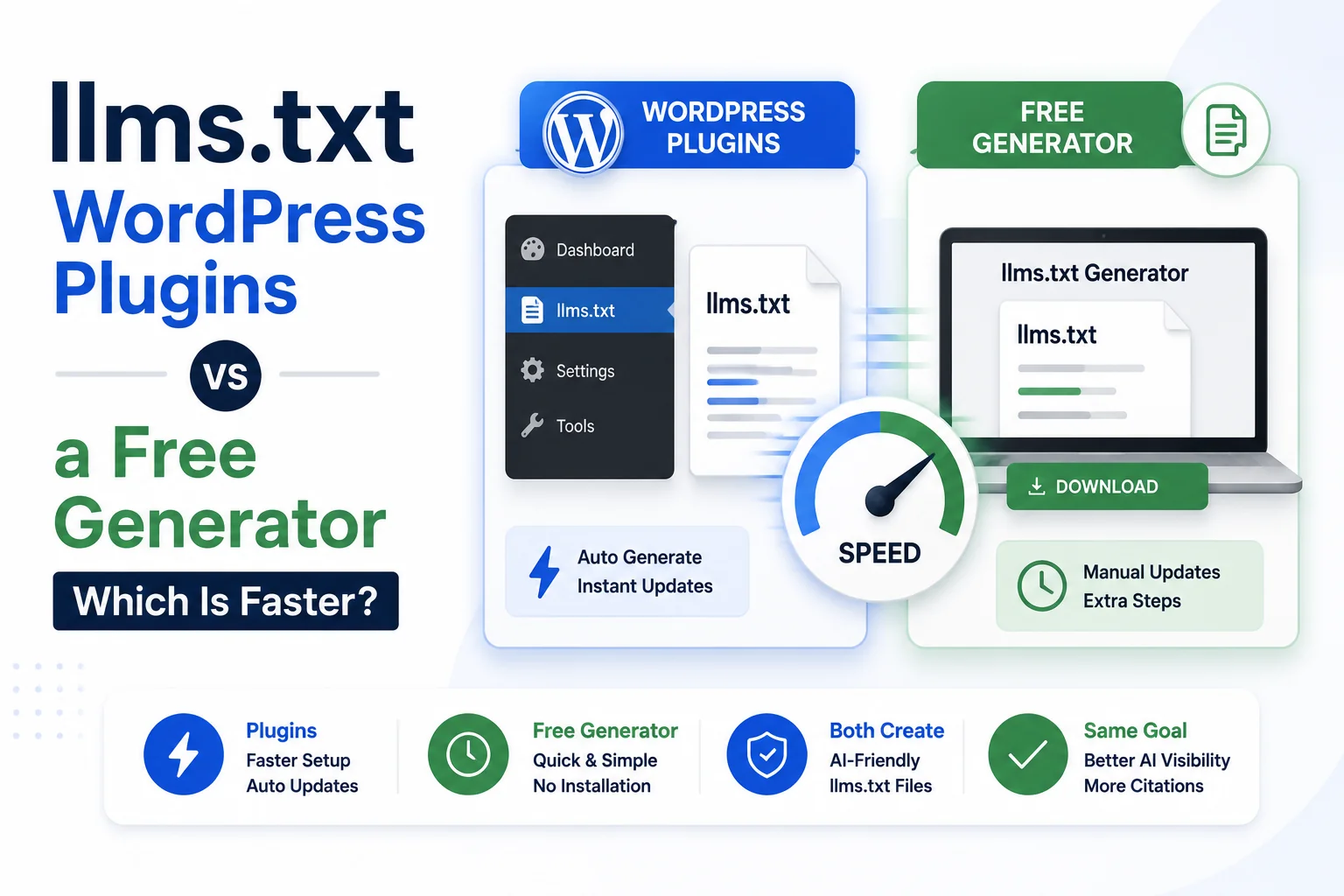
WordPress powers roughly 43 percent of the web according to W3Techs’ 2026 usage figures, and a small wave of llms.txt plugins reached the WordPress plugin directory through 2025 as the format gained attention. Site owners now face an actual choice, install a plugin that generates and serves the file automatically, or draft the file with a browser-based generator and upload it manually, rather than a hypothetical one.
Both approaches produce the same end result: a valid markdown file at the site root. The difference is in setup time, ongoing maintenance, and how much control the site owner keeps over exactly what the file says. This comparison weighs both paths directly rather than assuming the automated option is automatically better.
How WordPress Plugins Handle It
Plugin-based generation typically works by scanning a site’s existing post and page database, then auto-populating the llms.txt file with recently published or highly trafficked content, updating it on a schedule without further input from the site owner. The appeal is clear: install, activate, and the file exists without a manual drafting step.
The trade-off is control. Automated scanning tends to include whatever content is newest or most viewed, which is not the same as whatever content is most important for an AI model to read first. A plugin cannot know that a two-year-old pricing page still matters more than last week’s blog post unless a site owner manually overrides the automated selection.
How a Free Generator Tool Handles It
A browser-based tool such as WritoryBuzz’s free llms.txt generator works the opposite way: the site owner enters exactly which pages belong in the file, in exactly the order and grouping intended, and the tool handles only the markdown formatting. Nothing gets included without a deliberate decision to include it.
The cost of this control is a manual upload step afterward, since a browser tool has no access to a live WordPress installation’s file system. The generated markdown still needs to be placed at the site root through FTP, a hosting file manager, or a separate lightweight plugin built only to serve a manually provided file rather than to generate content automatically.
Setup Time Compared
| Factor | WordPress Plugin | Free Generator Tool |
| Initial setup | 5 to 10 minutes (install and configure) | 10 to 20 minutes (manual page list and upload) |
| Content control | Automated, editable after the fact | Fully manual from the start |
| Ongoing updates | Automatic on a schedule | Manual, as pages change |
| Works outside WordPress | No | Yes, any platform |
| Risk of stale or irrelevant entries | Higher without review | Low, since every entry was deliberate |
Which One Is Actually Faster
For a first-time setup on a WordPress site with no strong opinion about which pages matter most, a plugin is faster in the narrow sense of requiring less initial decision-making. The automated selection may not be ideal, but it produces a working file with minimal effort.
For a site owner who already knows which ten or fifteen pages matter, drafting the list directly in a browser-based generator is faster in practice, since it skips both the plugin installation step and the follow-up review pass that automated content usually needs before it accurately reflects priorities.
The Maintenance Question Nobody Asks Upfront
Plugins that update automatically on a schedule can silently drift toward including outdated or lower-priority content as a site’s newest and most-viewed pages change over time, without anyone noticing until the file is reviewed months later. A manually drafted file does not update itself, which sounds like a downside until it is framed correctly: it also cannot drift without a deliberate decision to change it.
Either approach benefits from a quarterly review regardless of method. The step-by-step upload process, including verification checks that apply to both plugin-generated and manually drafted files, is covered in How to Create and Upload an llms.txt File.
What Happens When a Plugin Is Deactivated or Removed
A file generated and served entirely through a plugin typically stops resolving the moment that plugin is deactivated, since the plugin was handling the routing that made the root URL work, not just the content generation. A manually uploaded static file has no such dependency and continues resolving indefinitely regardless of which plugins are active, since it sits on the server as a plain file rather than being generated on request.
This matters most for agencies managing client sites, where plugin churn during redesigns or platform migrations is common. A static file uploaded once survives changes that would silently break a plugin-dependent one, which is worth weighing against the convenience plugins offer during initial setup.
A Third Option: Plugin for Serving, Generator for Content
The strongest setup for many WordPress sites combines both: draft the actual content with a generator tool for full control over what gets included, then use a lightweight plugin only to serve that static file at the root URL without WordPress’s routing intercepting the request. This avoids the automated content-selection problem while still solving the FTP-access barrier that stops some site owners from uploading manually. For working examples of what the finished file should look like across different site types, see llms.txt Examples: 8 Real Files Broken Down Line by Line.
Choose Based on How Much the File’s Content Actually Matters
If an llms.txt file is being published mainly to have one in place rather than out of confidence it will drive meaningful AI citation, the faster automated path is a reasonable choice, since the downside of an imperfect file is low.
If the file is being treated as a genuine part of an AI visibility strategy, alongside the reasoning covered in What Is llms.txt? The New Standard for AI Crawler Visibility, manual control over content is worth the extra ten minutes.
Whichever path is chosen, pair it with a robots.txt generator check to confirm AI crawlers are not blocked from reaching the pages the file points to in the first place.
Frequently Asked Questions: llms.txt WordPress Plugins vs Generators
Are WordPress llms.txt plugins reliable?
Plugins released through 2025 generally produce valid, correctly formatted markdown files. The reliability question is less about technical correctness and more about whether automated content selection matches what a site owner actually wants prioritised.
Is a free llms.txt generator better than a plugin?
Neither is universally better. A generator tool gives full manual control over content at the cost of a separate upload step, while a plugin automates the process at the cost of less precise content selection. The right choice depends on how much the file’s exact content matters.
Can I use both a plugin and a generator tool together?
Yes, a common setup drafts content with a generator tool for full control, then uses a lightweight plugin only to serve that static file at the root URL, combining manual content accuracy with automated technical delivery.
Do llms.txt plugins slow down a WordPress site?
A well-built plugin serving a small static file adds negligible load, comparable to serving robots.txt or favicon.ico. Performance concerns with these plugins are rare compared to plugins that run on every page load.
How often does a WordPress llms.txt plugin update the file?
This varies by plugin, with some updating on every content publish and others running on a fixed schedule such as daily or weekly. Reviewing the plugin’s specific update frequency setting is worth doing before relying on it without oversight.
Which approach works for non-WordPress sites?
A browser-based generator tool works identically regardless of platform, since it only produces the markdown file, which then needs manual placement through whatever file access method the platform provides. WordPress-specific plugins do not apply outside WordPress.