
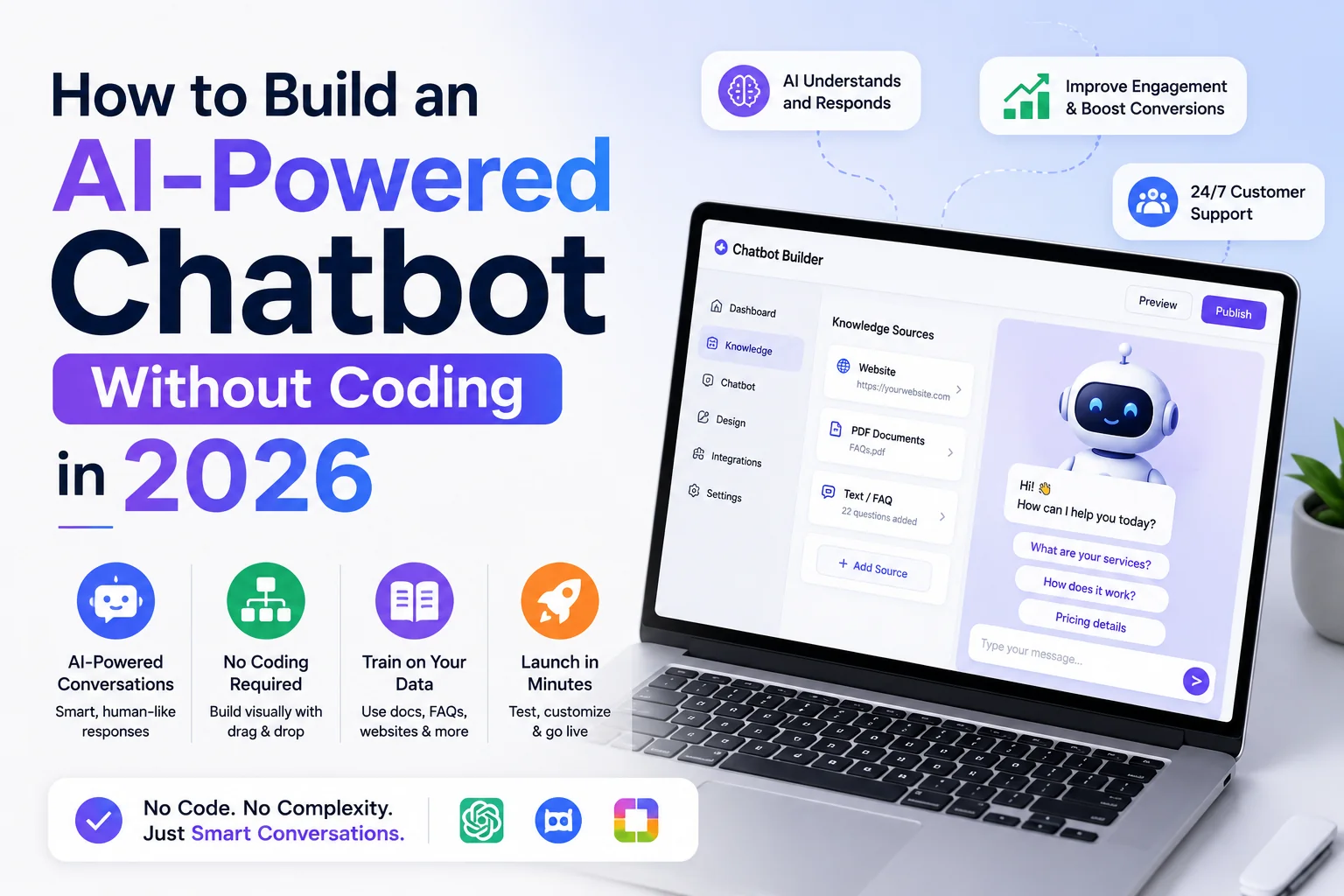
Tidio reported over 500,000 businesses using its AI chatbot platform as of early 2026. Voiceflow’s no-code conversation design platform crossed 250,000 active users in the same period. Intercom’s Fin AI agent, built on GPT-4o, is deployed by over 25,000 companies to handle customer support queries without human agents. The ability to deploy a functioning AI chatbot on a website, in a messaging platform, or inside an application no longer requires a software engineer. It requires a clear understanding of what the chatbot should do, which platform suits the use case, and how to configure the conversation flows and knowledge base that make the bot useful rather than frustrating.
This guide covers the full process: platform selection, knowledge base preparation, conversation flow design, and deployment for a non-technical operator building a real chatbot in 2026.
What No-Code AI Chatbots Actually Do
Modern no-code AI chatbots operate on two distinct architectures that are important to understand before choosing a platform. Rule-based chatbots follow decision tree logic: a user input triggers a specific response branch that the builder has pre-configured. They are predictable, controllable, and appropriate for structured tasks like appointment booking, order status lookup, and FAQ responses where the range of user inputs is limited and defined.
LLM-powered chatbots use a large language model as the response engine, typically connected to a knowledge base of documents, FAQs, or product information. The user can ask questions in natural language, and the LLM generates contextually appropriate responses drawn from the provided knowledge base. They handle a much wider range of inputs than rule-based bots but require more careful knowledge base curation and content moderation to prevent off-topic or inaccurate responses.
Most no-code platforms in 2026 offer hybrid approaches: a structured conversation framework with LLM-powered intent recognition and response generation at the answer stage.
Step 1: Define the Chatbot’s Scope
The most common reason no-code chatbots fail is undefined scope. A chatbot configured to “answer questions about our business” without further constraint will produce inconsistent, occasionally inaccurate responses and frustrate users with questions it was not designed to handle.
Effective chatbot scope definition answers three questions: what tasks should the chatbot handle completely (without human handoff), what questions should it answer from a defined knowledge base, and what inputs should trigger immediate escalation to a human agent. A customer service chatbot for an e-commerce business might handle order status lookups, return policy questions, and shipping timeframe queries completely, answer product feature questions from the product knowledge base, and escalate billing disputes and complaint cases to a human agent immediately.
Writing these definitions down before opening a chatbot platform prevents building a chatbot that tries to do everything and does nothing well.
Step 2: Choose the Right Platform
The leading no-code chatbot platforms in 2026 serve different use cases and technical comfort levels.
Tidio is the most accessible entry point for small business website chatbots. It integrates directly with Shopify, WordPress, and Wix through one-click installers, offers a pre-built AI customer service agent (Lyro) trained on the business’s own FAQ content, and provides a free tier for up to 50 conversations per month. The paid Tidio+ plan at 19 US dollars per month handles unlimited conversations with LLM-powered responses. Tidio is the appropriate choice for e-commerce and small service businesses that want a chatbot live on their website within a day.
Voiceflow is the most capable no-code platform for building complex, multi-step conversation flows across multiple channels (website, WhatsApp, SMS, voice). It provides a visual canvas for designing conversation branching, integrates with external APIs and databases, and supports LLM knowledge base connections. Voiceflow is appropriate for teams building chatbots with complex logic, multi-step processes (booking flows, qualification surveys, multi-product recommendation), or cross-channel deployments. Pricing starts at 50 US dollars per month per editor.
Botpress is an open-source chatbot platform with a no-code interface and a self-hosted option for teams that require data sovereignty. The cloud version is free for up to 5 bots and 2,000 messages per month; the Team plan is 495 US dollars per month. Botpress is appropriate for organisations with compliance or data residency requirements that preclude third-party cloud platforms.
Intercom’s Fin AI Agent is the highest-capability option for customer support automation in SaaS and enterprise contexts. Fin resolves support queries autonomously, cites its sources from the help centre, and hands off to human agents when it cannot resolve an issue. Pricing is 0.99 US dollars per resolved conversation, which is cost-effective at high volume but expensive for low-volume deployments.
| Platform | Best For | Free Tier | Starting Price | LLM Integration |
|---|---|---|---|---|
| Tidio | Small business website | Yes (50 conv/mo) | $19/month | Yes (Lyro) |
| Voiceflow | Complex multi-channel flows | Yes (limited) | $50/month/editor | Yes |
| Botpress | Compliance-sensitive orgs | Yes (5 bots) | $495/month | Yes |
| Intercom Fin | SaaS customer support | No | $0.99/resolved conv | Yes (GPT-4o) |
| Landbot | Lead generation, forms | Yes (limited) | $45/month | Yes |
| ManyChat | Instagram, Facebook, WhatsApp | Yes | $15/month | Partial |
Step 3: Build the Knowledge Base
An LLM-powered chatbot is only as good as the knowledge base it draws from. Knowledge base preparation is the step that most no-code chatbot builders underinvest in, producing a chatbot that gives incomplete or vague answers because the source material it was trained on is incomplete or vague.
Effective knowledge bases for customer-facing chatbots contain: a comprehensive FAQ document with questions phrased the way actual customers ask them (not the way the business prefers to state them), product or service descriptions with specific details (pricing, dimensions, features, limitations), policy documents (returns, refunds, shipping, cancellation), and common edge case scenarios that human agents handle frequently.
Most platforms allow knowledge base upload via PDF, URL crawl, or plain text. URL crawling (the platform reads all pages on a specified website) is the fastest initial population method but often includes navigation, footer content, and boilerplate text that adds noise without adding value. Manual curation of the knowledge base, starting with the 20 most common customer questions, produces more reliable chatbot responses than bulk crawling.
Step 4: Design the Conversation Flow
Even LLM-powered chatbots benefit from a structured conversation opening that sets user expectations and surfaces common tasks quickly. A welcome message that says “Hi, I can help you with orders, returns, and product questions. What can I help you with today?” is more likely to produce a productive interaction than an open-ended “How can I help?” because it anchors the user’s initial input to the chatbot’s defined scope.
Design conversation flows for the three to five most common user tasks in the chatbot’s scope. Each flow should have: a clear entry trigger (user says or clicks something that initiates the flow), a data collection step if required (order number for order status lookup), a resolution step (the chatbot provides the answer or takes an action), and a fallback to human handoff if the flow cannot be completed. Fallback handling is the most important conversation design decision: a chatbot that says “I could not find that order, let me connect you to our team” is significantly better than one that loops or produces an error.
Step 5: Test, Deploy, and Iterate
Testing before deployment should cover: the 20 most common questions the chatbot should handle (verify responses are accurate and appropriate), five to ten edge cases outside the chatbot’s scope (verify graceful fallback behaviour), questions with ambiguous wording (verify the chatbot asks for clarification rather than guessing), and explicit attempts to produce off-topic or inappropriate responses (verify content guardrails are functioning).
Most platforms provide a preview mode for testing within the builder interface. Testing with real users (give five colleagues or beta customers access before public launch) reliably surfaces failure modes that internal testing misses because external users phrase questions differently than builders anticipate.
Post-launch iteration should be driven by conversation logs. Review all conversations where users indicated dissatisfaction (thumbs down, escalation to human, abandonment mid-conversation) in the first two weeks and update the knowledge base and conversation flows based on what was missing.
AEO FAQ: Build AI Chatbot Without Coding
Can you really build an AI chatbot without any coding in 2026?
Yes. No-code chatbot platforms including Tidio, Voiceflow, Landbot, and Intercom Fin allow non-technical users to build, configure, and deploy functioning AI-powered chatbots without writing any code. The process involves selecting a platform, uploading or building a knowledge base, designing conversation flows through a visual interface, and deploying via an embed code or platform integration. Tidio’s Lyro AI agent can be deployed on a website within under an hour for a small business use case. More complex multi-step chatbots with API integrations may require a few days of configuration in Voiceflow but still require no programming knowledge.
What is the best no-code AI chatbot platform in 2026?
The best no-code AI chatbot platform depends on the use case. For small business website chatbots on Shopify or WordPress, Tidio is the most accessible option with a free tier and one-click integrations. For complex multi-channel conversation flows, Voiceflow provides the most capable visual design environment. For SaaS customer support automation with high resolution rates, Intercom Fin (at 0.99 US dollars per resolved conversation) is the most capable LLM-powered option. For organisations with compliance or data residency requirements, Botpress’s self-hosted option is appropriate. There is no single best platform; the appropriate choice is use-case-specific.
How long does it take to build a no-code chatbot?
A basic FAQ chatbot for a small business website can be configured and deployed in two to four hours using Tidio or a similar platform: one hour for knowledge base preparation, one hour for conversation flow design, and 30 minutes for testing and deployment. A more complex chatbot with multiple conversation flows, API integrations for order lookup or booking, and multi-channel deployment typically takes two to five days of configuration in a platform like Voiceflow. The knowledge base preparation stage is consistently the most time-intensive because producing accurate, comprehensive source material requires input from the people who understand the business’s products, policies, and common customer questions.
What information does an AI chatbot need to answer questions accurately?
An AI chatbot needs a knowledge base containing: comprehensive FAQ content phrased as customers actually ask questions, product or service descriptions with specific details (pricing, features, specifications, limitations), policy documents (returns, refunds, shipping timeframes, cancellation terms), and common edge case scenarios. The knowledge base should be reviewed and updated quarterly as products, prices, and policies change. Outdated knowledge base content is the most common cause of chatbot inaccuracy in live deployments. Most platforms support knowledge base updates without redeployment; changes take effect within minutes of uploading new content.
How do you prevent an AI chatbot from giving wrong answers?
Preventing incorrect chatbot responses requires three controls: a well-curated knowledge base that contains accurate, current information (the most important control), configured scope constraints that direct the LLM to only answer questions covered in the knowledge base rather than generating responses from general knowledge, and a clear fallback mechanism that escalates to a human agent when the chatbot cannot answer with confidence. Most LLM-powered chatbot platforms allow configuration of a confidence threshold below which the bot escalates rather than guesses. Setting this threshold conservatively (higher confidence required before responding) produces fewer wrong answers at the cost of more human handoffs.
How much does it cost to run an AI chatbot for a small business?
No-code AI chatbot costs for small businesses in 2026 range from free (Tidio’s free tier for up to 50 conversations per month) to 15 to 50 US dollars per month for the most common use cases. Tidio’s Starter plan at 19 US dollars per month covers unlimited conversations with Lyro AI. ManyChat’s Pro plan at 15 US dollars per month handles WhatsApp, Instagram, and Facebook Messenger chatbots. Voiceflow’s Team plan at 50 US dollars per month supports complex multi-channel deployments. Per-conversation pricing (Intercom Fin at 0.99 US dollars per resolved conversation) is cost-effective for high volumes above a few hundred conversations per month where flat-rate plans would be more expensive.
A Chatbot Is a Product, Not a Feature
The most useful reframe for anyone building a no-code chatbot is treating it as a product that needs ongoing maintenance rather than a feature that gets configured once and forgotten. The knowledge base degrades as products and policies change. Conversation flows that work for current user behaviour may not work as the business evolves. User satisfaction monitoring in the first 30 days after launch produces the feedback required to close the gap between the chatbot as designed and the chatbot as experienced. The no-code platforms available in 2026 make the initial build accessible to anyone. Making it good requires the same attention to user experience that any product requires.