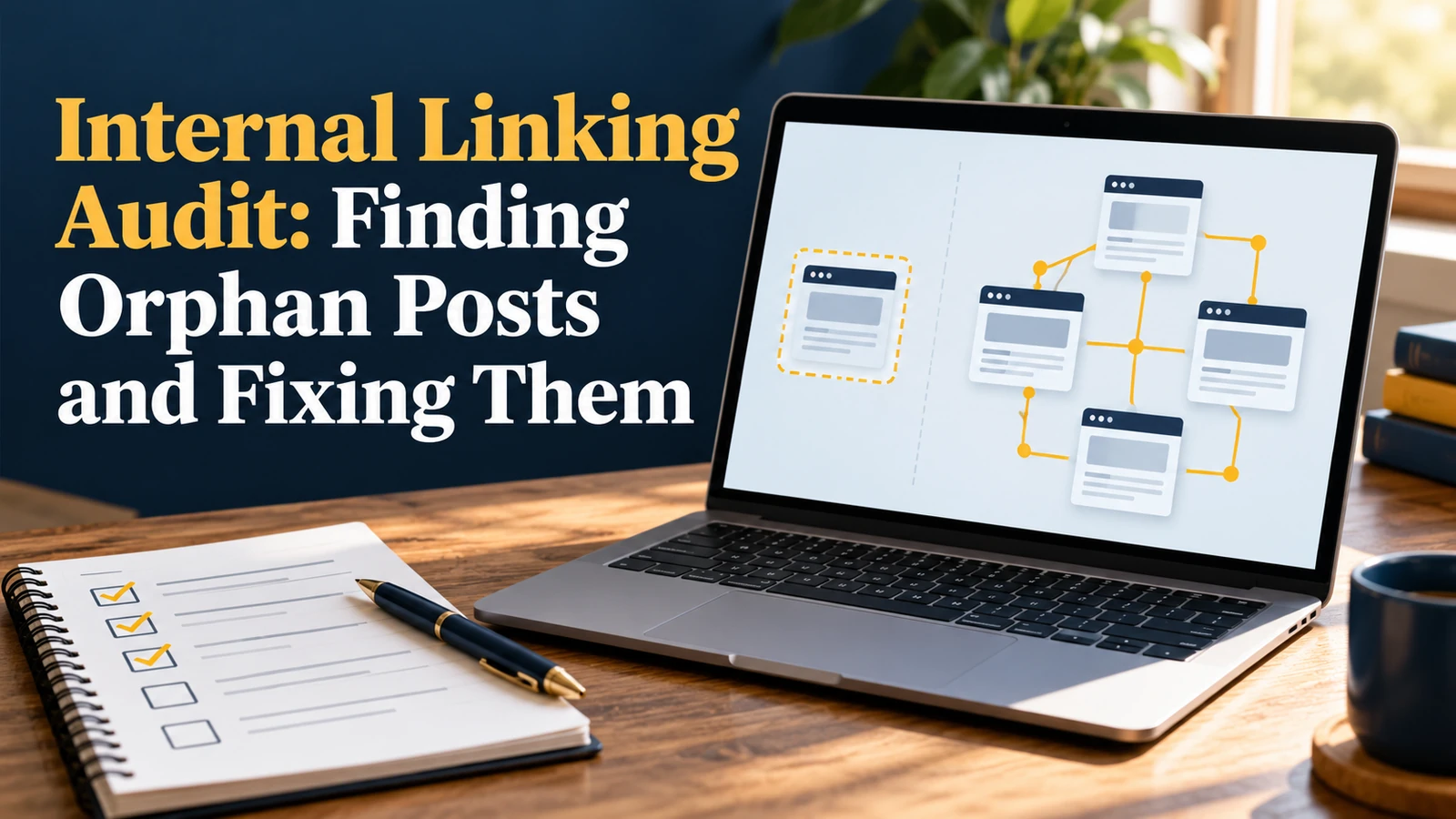
Google says it uses links as a signal when determining the relevancy of pages and to find new pages to crawl. A post with no internal links pointing to it is hard to find and easy to ignore, which is why orphan pages are the first thing to check in a content audit.
An orphan page is a page that no other page on your site links to. It may be in your sitemap and may even rank for a while, but visitors and crawlers have no path to it from the rest of the site. This guide gives you a repeatable audit: how to list every page, find the ones with no internal links, and fix them without turning your site into a link farm.
What Counts as an Orphan Page
A page is an orphan when the crawl finds it through the sitemap, analytics or an external link, but no internal page links to it. Google’s link guidance explains that Google finds pages by following links, and that crawlable links use an <a> element with an href attribute. Links created only with JavaScript click handlers, or placed inside images with no real link, may not be followed.
| Page state | In sitemap? | Internal links in? | Result |
|---|---|---|---|
| Healthy page | Yes | Several | Easily crawled and understood |
| Orphan page | Yes | None | Hard to discover, weak signals |
| Weakly linked page | Yes | One or two | Needs more contextual links |
| Accidental orphan | No | None | May not be indexed at all |
Step-by-Step Internal Linking Audit
- Export your full URL list: from the sitemap, your CMS and Search Console performance data.
- Crawl the site: use a crawler such as Screaming Frog or Sitebulb starting from the homepage, and export internal links with inlink counts.
- Compare the lists: any URL that appears in the sitemap or analytics but has zero inlinks in the crawl is an orphan.
- Check Search Console: the Links report shows the pages with the most and fewest internal links.
- Classify each orphan: keep and link, update, merge, redirect or remove.
- Add links and recrawl to confirm the fix.
Audit Sheet Columns
| Column | Purpose |
|---|---|
| URL and title | Identify the page |
| Inlinks (count) | Find orphans (0) and weak pages (1 or 2) |
| Clicks and impressions (last 3 months) | Judge the page’s value |
| Topic cluster or pillar | Decide which hub should link to it |
| Suggested linking pages | Three relevant posts where a link makes sense |
| Action and status | Link, update, merge, redirect, remove; done or not |
How to Fix Orphan Posts
| Fix | When to use it | How |
|---|---|---|
| Add contextual links | The post is useful and on-topic | Link from 3 to 5 related posts where the topic naturally comes up |
| Link from a hub or pillar | The post belongs to a cluster | Add it to the pillar page’s list of resources |
| Add to navigation or category page | It is a key page | Include it in a menu, category or footer link |
| Merge and redirect | It duplicates another post | Combine the best content and redirect the old URL |
| Update, then link | The post is outdated but still relevant | Refresh the content before adding links |
| Remove or noindex | It has no value | Remove it, or block indexing if users still need it |
Anchor Text That Works
Google’s link best practices ask for anchor text that is descriptive, concise and relevant, which helps people and Google understand the linked page. Compare “read more” with “how to rank in ChatGPT and AI Overviews”. Vary the wording naturally, and avoid using the exact same keyword phrase in every link.
For example, a post about AI search could link to our guides on how to rank in ChatGPT and AI Overviews and AI Overviews optimization, each with descriptive anchor text.
Keep the Structure Healthy
Build a simple rule into your publishing checklist: every new post links to at least three older posts and receives at least three links from older posts within a week. Review your inlink counts quarterly. Use only live URLs and fix broken links as part of each audit, since a link to a deleted page wastes the visitor’s time and the crawler’s.
Worked Example: A 120-Post Blog (Hypothetical)
Imagine a blog with 120 published posts. The crawl finds 14 URLs in the sitemap with zero inlinks and 22 with only one. The audit sheet might look like this.
| Orphan post | Value check | Action | Linked from |
|---|---|---|---|
| Old festival recipe | Some traffic, outdated | Update, then link | Recipe hub and two festival guides |
| Two similar tool reviews | Overlap, low traffic | Merge, redirect one | Tool roundup page |
| Evergreen how-to | Good content, no links | Link only | Three related how-tos and the category page |
| Event page from 2022 | No value now | Remove | Nothing; delete from the sitemap |
The numbers are invented to show the process. Your own crawl will show which pages need attention, and the same four-column sheet works for any size of site.