
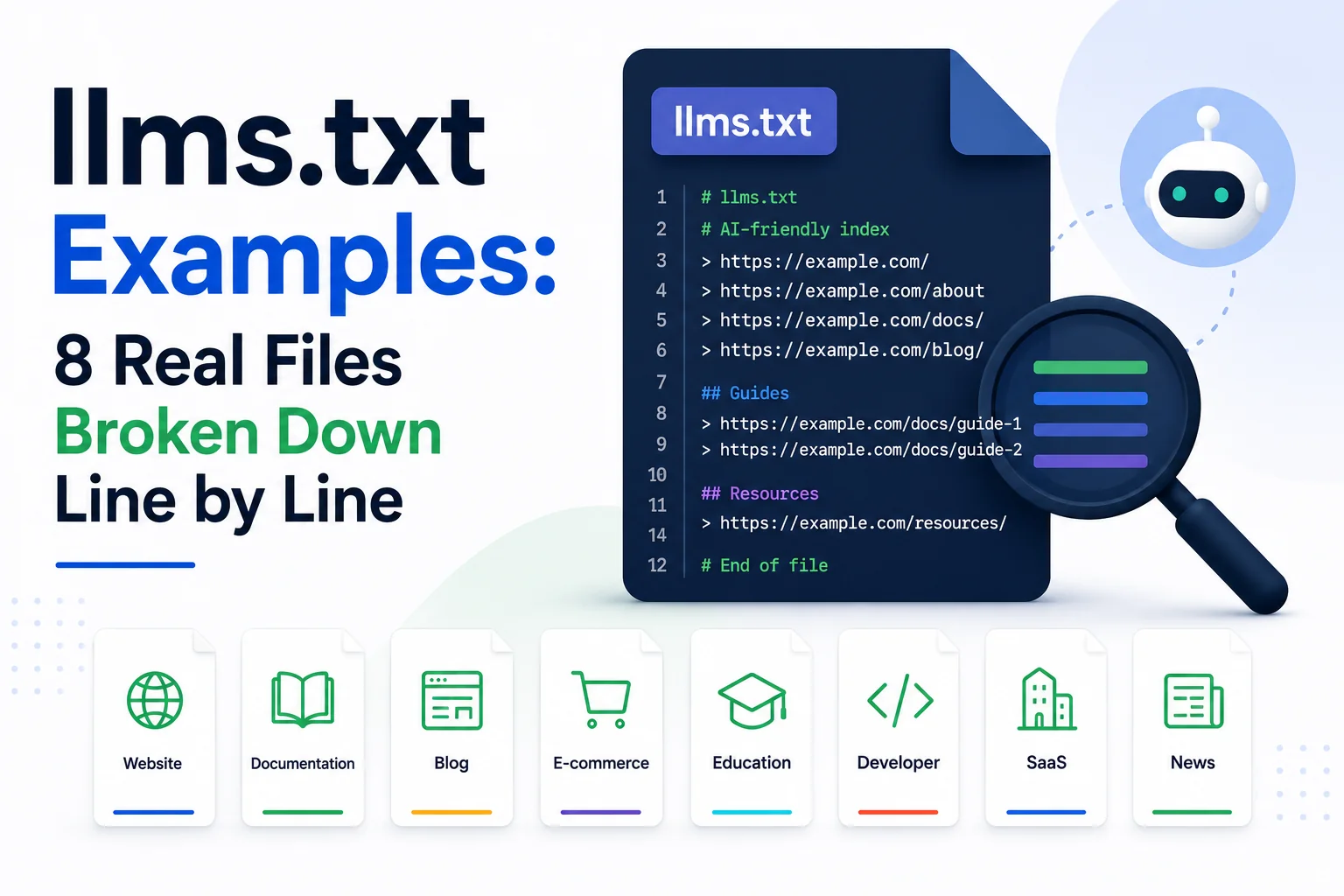
Reading a specification is one thing. Reading eight working files, each structured differently for a different type of business, makes the format concrete in a way the raw proposal does not. This roundup breaks down real llms.txt structures across documentation platforms, SaaS products, developer tools, and content publishers, with the reasoning behind each formatting choice explained line by line.
The goal is not to copy any single example wholesale. It is to see the range of valid approaches, from a five-line file covering only core docs to a forty-line file organised into six categories, so the right level of detail for a given site becomes obvious by comparison rather than guesswork.
Example 1: The Minimal Documentation File
The simplest valid llms.txt files run five to ten lines: an H1 with the product name, a one-line blockquote summary, and a single H2 section listing three to five core documentation pages. This pattern suits early-stage products with a small, stable set of pages where a more elaborate category structure would add complexity without adding clarity.
The description attached to each link matters more than the link count in this pattern. A minimal file with precise, specific descriptions communicates more to a model than a longer file with generic one-word labels on every entry.
Example 2: The Multi-Category SaaS File
Mid-size SaaS products typically organise their file into three to five H2 categories: Documentation, API Reference, Pricing, and sometimes a Changelog or Blog section. This structure mirrors how the product’s own navigation is organised, which makes sense, since both are solving the same underlying problem of grouping content by intent.
The Optional section convention appears most often in this pattern. Placing lower-priority content, such as marketing pages or older blog posts, under an explicit Optional heading signals to a model operating under time or token constraints which sections it can skip without missing anything load-bearing.
Example 3: The Developer Tool File with Code Samples
Developer-facing products sometimes extend the standard format with an llms-full.txt companion file that inlines full page content rather than just links, since code samples and API responses lose important context when reduced to a one-line description. WritoryBuzz’s free llms.txt generator supports drafting the standard link-based file first, which remains the right starting point even for developer tools before considering a full-text variant.
Example 4: The Content Publisher File
Publishers and content-heavy sites structure their file around content type rather than product feature: Guides, Tools, Recent Coverage, and About. This pattern favours breadth over depth, often linking to category or hub pages rather than individual articles, since publishers add and retire individual URLs too frequently for a hand-maintained file to track article by article.
Example 5: The E-commerce File
E-commerce sites present the hardest case for llms.txt, since product catalogues change constantly and individual product pages rarely warrant inclusion in a curated file. The working pattern here links to category pages, shipping and returns policy pages, and brand or About content, deliberately excluding the product catalogue itself as too volatile to maintain by hand.
Example 6: The Agency or Services File
Service businesses without a large content library tend to produce the shortest valid files: a summary line, a Services section listing each core offering, and a Contact or About link. The brevity is appropriate here rather than a shortcoming, since a longer file would not reflect a genuinely larger set of important pages.
Example 7: The File with Structured Data Cross-References
A small number of more advanced files note in their descriptions which linked pages carry schema markup, treating llms.txt and structured data as complementary rather than separate efforts. Pairing a schema markup generator with the llms.txt drafting process ensures the pages being pointed to are also machine-readable in the format search engines and AI systems both already parse.
Example 8: The Multilingual File
Sites publishing in multiple languages face a choice the specification does not resolve directly: one file covering all languages with labelled sections, or separate files per language subdomain. The more common working pattern uses a single file at the primary domain root, with each entry’s description noting the language explicitly where a page is not in the site’s default language.
Testing Whether a File Actually Works
A file that validates as correct markdown is not automatically a file that helps. The practical test is whether a person unfamiliar with the site could read the file top to bottom and correctly describe what the business does and where to find its three most important resources within thirty seconds. If that test fails, the issue is almost always vague descriptions rather than incorrect syntax.
Running the same test on a competitor’s published file, where one exists, is a fast way to calibrate the right level of detail before finalising a first draft. Overly terse files read as unfinished, while overly detailed files start to resemble a sitemap rather than a curated index, defeating the format’s purpose either way.
What These Eight Files Have in Common
Despite covering different industries, every well-formed example shares three traits: a summary blockquote under twenty words, descriptions that state what a page covers rather than just what it is called, and no more than six top-level categories. Files that ignore these patterns tend to be harder for a model to parse quickly, which defeats the format’s purpose. A fuller audit of what causes files to fail is covered in 7 llms.txt Mistakes That Stop ChatGPT and Claude From Citing You.
For the background on why the format exists and how it differs from robots.txt and sitemap.xml, start with What Is llms.txt? The New Standard for AI Crawler Visibility.
Build Yours From a Pattern, Not From Scratch
None of these eight patterns is objectively correct. The right structure depends on how many pages genuinely matter and how often they change, which is a business question before it is a formatting question.
Once the right pattern is clear, the fastest path to a working file is the step-by-step process in How to Create and Upload an llms.txt File.
Pair the finished file with WritoryBuzz’s broader AEO checker to confirm it sits alongside the other signals AI systems weigh when deciding what to cite.
Frequently Asked Questions: llms.txt Examples
What does a basic llms.txt file look like?
A basic file has an H1 with the site name, a one-line blockquote summary, and one H2 section listing three to five core pages as markdown links with short descriptions. This minimal structure suits smaller sites with a stable, limited set of key pages.
How many pages should an llms.txt file include?
Most working examples include between five and forty links, organised into two to six categories. The right number depends on how many pages a visitor genuinely needs to understand the business, not on matching the site’s full page count.
What is the difference between llms.txt and llms-full.txt?
llms.txt lists links with short descriptions for a model to selectively fetch. llms-full.txt inlines complete page content directly in the file, intended for models or retrieval systems that cannot follow outbound links during a single pass.
Should e-commerce sites list every product in llms.txt?
No. Product catalogues change too frequently to maintain by hand in a curated file. Working examples instead link to stable category pages, policy pages, and brand content rather than individual product listings.
Can one llms.txt file cover a multilingual website?
Yes, most multilingual sites use a single file at the primary domain root, noting the language explicitly in the description of any entry that is not in the site’s default language, rather than maintaining separate files per language.
Where can I see real llms.txt files from live websites?
Directory sites such as llmstxt.site catalogue links to live files from adopting domains, and the eight patterns in this guide summarise the structural choices most commonly seen across documentation, SaaS, developer tool, and publisher sites as of 2026.