
Publishing an llms.txt file is not the same as publishing one that works. Since Jeremy Howard and the Answer.ai team introduced the format in September 2024, a recognisable set of mistakes has shown up repeatedly across early adopters, most of them formatting or content decisions rather than technical failures. None of these mistakes will break a site’s search rankings, since llms.txt has no confirmed role in traditional SEO, but each one quietly reduces how useful the file actually is to a language model reading it.
This list covers the seven most common problems, in rough order of how often they appear, along with the fix for each.
Mistake 1: Copying the Sitemap Instead of Curating
The single most common mistake is treating llms.txt as a shorter sitemap.xml rather than a genuinely curated list. Files that include forty or fifty links with generic one-word descriptions read like an afterthought export rather than a deliberate index, and defeat the format’s core purpose, which is helping a model quickly identify what actually matters.
The fix is ruthless editing: cut the list to the pages that would appear in a thirty-second explanation of the business, not every page that technically exists. A free llms.txt generator that requires manually entering each page, rather than auto-importing a full URL list, forces this discipline by making a long list tedious to build.
Mistake 2: Vague or Missing Descriptions
A link with no description, or a description that just restates the page title, gives a model nothing to work with when deciding whether a page is relevant to a given question. Getting Started paired with the description Getting Started page tells a model exactly as much as no description at all.
A working description states what a visitor would learn or accomplish on that page in under fifteen words: what the page covers, what problem it solves, or what decision it helps make. This single change improves file usefulness more than any structural fix on this list.
Mistake 3: Wrong Location or Broken Resolution
A file that exists somewhere on a server but does not resolve at the exact bare root URL, such as yourdomain.com/llms.txt with no redirect chain in front of it, functions as though it does not exist at all for any crawler checking that specific address. This happens most often on platforms where routing rules intercept unrecognised root-level requests and serve a 404 or the homepage instead.
Verification catches this immediately: request the exact root URL directly in a browser and confirm raw markdown returns, not a redirect or an HTML page. The upload and verification process for common platforms is covered step by step in How to Create and Upload an llms.txt File.
Mistake 4: Assuming It Overrides robots.txt
Listing a page in llms.txt does not grant any crawler permission it does not already have under robots.txt. A page explicitly disallowed for a given crawler in robots.txt stays inaccessible to that crawler regardless of whether it also appears in llms.txt, since the two files answer entirely different questions: one is about permission, the other about priority among already-permitted content.
Mistake 5: Letting the File Go Stale
A file drafted once at launch and never revisited starts pointing to renamed, merged, or retired pages within months for any actively maintained site. A stale file that recommends a broken link does measurable harm rather than simply providing no benefit, since it actively wastes whatever attention a model gives the file.
Treating the file as a living document tied to the same content review cycle as a sitemap, rather than a one-time setup task, is the only durable fix. A quarterly check against the current site structure is a reasonable minimum cadence for most sites.
Mistake 6: Overusing the Optional Section
The Optional heading convention exists to flag genuinely lower-priority content a model can skip under time constraints. Files that place half their content under Optional, rather than reserving it for content that truly is secondary, undermine the signal, since a section that large stops functioning as a meaningful distinction from the main list.
Mistake 7: Publishing It in Isolation
An llms.txt file evaluated on its own tells only part of the story of whether a page is genuinely citation-ready. Schema markup, FAQ structure, and crawler permissions all factor into whether an AI system treats a page as trustworthy and quotable. WritoryBuzz’s AEO checker scores these signals together rather than in isolation, which surfaces gaps a well-formed llms.txt file alone will not fix.
What a Corrected File Looks Like Once These Are Fixed
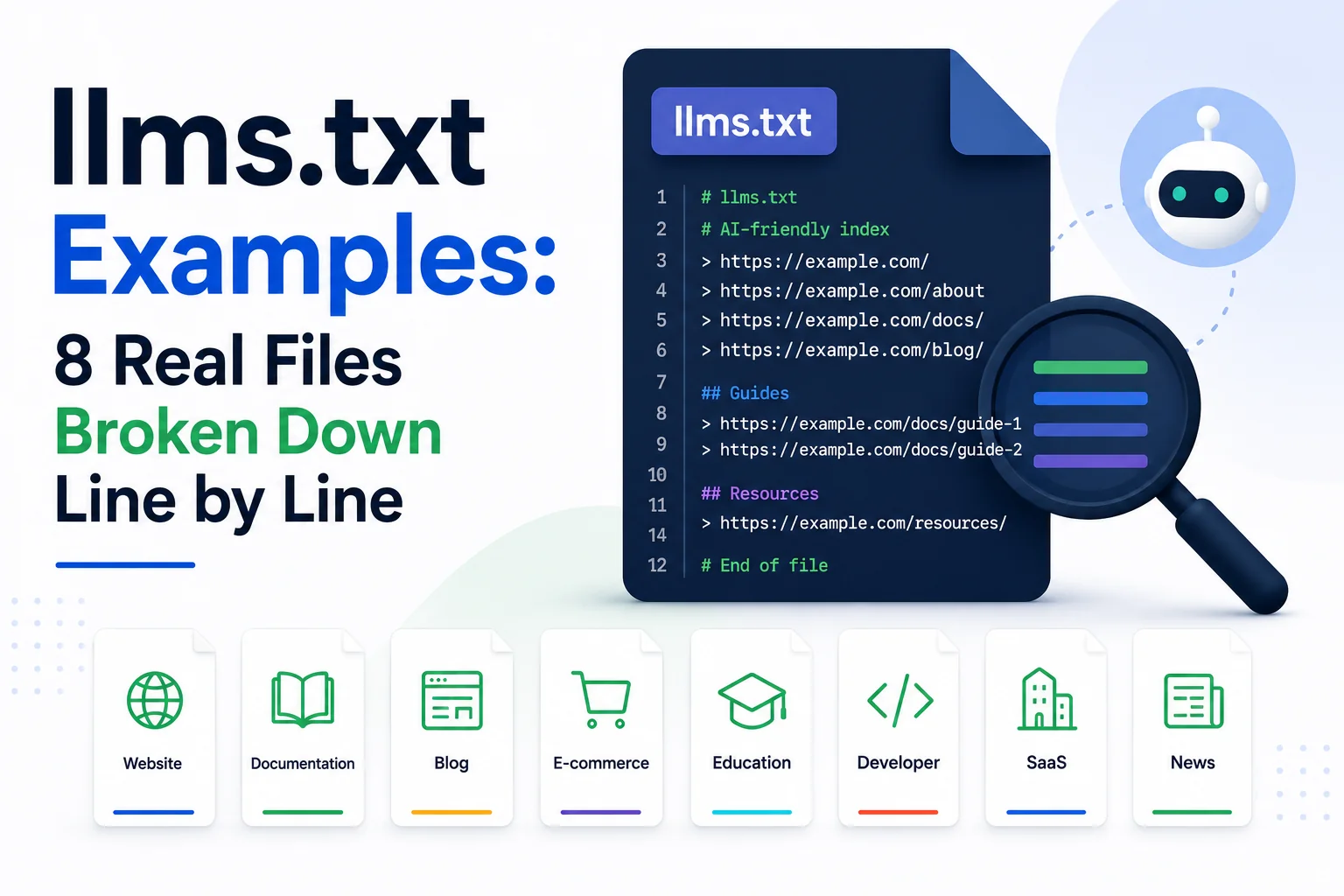
Fixing all seven mistakes usually shrinks a file rather than growing it, since the biggest single fix is cutting an over-long list down to genuinely important pages. For side-by-side examples of what a well-formed file looks like across different site types once these issues are addressed, see llms.txt Examples: 8 Real Files Broken Down Line by Line.
None of This Requires Starting Over
Every mistake on this list is a fix to an existing file, not a reason to abandon the format entirely. A file with vague descriptions still works better than no file at all, and correcting descriptions, trimming the list, and verifying resolution each take minutes rather than hours once identified.
For the reasoning behind why the format exists in the first place, which helps explain why these particular mistakes matter, see What Is llms.txt? The New Standard for AI Crawler Visibility.
Explore the rest of WritoryBuzz’s free AI search toolkit to check the surrounding signals at the same time.
Frequently Asked Questions: llms.txt Mistakes
What is the biggest mistake people make with llms.txt?
The most common mistake is treating llms.txt as a shorter version of a sitemap rather than a genuinely curated list, resulting in files with too many links and descriptions too vague to help a language model prioritise content.
Can a broken llms.txt file hurt my search rankings?
No confirmed impact on traditional search rankings exists as of 2026, since llms.txt operates independently of the ranking signals search engines use. A broken or stale file wastes potential AI citation value rather than damaging SEO directly.
Does llms.txt override robots.txt permissions?
No. Listing a page in llms.txt does not grant any crawler access it lacks under robots.txt. The two files control different things: robots.txt governs permission, llms.txt governs priority among already-accessible content.
How often should an llms.txt file be checked for mistakes?
A quarterly review is a reasonable minimum, checking for broken links, outdated descriptions, and pages that have since been renamed or removed. Sites that publish content frequently may benefit from a more frequent check.
Should every page description in llms.txt be unique?
Yes. Descriptions that restate the page title or repeat generic phrasing across multiple entries give a language model no way to distinguish between pages, undermining the format’s purpose as a curated index.
Is a shorter llms.txt file always better than a longer one?
Not automatically, but most of the poorly performing files reviewed for this list erred on the side of being too long rather than too short. The right length depends on how many pages genuinely matter, not on any fixed target.