
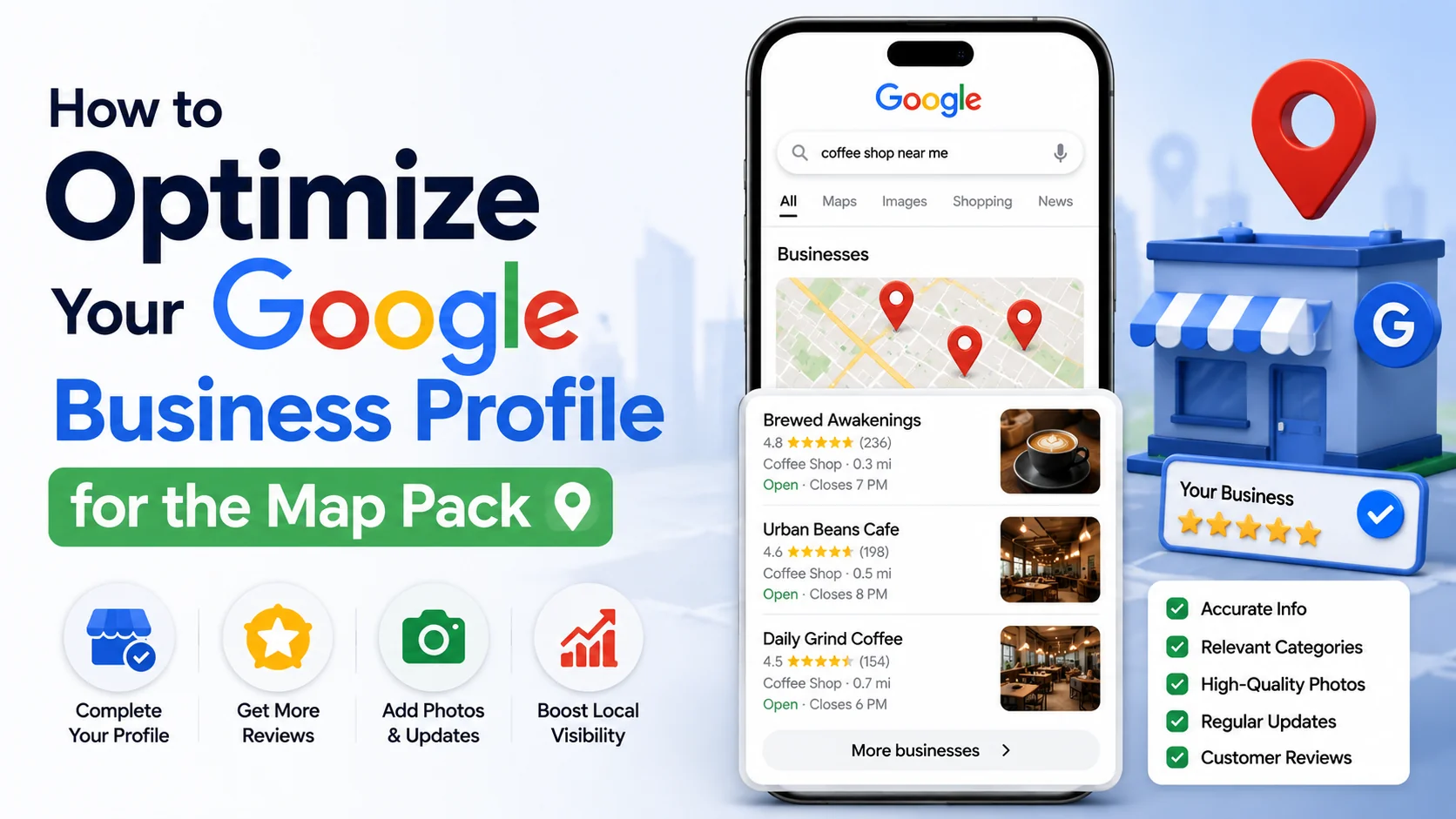
A Google Business Profile with a few fields filled in and nothing else is genuinely common, and it is also genuinely why so many businesses sit outside the map pack despite otherwise strong reputations. This guide walks through the specific fields and ongoing habits that actually influence map pack ranking, starting with the categories most business owners get wrong, using the same free utilities available in WritoryBuzz’s local SEO toolkit throughout.
Choose the Most Specific Category Available, Not the Broadest
Google’s category list includes thousands of options, and choosing “Restaurant” when “Italian Restaurant” or “Pizza Restaurant” more accurately describes the business directly weakens the relevance signal Google uses to match a profile against specific search queries. Reviewing exactly how your current category selection renders using a free google business profile preview shows whether your listing is even eligible to appear for the specific local searches your actual customers are typing.
Complete Every Available Field, Not Just the Required Ones
Business hours, service area, attributes, a detailed business description, and product or service listings each provide additional relevance signal Google’s algorithm can match against a searcher’s specific query, meaning a profile with several of these fields left blank is genuinely competing at a disadvantage against a fully completed competitor profile covering the identical service area.
Build a Genuine, Steady Review Flow
Review count, average rating, and review recency all factor directly into the prominence signal Google’s local pack algorithm weighs, meaning a systematic process for requesting reviews from genuinely satisfied customers matters considerably more to actual ranking outcomes than most business owners initially assume when they treat reviews purely as a reputation exercise rather than a direct ranking factor.
| Profile Element | Ranking Signal It Feeds | Action to Take |
| Business category | Relevance | Choose the most specific option available |
| Complete profile fields | Relevance | Fill in hours, services, attributes, description |
| Review count and rating | Prominence | Request reviews systematically, respond to all |
| NAP consistency across the web | Prominence and trust | Match name, address, phone everywhere exactly |
Match Your Website’s Schema to Your Profile Exactly
Your website’s own LocalBusiness schema markup should state the identical business name, address, and phone number as your Google Business Profile, since any mismatch between these two sources can genuinely undermine the trust and consistency signal Google weighs when evaluating a listing’s overall legitimacy. Generating and verifying this markup with a schema markup generator catches inconsistencies before they quietly work against your rankings.
Post Regularly and Upload Genuine, Current Photos
Google’s own built-in posting feature, alongside regularly uploaded, genuine photos of the actual business, signals active profile management that correlates with stronger local search visibility according to ongoing local SEO practitioner research, a signal considerably easier to maintain with a simple weekly posting habit than most business owners initially expect.
Verify the Result, Then Keep Checking
After making these changes, compare how your listing now appears side by side with competitors using both a free google business profile preview and a serp preview tool, since map pack rankings shift over time and periodic verification catches drift before it becomes a genuine visibility problem.
Every tool mentioned in this guide, plus additional local SEO utilities, lives on WritoryBuzz’s tools page.