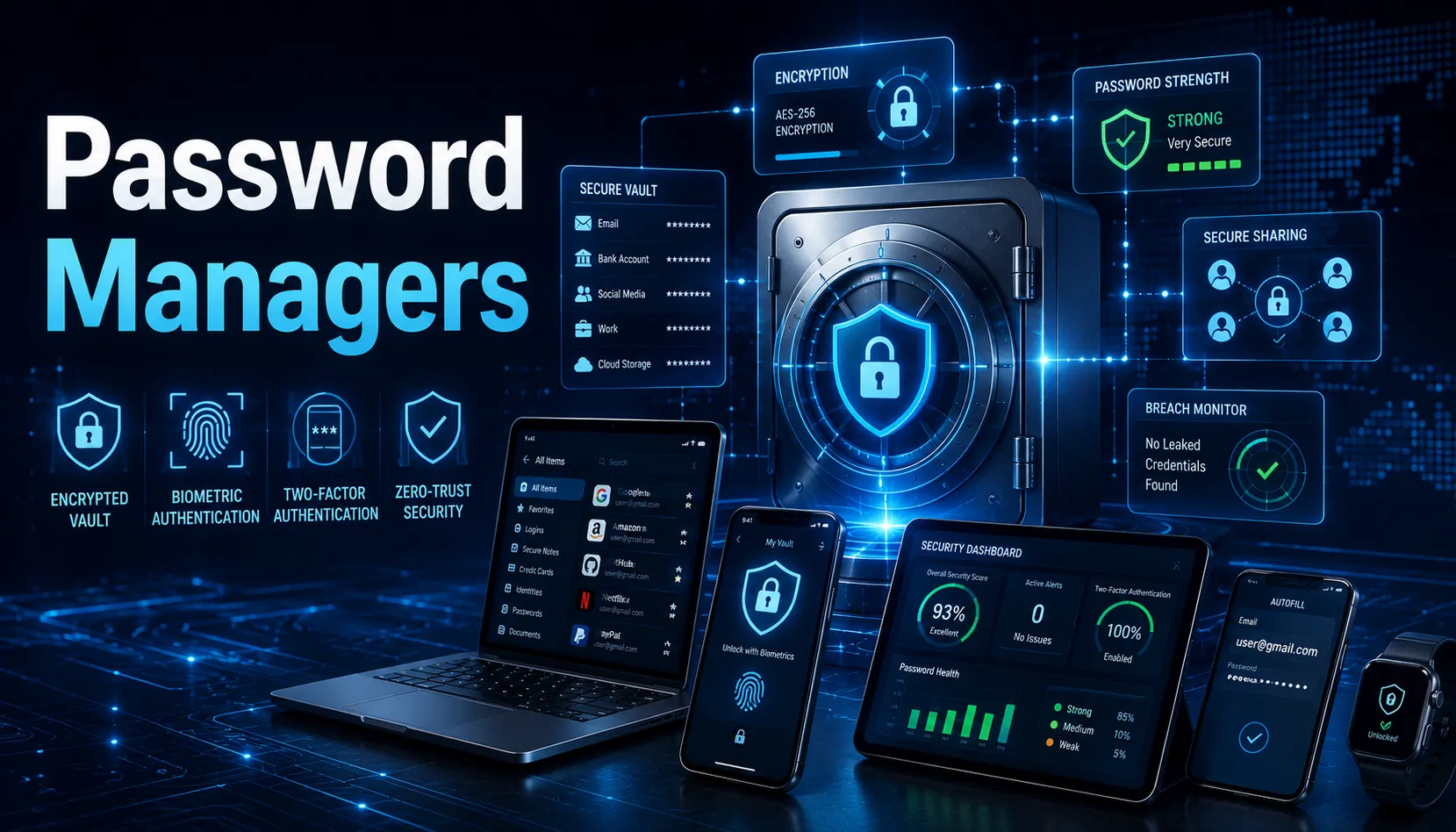
The average person has over 100 online accounts. Reusing the same password across them is one of the most dangerous things you can do online. One breach exposes everything.
A password manager generates unique, complex passwords for every account, stores them in an encrypted vault, and fills them automatically. You remember one master password. The manager handles the rest.
The 2026 market shifted meaningfully. Bitwarden doubled its premium price in January. 1Password announced price increases in March. Dashlane killed its free plan entirely. And Proton Pass cut its price in half. Here is what the current landscape looks like and which tool is right for which person.
How Password Manager Security Actually Works
Every serious password manager uses zero-knowledge architecture: your vault is encrypted locally on your device before it ever reaches the company’s servers. The provider cannot read your passwords because they do not have the decryption key, which is derived from your master password.
This means if the company is hacked, attackers get encrypted data they cannot read without your master password. The security of your vault ultimately depends on how strong and unique your master password is.
The encryption standard across all major managers is AES-256, which is the same standard used by banks and militaries. The theoretical math is not the vulnerability. Your master password and whether you have multi-factor authentication enabled are where real risks live.
The Top Password Managers in 2026
Bitwarden: Best for Most People
Bitwarden is open-source, independently audited, and offers the most generous free tier in the industry: unlimited passwords synced across unlimited devices at no cost. Premium adds advanced two-factor authentication, file attachments, and security reports for $19.80 per year after the January 2026 price increase.
The open-source advantage is meaningful: anyone can audit the code. You do not have to take the company’s word that it is doing what it says. For the privacy-conscious, Bitwarden also supports self-hosting via Vaultwarden, keeping your passwords entirely on your own server with zero cloud dependency.
Verdict: best overall for individuals, best free option, best for privacy-first users.
1Password: Best User Experience
1Password at $35.88 per year for individuals has no free tier, closed-source code, and a premium price. It also has the most polished interface of any password manager, a Watchtower feature that monitors breaches and alerts you to compromised passwords, and Travel Mode, which temporarily removes sensitive vaults when crossing international borders, a feature no other manager offers.
1Password families cover five users for $59.88 per year, making it competitive for households. For businesses, 1Password Business at $7.99 per user per month provides extended access management and device trust features.
Verdict: best for users who prioritize interface quality and do not mind paying for it. Best for business and enterprise deployments.
Dashlane: Best All-in-One Security Suite
Dashlane at $4.99 per month is the only password manager to bundle a VPN with its premium plan. It also offers dark web monitoring and unlimited password storage. These additions make it a broader security product, not just a password vault.
The cost is roughly six times Bitwarden Premium for equivalent core password management. For users who want everything in one place and would otherwise pay separately for a VPN and dark web monitoring, the math can work. For pure password management, the value is lower than Bitwarden.
Important note: Dashlane killed its free plan in 2026. New users must now commit to a paid plan from day one.
Proton Pass: Best for Privacy
From the makers of ProtonMail, Proton Pass is Swiss-based, open-source, and cut its price in half in 2026 to undercut competitors. It includes email aliases (so you can sign up for services without exposing your real email), 2FA, and integration with the broader Proton ecosystem including encrypted email, VPN, and cloud storage.
For users already in the Proton ecosystem, it is a natural fit. For everyone else, it is a strong privacy-focused alternative to Bitwarden.
The One Manager to Avoid
LastPass. Their 2022 breach exposed encrypted customer vaults to attackers. If your master password was shorter than 12 characters or used any personal information, your passwords may already be compromised. If you are still using LastPass, migrate immediately. The trust required to use a password manager has been broken.
Side-by-Side Comparison
| Manager | Price (2026) | Code Type | Standout Feature |
| Bitwarden | Free / $19.80/yr | Open-source, audited | Unlimited free, passkey support |
| 1Password | $35.88/yr individual | Closed-source, audited | Travel Mode, Watchtower, best UX |
| Dashlane | $4.99/month | Closed-source, audited | VPN included, dark web monitoring |
| Proton Pass | Free / ~$4/month | Open-source, audited | Email aliases, Proton ecosystem |
3 Things That Actually Determine Your Security
- Your master password: use a 4-word random passphrase (correct-horse-battery-staple style), not a single word or personal information
- Multi-factor authentication on your vault: use an authenticator app or hardware key (YubiKey), never SMS, your password manager is the most critical account to protect
- Whether you actually use it: a password manager only works if you use it for every account, not just some of them