The human element contributed to 60 percent of breaches in Verizon’s 2025 Data Breach Investigations Report, according to Abnormal AI’s summary, with credential abuse involved in 30 percent and social actions such as phishing or pretexting in 23 percent. In the 4,009 social engineering incidents the report analysed, 85 percent resulted in confirmed data disclosure. A security tool cannot stop an employee who hands over a password.
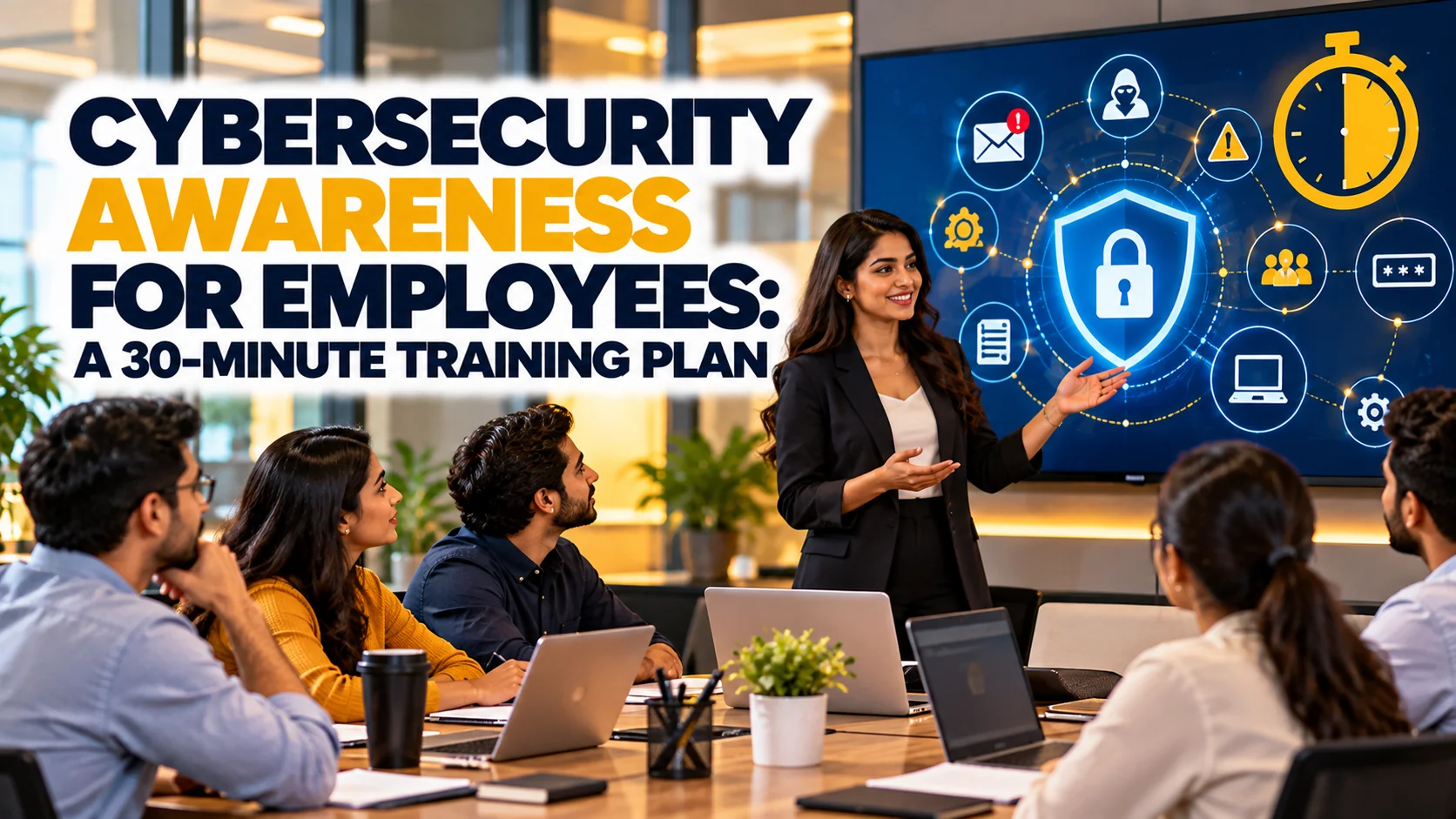
This guide gives you a complete 30-minute cybersecurity awareness training plan you can run this month for a team of 5 or 500: a minute-by-minute agenda, talking points, a live phishing exercise, a short quiz, and the numbers to track afterwards. It is built for non-technical staff, and it works in person or on a video call.
Why 30 Minutes Is Enough
Long annual training sessions are quickly forgotten. A short, focused session held more often keeps attention. Thirty minutes is long enough to cover the highest-impact behaviours and short enough to fit into a team meeting. Verizon’s findings show where to aim: credentials and social engineering account for most human-element breaches, and phishing was used in 57 percent of social engineering incidents, according to Abnormal AI’s summary. So the plan spends more time on those than on anything else.
The 30-Minute Agenda
| Minutes | Segment | Goal | Method |
|---|---|---|---|
| 0 to 3 | Why this matters | Show real stakes | Share the Verizon and FBI figures |
| 3 to 12 | Spot the phish | Recognise red flags | Live examples, group vote |
| 12 to 18 | Passwords and MFA | Strong habits | Demo of a password manager and an authenticator app |
| 18 to 23 | Updates, devices, and public Wi-Fi | Reduce easy wins for attackers | Checklist and short demo |
| 23 to 27 | Report it | Remove fear and friction | Show exactly how to report |
| 27 to 30 | Quiz and next steps | Check understanding | Five-question quiz |
Segment 1: Why This Matters (3 Minutes)
Start with numbers that matter to your team. The FBI’s IC3 recorded 16.6 billion US dollars in reported losses in 2024, up 33 percent, with 193,407 phishing and spoofing complaints and 2.77 billion US dollars lost to business email compromise, according to HousingWire’s summary. Then make it personal: ask who has received a suspicious message in the past month. Most hands will go up, and that shows that this is about everyone.
Segment 2: Spot the Phish (9 Minutes)
Show three or four real-looking messages on screen: a fake invoice, a password-reset alert, a delivery notice, and a message that appears to be from a senior leader asking for an urgent favour. Ask the group to vote on whether each is real. Then walk through the signs: an unexpected request, a sense of urgency, a mismatched sender address, a link whose destination differs from the text, and an attachment that was not expected. Teach the habit of pausing and verifying through a different channel, such as calling the sender on a known number.
Explain that attackers now use AI to write convincing messages. Our post on AI phishing attacks describes how these messages have improved, and why the old advice to look for bad grammar is no longer enough.
Segment 3: Passwords and Multi-Factor Authentication (6 Minutes)
Teach three rules. Use a long, unique password for every account, stored in a password manager. Turn on multi-factor authentication for email, banking, and work systems. Never share a code that arrives by text or app, even with someone who sounds official. Credential abuse was involved in 30 percent of breaches in the Verizon report, so this segment targets the second-largest human factor. If your company does not yet have a password manager, review our comparison of the best password managers before the session so you can recommend one.
Segment 4: Updates, Devices, and Public Wi-Fi (5 Minutes)
Cover four short points. Install updates promptly, because attackers exploit known flaws. Lock your screen when you step away. Use company-approved apps and storage, not personal accounts, for work files. And avoid sensitive work on public Wi-Fi unless you use a company VPN. For remote and hybrid staff, point to your internal guide or to our cybersecurity guide for remote work as a reference.
Segment 5: Make Reporting Easy (4 Minutes)
Training fails when people are afraid to admit mistakes. Tell staff plainly that reporting a suspicious message or an accidental click is always welcome and never punished. Show exactly how to report: a report button, a shared mailbox, or a phone number for IT. Explain what happens next, and that speed matters because the first hour after a compromise is the most important. Thank people publicly when they report a phishing attempt, because that rewards the behaviour you want.
The Five-Question Quiz
End with a quick quiz that you can run in a chat or a poll. Ask: what is the first thing to do when an unexpected message asks you to click a link; why should each account have a unique password; what does multi-factor authentication add; where do you report a suspicious message; and what should you do if you clicked something by mistake. Review answers together and address any misunderstandings immediately.
How to Measure Whether Training Worked
Track four numbers over time: the share of staff who click on simulated phishing messages, the share who report them, the share of accounts with MFA enabled, and the time between a suspicious message arriving and its first report. A falling click rate and a rising report rate are the best signs. Run a simple simulated phishing test one month after training, and repeat quarterly. Tell staff the purpose is learning, not catching people out. Because third-party involvement in breaches doubled to 30 percent in the Verizon report, include vendor and contractor staff in your plan, and see our guide to supply chain security for how to extend the programme.