The FIDO Alliance’s Passkey Index, built from data supplied by Amazon, Google, LY Corporation, Mercari, Microsoft, NTT DOCOMO, PayPal, Target, and TikTok, found that 93 percent of accounts are now eligible for passkeys, 36 percent of accounts have a passkey enrolled, and 26 percent of all sign-ins use one. Passkey sign-ins succeed 93 percent of the time, compared with 63 percent for other methods, and take 8.5 seconds on average against 31.2 seconds.
Those numbers make passkeys look like an easy upgrade, but they also raise practical questions: what happens if you lose your phone, which accounts support them, and whether a password manager already solves the problem. This guide compares passkeys and passwords on security, speed, and convenience, explains the risks, and tells you when to switch and when to wait.
What a Passkey Is, in Plain Language
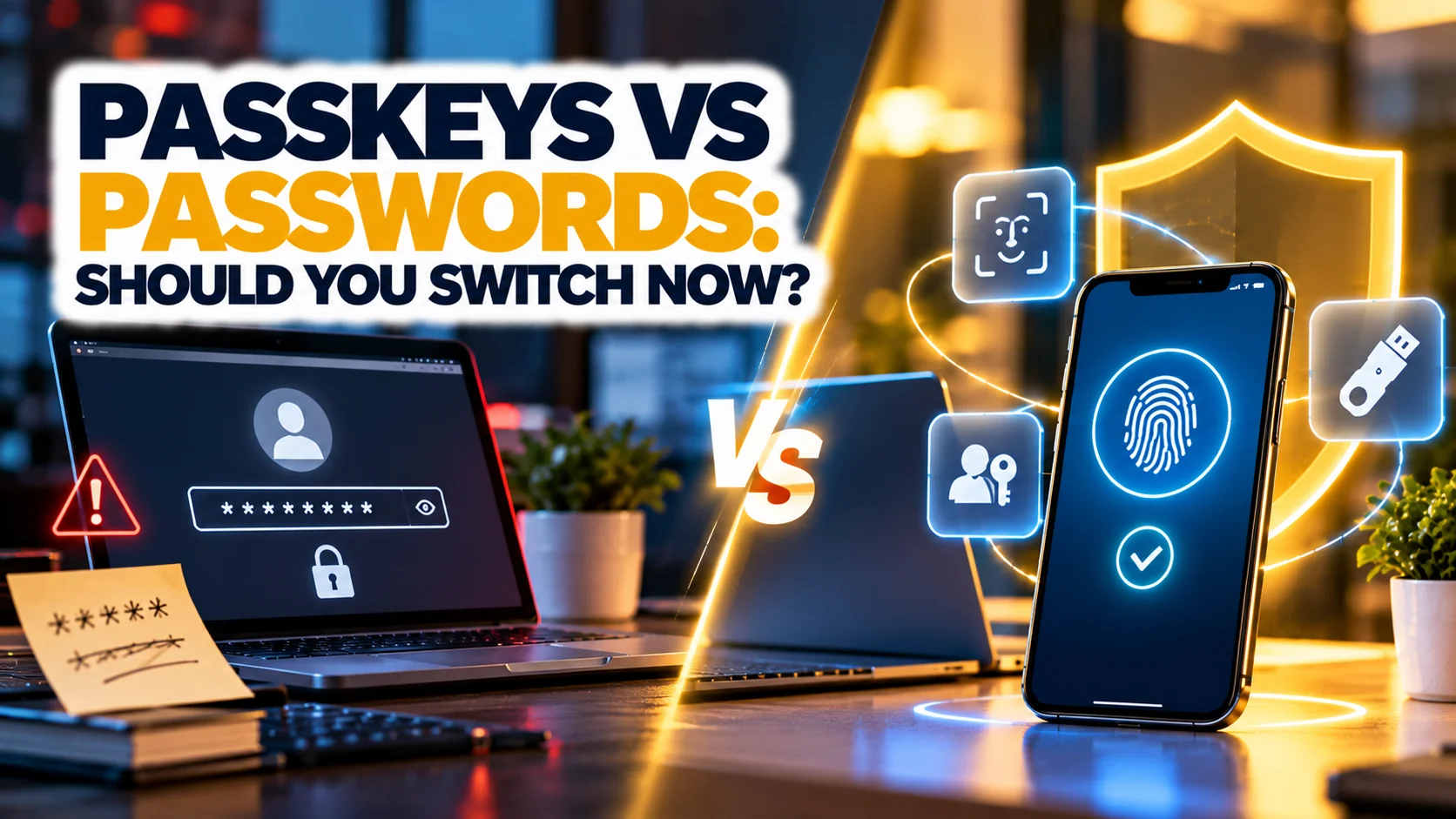
A passkey is a login credential that replaces a password. When you create one, your device generates a pair of cryptographic keys: a private key that stays on your device, and a public key that is stored by the website. To sign in, you confirm with a fingerprint, face scan, or device PIN, and your device proves it holds the private key without sending it anywhere. There is no password to type, guess, steal in a data breach, or hand to a fake website.
Passkeys are based on standards from the FIDO Alliance and are supported by major platforms, browsers, and password managers. Because they are tied to the genuine website address, they will not work on a fake page, which is why security experts call them phishing-resistant. Our explainer on biometric technology and privacy covers how face and fingerprint unlocks work behind passkeys.
Passkeys vs Passwords: The Comparison
The comparison below uses the FIDO Alliance’s Passkey Index figures for speed and success rates, and general security properties for the rest.
| Factor | Passwords | Passkeys |
|---|---|---|
| Sign-in success rate | 63 percent (other methods, FIDO Index) | 93 percent |
| Average sign-in time | 31.2 seconds (traditional methods) | 8.5 seconds |
| Phishing resistance | Can be typed into fake sites | Only works on the genuine site |
| Stolen in a breach | Yes, if the site is breached and password reused | Public key is useless to attackers |
| Needs a second factor | Yes, for strong security | Built in: device plus biometric or PIN |
| Works on every site | Yes | Growing, not universal |
| Recovery if device is lost | Reset by email | Synced passkeys or recovery method |
| Help desk impact | Frequent resets | 81 percent fewer login-related incidents (FIDO Index) |
How Fast Is Adoption?
The FIDO Alliance’s Passkey Index found that over a third of accounts (36 percent) have a passkey enrolled and more than a quarter of sign-ins (26 percent) use one, across nine large organisations. A Liminal study cited in the same announcement found that 49 percent of current implementers report adoption rates above 75 percent, and 63 percent of surveyed organisations rank passkeys as their top authentication investment priority. Adoption among the largest consumer platforms is well advanced, but many smaller sites and older systems still require passwords, so you will use both for some time.
The Risks and Limits of Passkeys
Passkeys are not perfect. Recovery is the biggest concern: if you lose a device that holds the only copy, you need a recovery method. Most platforms sync passkeys across your devices through an account, and password managers also store them, but you must protect that account with strong multi-factor authentication. Another limit is compatibility: older devices and some browsers do not support them. Shared and family accounts can be awkward, and some workplaces restrict them. Finally, attackers shift to account recovery flows, so keep your recovery email and phone secure.
Passwords are not obsolete either. A unique, long password in a password manager, combined with an authenticator app, remains a strong setup for sites without passkey support. See our comparison of the best password managers and our walkthrough of how to set up multi-factor authentication for guidance.
Should You Switch Now?
Switch now for your main email, banking, shopping, and social accounts when passkeys are offered, since the security and convenience gains are real. Keep a password manager for everything else. Wait if you share accounts between multiple people, if you use older devices that do not support passkeys, or if you cannot yet protect your recovery account. For businesses, start with a pilot group, keep passwords as a fallback for a defined period, and measure help-desk requests and sign-in success. The FIDO Index’s 81 percent reduction in login-related help desk incidents is a useful benchmark. Remote teams will also find the advice in our remote work cybersecurity guide relevant.
How to Set Up a Passkey in Five Steps
First, sign in to the account with your current password. Second, open security settings and find the option named passkey, passwordless sign-in, or similar. Third, choose to create a passkey and confirm with your fingerprint, face, or device PIN. Fourth, check where it is stored: on your device, in your platform account, or in your password manager, and confirm that it syncs. Fifth, test a sign-out and sign-in, and keep your password and multi-factor method active until you are comfortable. Repeat for your other important accounts, and note which sites support passkeys in your password manager.