Home
Categories
Free Tools
Write For UsAbout UsContact

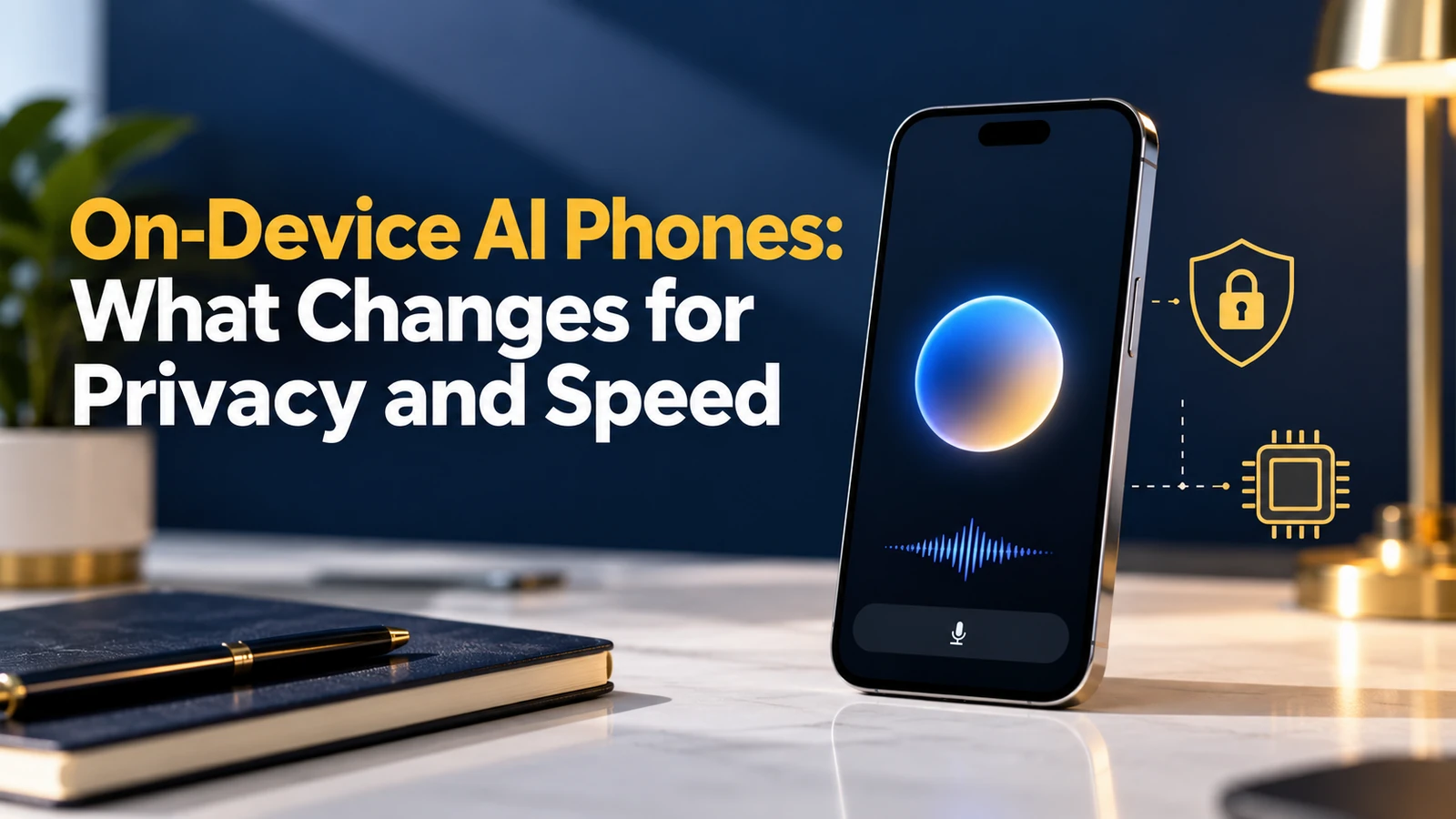
On-Device AI Phones: What Changes for Privacy and Speed

On-device AI phones explained: what runs locally, what still goes to the cloud, how privacy and speed change, and what to check before buying an AI phone.

October 27, 2026 6 min read
On-Device AI Phones: What Changes for Privacy and Speed

Key takeaways

  • Apple says Apple Intelligence uses on-device processing to fulfil many requests, and sends only required data to Private Cloud Compute for others.
  • MacRumors reports Apple plans to pitch on-device AI as privacy-preserving and cost-saving, but complex queries still need the cloud.
  • Laptop Mag explains that Gemini Nano runs on the device, so those features work without an internet connection.
  • Privacy gains are real but depend on which requests stay local, so check each feature's settings rather than trusting a label.
  • Speed depends on the chip and the task: none of these sources measured it, so test features in a shop before you buy.

MacRumors reported on May 28, 2026, citing The Information and unnamed sources, that Apple plans to pitch on-device AI at WWDC 2026 as a privacy-preserving, cost-saving alternative to cloud AI. That report shows where the market is heading: an on-device AI phone is now a selling point, not a footnote.

This guide explains what changes for privacy and speed when AI runs on the phone, what still depends on the cloud, and what to ask before you buy. It draws on Apple’s privacy page, MacRumors and Laptop Mag’s explanation of Google’s Gemini Nano.

What On-Device AI Means on a Phone

On-device AI means the model runs on your phone’s own chip instead of a remote server. Your request, such as summarising a message or editing a photo, is processed locally. Phones usually mix both approaches: small tasks stay on the device and larger ones go to the cloud.

This idea sits within the broader trend of edge computing, which we explain in our guide to what edge AI is.

What Changes for Privacy

Local processing means less data leaves the phone. Apple’s privacy page says Apple Intelligence uses on-device processing to fulfil many requests, and that for others Private Cloud Compute sends only the data required, which is never stored or accessible to Apple, with promises verified by independent experts. Those are Apple’s own claims.

QuestionWhy it mattersWhere to check
Does the request stay on the phone?Local requests avoid sending data to a serverThe feature’s privacy notes
If it goes to the cloud, what is sent?Less data sent means less exposureThe company’s privacy page
Can independent experts verify it?Claims are stronger when checkedSecurity research and audits
Can I switch the feature off?Control is part of privacyPhone settings

Remember that on-device does not mean risk free. Apps, backups and accounts can still share data, so keep good habits. Our guide to the best password managers is a sensible next step.

What Changes for Speed

In principle, on-device AI avoids a trip across the network, which can help with quick tasks and works when you have a weak signal. Laptop Mag notes that Gemini Nano features work without an internet connection.

None of the sources here tested speed, so treat claims of faster responses cautiously. Speed depends on the chip, memory, the size of the model and the task. A small local model may answer a simple request quickly but struggle with a complex one, which is why MacRumors reports that cloud is still needed for complex queries.

On-Device Versus Cloud AI: A Simple Comparison

Use this table as a rule of thumb, not a guarantee. Individual features differ.

FactorOn-device AICloud AI
PrivacyData can stay on the phoneData is sent to a server
Internet neededOften not for local featuresYes
Complex tasksLimited by phone hardwareHandled by larger models
Battery and heatUses phone resourcesUses network and server resources
UpdatesTied to phone softwareCan improve on the server side

That is why most phones blend the two. Our overview of multimodal AI shows why richer tasks, such as images and audio together, often need more power.

How to Choose an AI Phone

Do not buy on the words AI phone alone. Ask which features run locally, which need the cloud and which are free or paid. Phone makers add new features through software, so check the update policy as well.

Check before buyingWhat to look for
Local featuresA list of features that work offline
Cloud featuresA clear explanation of what is sent and when
SettingsAn easy way to turn features off
Software updatesHow long new features and security patches arrive
Hands-on testTry the summaries, photo edits and voice features in a shop

Our roundup of the best AI gadgets in 2026 compares other devices that promise local intelligence.

What to Watch Next

Regulation is catching up with AI features, including how companies must explain data use. Our guide to AI regulation before 2027 covers the rules to watch.

Expect the debate to move from whether AI is on the phone to how clearly companies prove their privacy claims. Look for independent testing, plain-language notes and settings that you can actually find.


Related readQuantum Computing Explained for Non-Technical ReadersRead →

Free tools for Technology

FAQs

What is an on-device AI phone?

It is a phone that runs some AI features on its own chip rather than on a remote server. Summaries, writing help or photo edits can be processed locally. Most phones also use the cloud for harder tasks, so on-device usually describes part of a feature set rather than everything. Typical examples include summarising messages, rewriting text and editing photos, though the exact list depends on the model of phone and the software version.

Is on-device AI more private?

Often, because less data leaves the phone. Apple says Apple Intelligence uses on-device processing for many requests and sends only required data to Private Cloud Compute otherwise. Those are Apple’s own claims, so look for independent checks and review the settings for each feature. Check each feature separately, because one app may process locally while another sends data to a server for the same kind of task.

Does on-device AI work without internet?

Some features do. Laptop Mag explains that Gemini Nano runs on the device, so its features work without an internet connection. Other features still need the cloud, so check which tools on your phone work offline before you rely on them while travelling. If you travel often or have patchy coverage, ask the seller to demonstrate the feature in aeroplane mode before you buy.

Is on-device AI faster than cloud AI?

It can be for simple tasks because there is no network trip, but the sources reviewed here did not measure speed. Performance depends on the chip, memory and model size. Complex requests may still go to the cloud, so test the features yourself. Battery use and heat also matter, so try a few features for several minutes and see how the phone behaves.

Which phones have on-device AI?

Several recent phones include it. Apple Intelligence runs on supported iPhones, and Laptop Mag reports Gemini Nano features on Pixel phones, starting with the Pixel 8 Pro at the time. Support changes with each release, so check the maker’s current list before you buy. Older phones often miss out on newer features, so check your exact model and software version rather than the brand name alone.

What should I check before buying an AI phone?

Ask which features run locally, which use the cloud, what data is sent and how to turn features off. Check how long software updates last and try the features in a shop. A clear, specific answer is a better sign than a general claim about privacy. Ask the seller to show the privacy settings screen, since a phone maker that explains its choices clearly is usually easier to trust.

Make Companies Prove the Privacy Claim

As on-device AI becomes a standard feature, the interesting question is no longer whether it exists but how well companies can prove what stays local.

Before your next upgrade, write down three features you actually use, find out where each one runs and test them in a shop. Buy for the features you will use, and let the privacy documentation, not the marketing, decide a close call.

Sources: Apple: Privacy; MacRumors: Apple to make on-device AI a key focus; Laptop Mag: Google’s Gemini Nano and privacy-protecting AI

Was this guide helpful?
Jenny Edwards
Written by

Jenny Edwards

Jenny Edwards is an SEO and Digital Growth Specialist with 5+ years of experience in Technical SEO, AI SEO, International SEO, and organic growth strategy. She helps businesses improve search visibility through data-driven SEO, content optimization, search experience improvements, and AI-focused search strategies. Her work focuses on helping brands grow through sustainable and future-ready digital marketing.

More from this author

More in Technology

View all in Technology →

Keep exploring

Have expertise to share? Write for WritoryBuzz.Read the guidelines and send us your pitch.
Become a contributor
Free tools

63 free tools for writers, SEOs and developers

Open one in your browser and start. Nothing to install, and your text stays on your device.

PrivateInstant resultsNo sign up
Write for us

Have expertise to share?

  • Original, well researched guides
  • Reviewed by our editors
  • 29 categories to publish in
Submit a guest post
© 2026 WritoryBuzz. All rights reserved.Back to top