
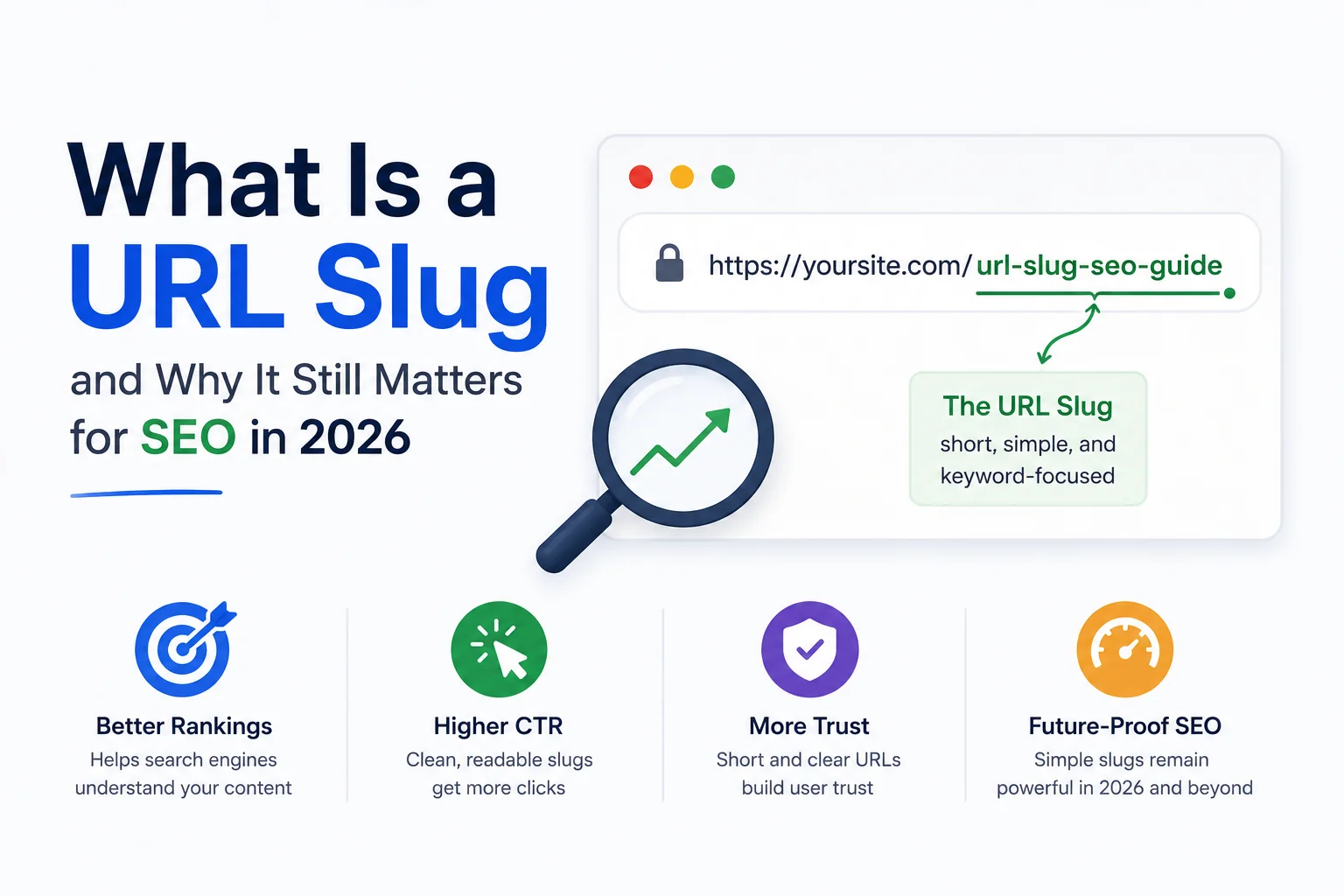
Google’s own documentation on URL structure, last substantially updated in 2024, still recommends short, descriptive URLs over auto-generated strings of numbers or session identifiers. WordPress, Shopify, and nearly every modern content management system generate a default slug automatically from a page title the moment it is saved, which means most site owners interact with slugs constantly without ever deciding what the term actually refers to.
A URL slug is the part of a web address that identifies a specific page in readable form, appearing after the domain name: in writorybuzz.com/tools/text-to-slug, the slug is text-to-slug. It exists to make a URL both human-readable and machine-parseable at the same time, standing in contrast to database identifiers or session strings that accomplish the same routing function without conveying any meaning. This article covers what a slug technically is, why it still factors into SEO in 2026, and how it differs from related terms like permalink and URL path.
What a Slug Technically Consists Of
A slug is lowercase, uses hyphens rather than spaces or underscores to separate words, and excludes special characters, punctuation, and stop words that add length without adding meaning. The convention of using hyphens specifically, rather than underscores, dates back to Google engineer Matt Cutts’ 2005 blog post explaining that Google’s algorithm at the time treated hyphens as word separators and underscores as word joiners, a distinction that shaped CMS defaults industry-wide even after the underlying algorithmic reason became less central to ranking.
Most CMS platforms auto-generate a slug from a page’s title on save, converting spaces to hyphens and stripping characters that are not URL-safe. This default is a reasonable starting point but rarely the optimal final slug, since titles are written for readability and engagement, while a well-built slug is written for clarity and length efficiency specifically.
Why Slugs Still Matter for SEO in 2026
Search engines use the words in a URL as a minor relevance signal, confirmed indirectly through Google’s own Search Console documentation, which lists URL structure among the technical elements it evaluates for a page’s topical clarity. The effect size is smaller than content quality or backlinks, but it is not zero, and it compounds with a second, more measurable benefit: click-through rate.
A slug displayed in search results gives a searcher a readable preview of what a page covers before they click, distinct from the page title but visible alongside it. A slug reading /best-hiking-boots-2026 communicates more at a glance than /product?id=48291, and that clarity measurably affects whether a result gets clicked, independent of ranking position.
Slugs and User Trust
A clean, descriptive slug also functions as a trust signal when a URL is shared directly, through social media, messaging apps, or email, without the context of a search results page around it. A URL that reads clearly on its own, without needing the surrounding page title for context, tends to get clicked and shared more readily than an opaque one, particularly in contexts like Slack or WhatsApp where a link preview may not render.
How Slugs Differ From Related Terms
The word slug gets used loosely alongside permalink and URL path, though the three are not identical. A full breakdown of the distinctions, including where WordPress’s specific terminology diverges from the general web convention, is covered in Slug vs Permalink vs URL Path: The Difference Explained.
What a Poorly Built Slug Costs a Site
Long, auto-generated slugs that include full sentence titles, stop words, and unnecessary parameters do not typically cause a page to fail entirely in search, but they quietly work against both of the benefits above: they weaken the topical relevance signal by diluting the meaningful keywords with filler words, and they reduce click-through rate by making a search snippet’s URL line harder to scan quickly.
Fixing this after publication carries its own risk, since changing a live URL without a proper redirect breaks any existing links and search rankings tied to the old address. This is why getting the slug right before or shortly after publishing, using a free slug generator to apply consistent formatting rules automatically, costs far less than fixing it months later.
Slugs Are a Small Signal That Compounds
No single well-formed slug will noticeably move a ranking on its own. The case for treating slugs carefully is cumulative: across hundreds of pages on a growing site, consistently clean, descriptive URLs add up to a measurable difference in both crawl clarity for search engines and click-through behaviour for real searchers, in a way that any individual slug will not demonstrate by itself.
The practical rules for writing them well, including length limits and stop-word handling, are covered in How to Write SEO-Friendly URL Slugs.
A copy-paste checklist for applying them consistently across a CMS is available in URL Slug Best Practices: A Copy-Paste Checklist for Every CMS.
Since slug length interacts directly with how a page’s title and description render in search results, pairing slug decisions with WritoryBuzz’s meta tag generator catches formatting issues across all three elements at once rather than fixing them separately.
Frequently Asked Questions: URL Slugs
What is a URL slug in simple terms?
A URL slug is the readable part of a web address that identifies a specific page, appearing after the domain name. It is written in lowercase with hyphens between words, designed to be understood by both people and search engines at a glance.
Do URL slugs still affect SEO rankings in 2026?
Yes, though as a minor signal rather than a major ranking factor. Slugs contribute to topical relevance and measurably affect click-through rate from search results, which compounds across a site’s pages even though no single slug moves rankings significantly alone.
Should a URL slug use hyphens or underscores?
Hyphens. This convention traces back to a 2005 clarification from Google engineer Matt Cutts explaining that hyphens were treated as word separators while underscores were treated as word joiners, and it remains the standard CMS default industry-wide.
Can changing a URL slug hurt my search rankings?
Changing a live slug without a proper redirect can break existing rankings and any external links pointing to the old URL. A correctly implemented redirect largely preserves ranking value, but the safest approach is getting the slug right close to publication.
What makes a URL slug SEO-friendly?
An SEO-friendly slug is short, lowercase, uses hyphens between words, excludes stop words and special characters, and includes the page’s primary keyword naturally rather than the full, unedited page title.
Is a URL slug the same as a permalink?
Not exactly. A permalink is the full, permanent URL of a page, while the slug is just the specific segment identifying that page within the permalink structure. WordPress uses both terms, sometimes inconsistently, which is a common source of confusion.