On-page SEO is every change made on the page itself to help search engines and readers understand it: content, titles, headings, links, markup, and speed. Most 2026 checklists, including eSEOspace’s 25-factor list, give sound basics such as 55 to 60 character titles and 150 to 160 character meta descriptions, but they omit how to prepare a page for AI-generated answers and do not say which checks matter most. This checklist marks every item as Must, Should, or Nice to have, and includes the AI-search items. It is the page-level companion to WritoryBuzz’s technical SEO audit checklist and ecommerce SEO audit guide.
Content and Intent Checks
| Check | Standard | Priority |
|---|---|---|
| Search intent match | Page type and format match what the top results show for the query | Must |
| Primary keyword placement | In the H1, the first 100 words, and one H2, used naturally | Must |
| Topic coverage | Answers the related questions top-ranking pages answer, plus one gap they miss | Must |
| Original value | Own data, examples, or experience, not a rewrite of existing pages | Must |
| E-E-A-T signals | Named author, credentials, dated sources, and an updated date | Should |
| Freshness | Statistics and year references reviewed at least yearly | Should |
Check the readability and length of draft copy with the word counter and keyword repetition with the keyword density checker. Measure E-E-A-T gaps with the E-E-A-T score checker and read what E-E-A-T means for the reasoning behind it.
Title, Meta, URL, and Heading Checks
| Check | Standard | Priority |
|---|---|---|
| Title tag | About 55 to 60 characters, primary keyword near the start, unique per page | Must |
| Meta description | About 150 to 160 characters, includes the keyword, states what the page delivers | Must |
| URL slug | Short, lowercase, hyphenated, keyword-bearing, no dates unless needed | Must |
| H1 | One per page, matches the page topic | Must |
| H2 and H3 hierarchy | Logical order, no skipped levels, questions phrased as users search them | Should |
Preview how the title and description will appear with the Google SERP simulator, draft tags with the meta tag generator, and clean up slugs with the text to slug tool. WritoryBuzz’s guide to SEO-friendly URL slugs covers the rules in detail.
Links, Media, and Structured Data Checks
| Check | Standard | Priority |
|---|---|---|
| Internal links | 3 to 5 relevant links per page with descriptive anchor text, and at least one inbound link from another page | Must |
| External links | Link to primary sources, open the claim you cite | Should |
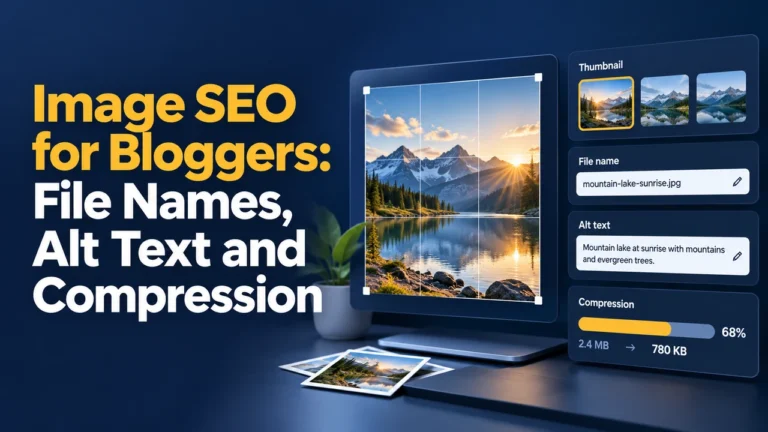
| Image alt text | Describes the image for the user, not stuffed with keywords | Must |
| Image format and size | Next-gen formats, dimensions set, lazy-loaded below the fold | Should |
| Structured data | Article, FAQPage, Product, or BreadcrumbList as the page type requires, validated without errors | Should |
Build and test markup with the schema markup generator and use the schema markup guide to choose the right type. Internal linking works best inside a topic cluster, as explained in WritoryBuzz’s content clusters and pillar pages guide.
Speed and Experience Checks
Google’s good-experience thresholds are Largest Contentful Paint under 2.5 seconds, Interaction to Next Paint under 200 milliseconds, and Cumulative Layout Shift under 0.1, measured on mobile first. Test with the PageSpeed checker and follow the Core Web Vitals guide for fixes. These are Should-level items: a fast page with weak content will still lose to a slower, better one.
The AI-Search Items Most Checklists Skip
Pages now compete to be quoted in AI Overviews and chat answers, not only to rank in blue links. Four on-page changes help. Put a direct, self-contained answer of 40 to 80 words under each question heading. Name the source and date for each statistic so a passage can be cited without the surrounding page. Add FAQ blocks that use the exact wording users type. Keep each section understandable on its own, without phrases like “as mentioned above”.
Check a page against these signals with the AEO readiness checker, and see WritoryBuzz’s AEO checklist and featured snippets guide for the full method.